
ip-as-logo-skill: Open Source Agent Skill for Generating Highly Recognizable IP Mascot Avatars
Executive Summary:
ip-as-logo-skill is an open-source Agent Skill specifically designed for generating minimalist and adorable IP mascot avatars. This skill constructs clear outlines using 4–7 smooth geometric shapes, c...
1. What is ip-as-logo-skill
ip-as-logo-skill is an open-source Agent Skill specifically designed for generating minimalist and adorable IP mascot avatars. This skill constructs clear outlines using 4–7 smooth geometric shapes, combined with a three-color constraint of "two main colors plus one background," ensuring that the character remains recognizable even when scaled down to a 32×32 pixel avatar. Its workflow first outputs three design directions for user confirmation, then generates six candidate images in bulk. This Skill must be used in conjunction with compatible Agents such as Codex and Doubao, as well as image models like GPT Image 2. It is licensed under the MIT protocol and supports commercial use.
Technical Positioning and Domain: Belongs to the field of AI-generated content (AIGC), specifically prompt engineering and skill encapsulation tools. It focuses on the IP mascot design aspect within brand visual assets. Its unique positioning lies in converting designers' composition experience (number of shapes, number of colors, and image proportions) into reusable structured rules, thereby constraining the output of generative image models and addressing instability issues in general image models when applied to "small-size recognition" scenarios.
Development Background: This project was created and open-sourced by developer s1dashu, leveraging the rapid iteration of the GitHub community ecosystem. The motivation behind its development stems from real-world pain points: mascot images generated by general image models often lose recognizability in small-size contexts such as thumbnails and avatars. By explicitly encoding design rules into Skill instructions, the project transforms professional design experience into programmable assets, reducing the barrier for non-designers to obtain high-quality IP imagery.
Core Value: Solves the typical issue in AI-generated mascots where "large images are impressive, but small images are blurry." Through strict constraints on the number of shapes, colors, and composition proportions, the generated results are confined within a controllable design space, ensuring that the output remains identifiable even at 32×32 pixels. Additionally, the "direction first, then image output" workflow design reduces trial-and-error in a card-drawing style, improving the efficiency of human-machine collaboration.
Technical Features: Employs a "rule explicitization" strategy, directly embedding design constraints into prompt engineering; avoids rigid icon styles by hiding terms such as "logo" and "icon" in the prompts; automatically detects the capabilities of image models and prompts users to configure top-tier models, ensuring a minimum standard of generation quality.
2. Key Features
Minimalist Silhouette Generation: Construct smooth character silhouettes using 4–7 large geometric shapes, deliberately controlling the number of shapes to avoid excessive detail. This strategy ensures that the main silhouette features remain clearly distinguishable even when scaled down to 32×32 pixels, making it suitable for small-size applications such as avatars and favicons.
Three-Color Constraint Mechanism: By default, it uses a color scheme of "two main colors for the character plus one solid background color," reducing visual distractions by limiting the number of colors. This constraint also enhances comparability across different design options, allowing design reviews to focus on form rather than color choices.
Direction Proposals: Before generating the final image, three design directions are first created. When the character type is not yet determined, it prioritizes common animals associated with product attributes. This feature structures the exploration process, enabling users to quickly identify a design direction and avoid wasting generation quotas on incorrect paths.
Batch Image Generation: After confirming the design direction, six independent square images are generated at once, with half of the composition area allocated to the lower left and lower right corners. Batch output provides a sufficient number of candidate samples while maintaining a consistent compositional style, facilitating side-by-side comparisons.
As-Is Delivery: All generated results are returned at once without filtering or automatic retries. Users are required to select their preferred image and then request modifications. This approach fully transfers the selection authority to the user, preventing potential subjective bias from AI-driven filtering.
Compositional Control: The character emerges from either the lower left or lower right corner, occupying 85–95% of the image area to maintain visual dominance. This corner-based composition preserves more effective information in circular cropping scenarios, minimizing the loss of key features.
Model Compatibility: Automatically checks if top-tier image models such as GPT Image 2 are connected. If the model's capabilities are insufficient, it prompts the user to enable the model or provide an API Key. This mechanism ensures that Skill always runs on models with adequate generation capabilities.
Prompt Sanitization: The generation prompt intentionally omits terms related to logos, icons, and other specific uses to prevent the model from producing rigid, icon-like styles. At the same time, it explicitly names the background color, guiding the model to generate more natural and illustrative character images.
3. How to Use
Install the Skill: Run the command
npx skills@latest add s1dashu/ip-as-logo-skillin the terminal. This command will automatically fetch the Skill file and complete the local configuration. Ensure that the Node.js environment is correctly installed, and it is recommended that the Node.js version is not lower than 18.Select an Agent: Choose a compatible Agent environment such as Codex, DouPao, Coze, or Manus, following the installation prompts. Different Agents may parse Skills slightly differently. It is recommended to prioritize Codex or DouPao, which offer more comprehensive support for the SKILL.md specification.
Confirm the Image Model: Ensure that the Agent is connected to a top-tier image model such as GPT Image 2 or Nano Banana Pro. If the Agent is not configured with the corresponding model, enable the relevant feature or enter the API Key as prompted. The quality of the image model directly affects the final outcome, and it is not recommended to use weaker open-source models as substitutes.
Describe the Requirements: Clearly inform the Agent about the role's purpose, target audience, personality traits, and most importantly, the key distinguishing features. For example: "Design a friendly and gentle Shiba Inu mascot wearing glasses for a children's picture book." The more specific the description, the more targeted the design proposals will be.
Select a Direction: Review the three design directions provided by the AI and confirm whether to retain all or choose just one. If you have any modification suggestions for a particular direction, you can raise them at this stage to avoid unnecessary revisions later.
Review and Modify: Select satisfactory results from the six candidate images generated in bulk, or explicitly state your modification requirements (e.g., "Make the ears rounder" or "Add a tail") to prompt the AI to generate another batch. This step can be iterated multiple times until you are satisfied.
Crop and Test: When using the final image as an avatar, it is recommended to place it in a circular cropping frame to check whether key features such as the ears and expression are obscured. This test can help identify potential issues in small-sized displays in advance, preventing the discovery of insufficient recognizability after deployment.
4. Pros and Cons Analysis
| Pros |
|---|
| High recognizability in small size: Constructs outlines using 4–7 smooth large shapes, combined with strict three-color constraints, ensuring clarity even when characters are reduced to 32×32 avatar sizes. This addresses the pain point of detail loss in general models at small sizes. |
| Clear design constraints: The strict "three-color + single feature" rule prevents AI-generated designs from becoming overly complex or cluttered, making it easier to compare different solutions and significantly improving review efficiency. |
| Process prioritizes direction before output: Provides three design directions first, then generates images in bulk, reducing blind trial-and-error and saving on generation quotas and time costs. |
| Broad ecosystem compatibility: Supports multiple Agents including Codex, Douyin, Coze, Manus, and Gemini, avoiding binding to a single product and reducing migration costs. |
5. Comparative Analysis with Similar Tools
| Comparison Dimension | ip-as-logo-skill | SanbaoAI/logo-generator-skill |
|---|---|---|
| Product Positioning | Minimalist, cute, and recognizable IP character avatars in small sizes | Complete brand visual identity system (VI), including Logo and brand guideline panels |
| Skill Structure | Single Skill (one SKILL.md file) | Three modular Skills: base-logo, mascot-logo, colorway |
| Output Format | Six independent square images, with the character peeking from the corner | Brand system guideline panel (including main Logo, favicon, seal, black and white applications, etc., numbered modules) |
| Design Objective | Recognizable at 32×32 pixels, prioritizing "looks like a character" | Scalable and registerable flat trademark silhouette, prioritizing "looks like a trademark" |
| Complexity Strategy | 4–7 large shapes + strict three-color constraint, leaning towards rounded and cute | Extracts a single recognizable feature (e.g., paws, antlers) from animals/characters for flat design |
| Color Rules | Default fixed three semantic colors, with background saturation reduced | Supports multiple color palettes, with a dedicated colorway Skill for scenario-based color changes |
| Image Model Requirements | Requires top-tier image models (e.g., GPT Image 2), never falls back to SVG | Outputs prompts directly when no image tools are available, usable in Midjourney, Flux, Ideogram |
| Use Cases | Quick avatar and mascot exploration, lightweight requirements | Complete visual system for startups/brands, heavy-duty requirements |
| Maturity | 5.9k stars, high community popularity | Relatively niche, but with a more complete workflow |
Selection Recommendations: For individual developers or small teams needing to quickly generate avatars or mascots with clear recognition requirements, the three-color constraints and corner composition strategy of ip-as-logo-skill can significantly shorten the iteration cycle. Its lightweight nature makes it suitable for embedding in product repositories as an internal design exploration tool. If the requirement evolves into a complete brand visual system (including guideline panels, multiple color palettes, black and white applications, etc.), it is recommended to switch to SanbaoAI/logo-generator-skill, whose modular structure covers the full chain from Logo creation to brand extension. For general-purpose scenarios with no specific constraints, using a general image model directly with manual prompt engineering remains the most flexible option, but requires the user to have strong design judgment capabilities.
6. Editor's Summary
The value of ip-as-logo-skill lies in translating the compositional expertise of professional designers into programmable constraint rules, representing a meaningful practice in the field of prompt engineering. Its core innovation is not at the algorithmic level, but rather in breaking down the specific design objective of "recognizable in small size" into quantifiable metrics such as the number of shapes, the number of colors, and compositional proportions, and embedding these into the instruction structure of SKILL.md. This "explicit rule" approach provides a reference model for developing Agent Skills in other vertical scenarios.
In terms of practical value, this Skill precisely addresses the common pain point in avatar and mascot generation scenarios where "large images are impressive but small images are unclear." For independent developers, content creators, and small startup teams, it lowers the technical barrier to obtaining professional-grade IP imagery. Additionally, the MIT license allows for commercial use, giving it tangible productivity value. Its "first direction, then image" workflow design also reflects consideration for human-machine collaboration efficiency, reducing unnecessary generations.
The target users mainly include: independent developers who need to quickly explore character directions, self-media operators who require a unified visual identity, and startup teams looking to低成本 validate IP concepts. For enterprise users who need a complete brand VI system, the capability boundaries of this Skill are relatively apparent, and it is recommended to use it in conjunction with other tools.
In terms of growth potential, the project has already accumulated 5.9k stars on GitHub, indicating high community interest. In the future, if it continues to evolve in areas such as style diversity, vector output support, and multi-Skill combinations (e.g., integration with a color palette Skill), it has the potential to develop from a single-scenario tool into a more comprehensive IP design workflow component. Its open-source nature also provides a foundation for community collaboration, making it worth keeping an eye on.
7. Application Scenarios
WeChat Official Account Avatar: Addresses the pain points of large images being visually striking but difficult to discern when scaled down in lists. Through circular cropping tests, the avatar retains key expressions and contour features even in small-sized scenarios such as official account lists and chat windows, enhancing brand recognition.
Independent Product/Brand Mascot: Quickly generate IP imagery for new products, exploring different personality directions such as smart, friendly, and reliable. With the directional proposal feature, teams can obtain multiple candidate options in a short time, accelerating the decision-making process for brand personification.
Personal Homepage/Social Media Profile Image: Generate a unified personal avatar for bloggers, streamers, and developers. The three-color constraint ensures consistency across different platforms (Twitter, GitHub, WeChat) in display sizes, reinforcing personal brand memorability.
Early Exploration of App Icons: Quickly test character directions in the early stages of a project, then hand over to designers for vector-based expansion once confirmed. In this scenario, the ip-as-logo-skill can serve as a low-fidelity exploration tool, reducing the cost of early-stage design trial and error.
Internal Enterprise Sharing and Collaboration: Install the Skill in the product repository, and teams can use Agent to generate candidate options in bulk for review in meetings. This mode standardizes the design exploration process, helping cross-functional teams align on design directions at a low cost.
8. FAQ
Q: Does ip-as-logo-skill support local deployment?
A: This Skill is a packaging of prompt engineering and workflow orchestration, and does not involve model inference, so no local GPU resources are required. However, the actual generation depends on the connected Agent and image model. If using a cloud API (such as GPT Image 2), ensure network connectivity and sufficient API Key quotas.
Q: If I don't have an API Key for GPT Image 2, can I use another image model instead?
A: It is possible to try, but the results are not guaranteed. The constraint rules of this Skill (number of shapes, three-color scheme, composition ratio) are designed for top-tier image models. Weaker models may not accurately follow the instructions, leading to a decline in output quality. It is recommended to prioritize obtaining access to GPT Image 2 or Nano Banana Pro.
Q: Can the generated images be used directly for commercial purposes?
A: Yes. This Skill is licensed under the MIT protocol, and the generated images can be used in commercial scenarios. However, the copyright of the final image depends on the service terms of the image model used. It is advisable to review the commercial use policies of the corresponding model provider before use.
Q: How can I adjust the generated style, such as achieving more realistic or complex effects?
A: The constraint rules of this Skill are hard-coded and default to a minimalist and cute style. If you want other styles, you can explicitly state your requirements in the description, but the adjustment space is limited due to constraints on the number of shapes and color schemes. For complex style requirements, consider using other tools without such constraints.
Q: If none of the six generated images are satisfactory, how should I proceed?
A: You can directly provide specific modification suggestions in the conversation (e.g., "make the ears rounder" or "add blush"), and the Agent will regenerate based on your feedback. If you are still unsatisfied after multiple revisions, you can try adjusting the personality traits or distinctive feature descriptions in the initial prompt to change the design direction from the source.
Q: What is the fundamental difference between ip-as-logo-skill and SanbaoAI/logo-generator-skill?
A: The two have different positioning. ip-as-logo-skill focuses on small-sized, recognizable IP character avatars, emphasizing minimalism and cuteness. SanbaoAI/logo-generator-skill, on the other hand, covers the full brand visual system, producing outputs that include standard boards, multiple color schemes, and other modules. The former is suitable for lightweight and rapid exploration, while the latter is better suited for intensive brand building.
9. Project Links
- GitHub Repository: https://github.com/s1dashu/ip-as-logo-skill (Official announcement)
Related AI Model Articles
QwenGyre – The Online Reinforcement Learning Framework for Long-Horizon Agents Launched by Alibaba Qwen
QwenGyre is an online reinforcement learning framework introduced by the Alibaba Qwen team, specifically designed for long-horizon agent tasks that involve executing approximately 700,000 tokens in a ...
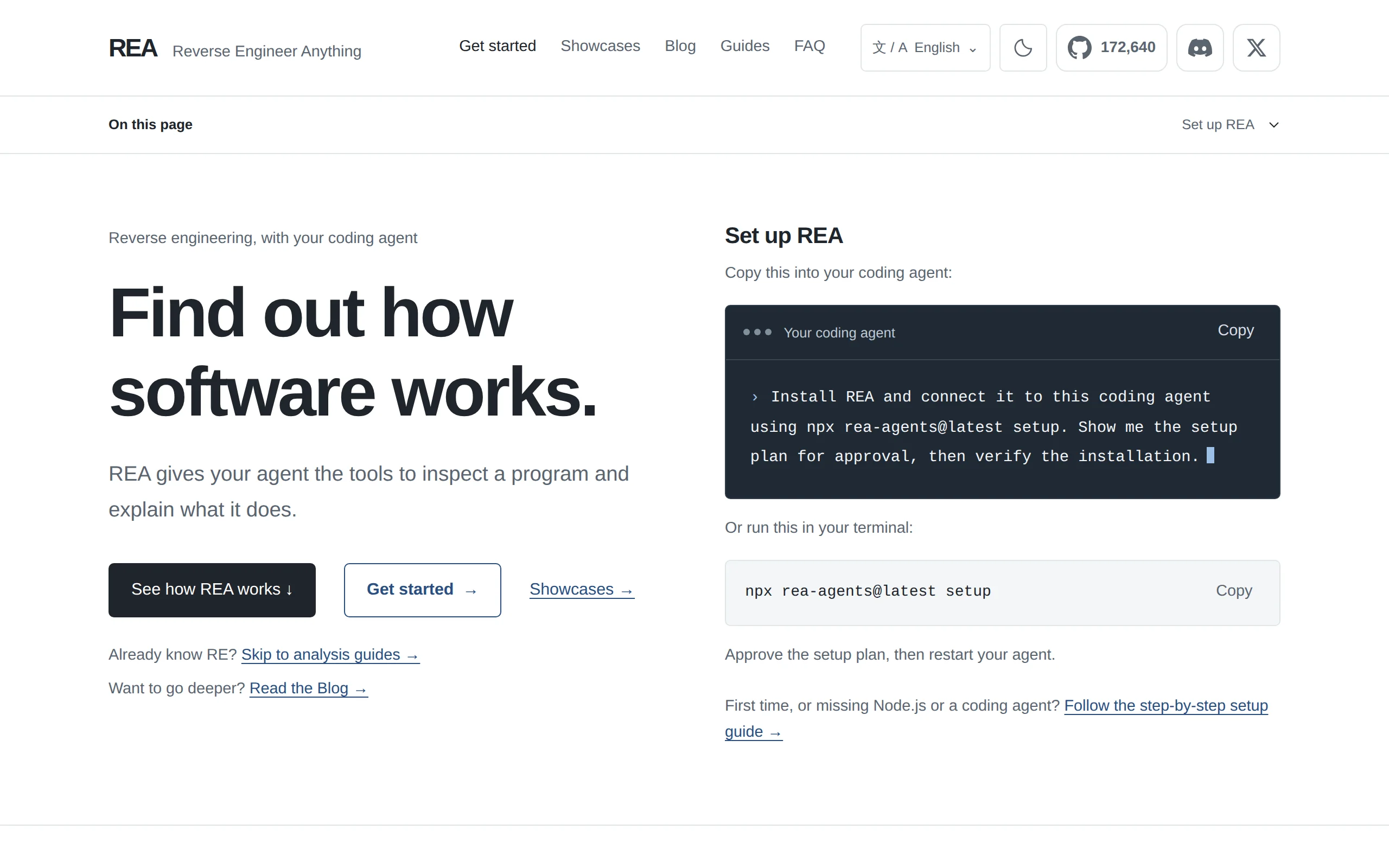
REA: Open-Source Reverse Analysis Tool That Enables AI Agents to Analyze Software Without Source Code
REA (Reverse Engineer Anything) is an open-source general-purpose reverse analysis tool that connects AI programming agents such as Claude Code, Codex, and Cursor with professional reverse engineering...
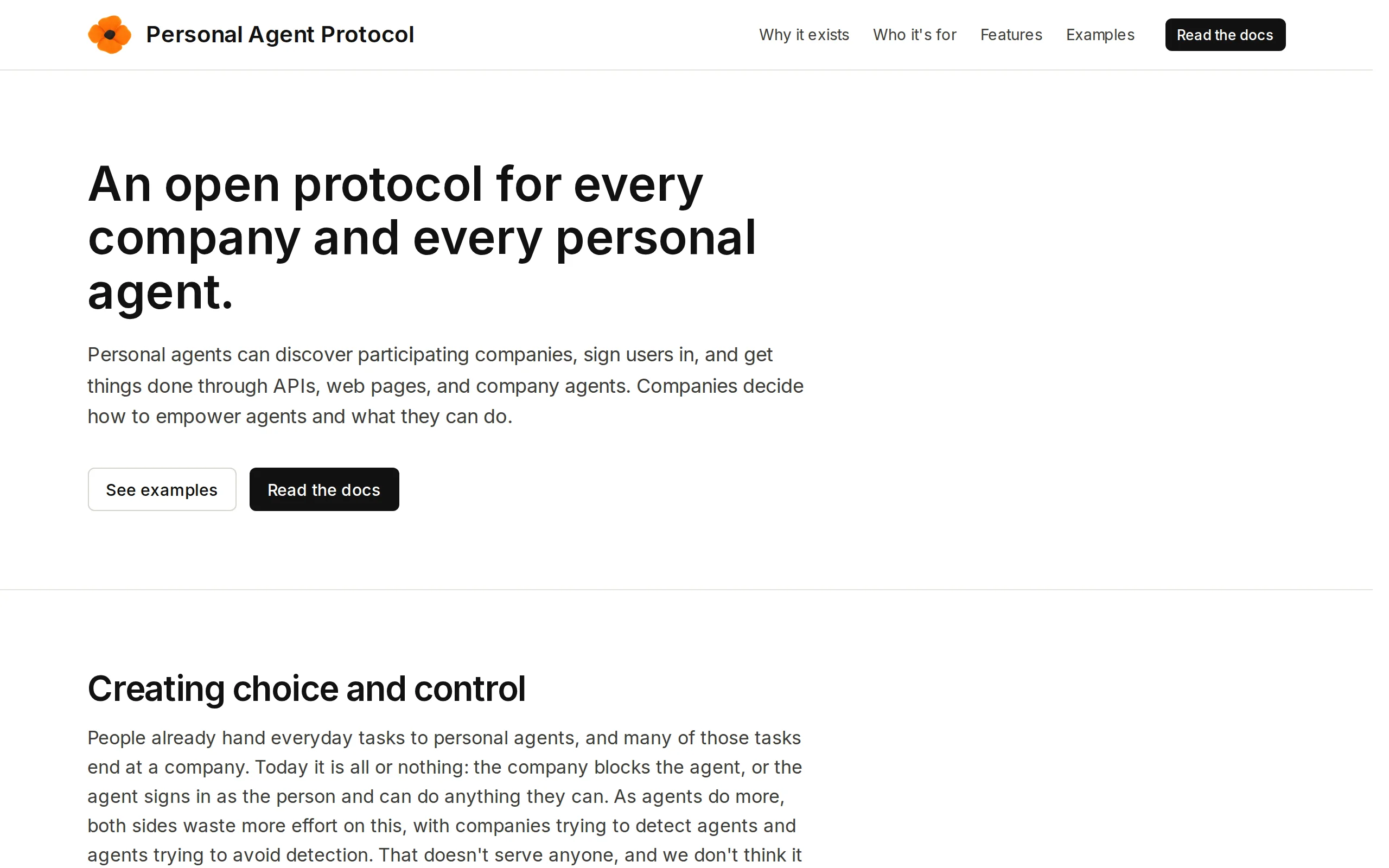
Poppy – A Joint Open Protocol Draft by Sierra and Meta
Poppy (Personal Agent Protocol) is an open protocol draft jointly launched by Sierra along with Meta and multiple enterprises, aiming to address the identity verification and authorization issues when...
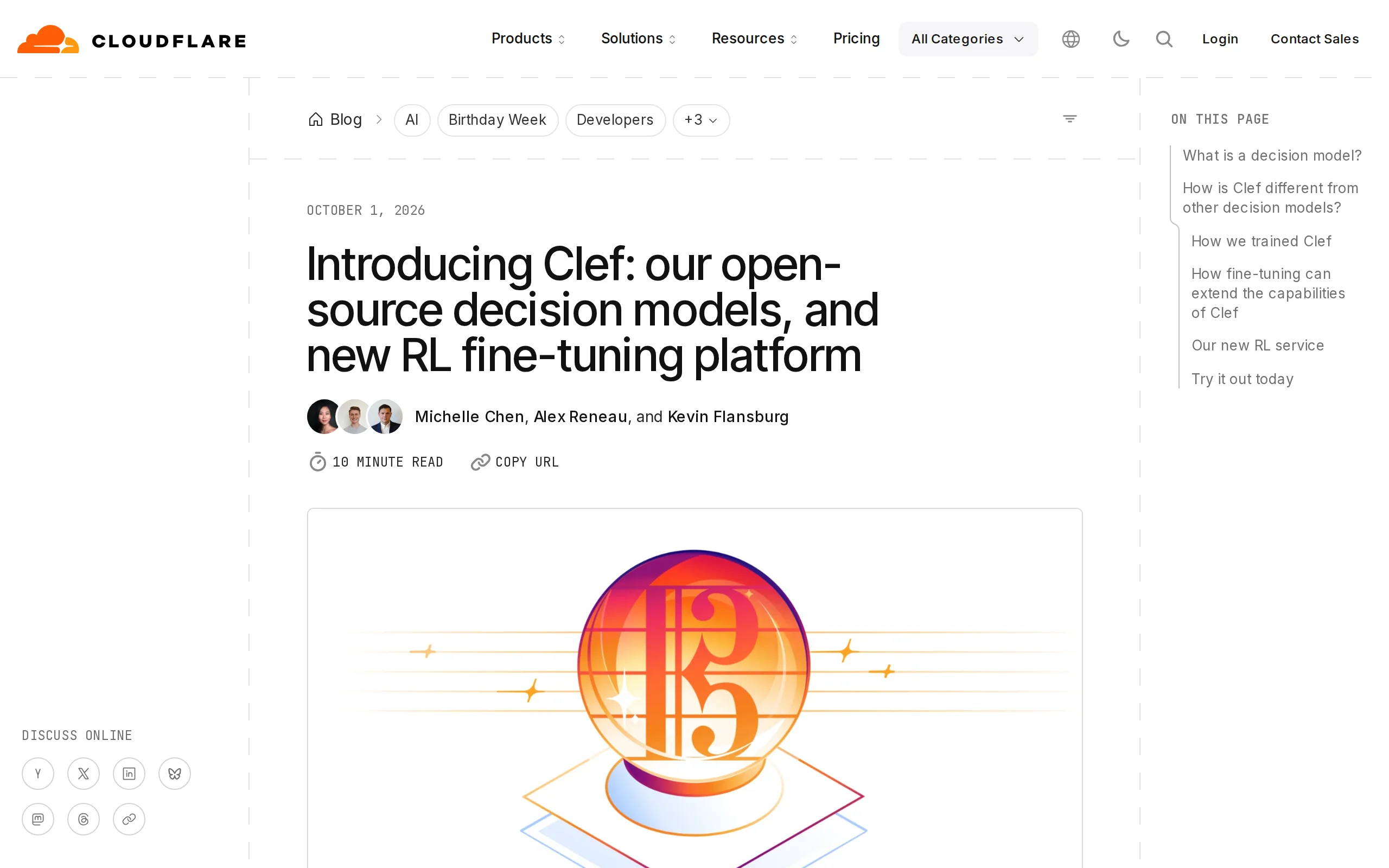
In-Depth Review of Clef – Cloudflare's Open-Source Decision Model Family
Clef is a family of decision models open-sourced by Cloudflare. Its core purpose is not to generate open-ended text, but to temporarily define problems within requests and output probabilistic scores ...
© All Rights Reserved. Some content on this site is partially generated by AI with human review.