
MOSS-Image – A Text-to-Image Model Jointly Open-Sourced by Mosaic and OpenMOSS
Executive Summary:
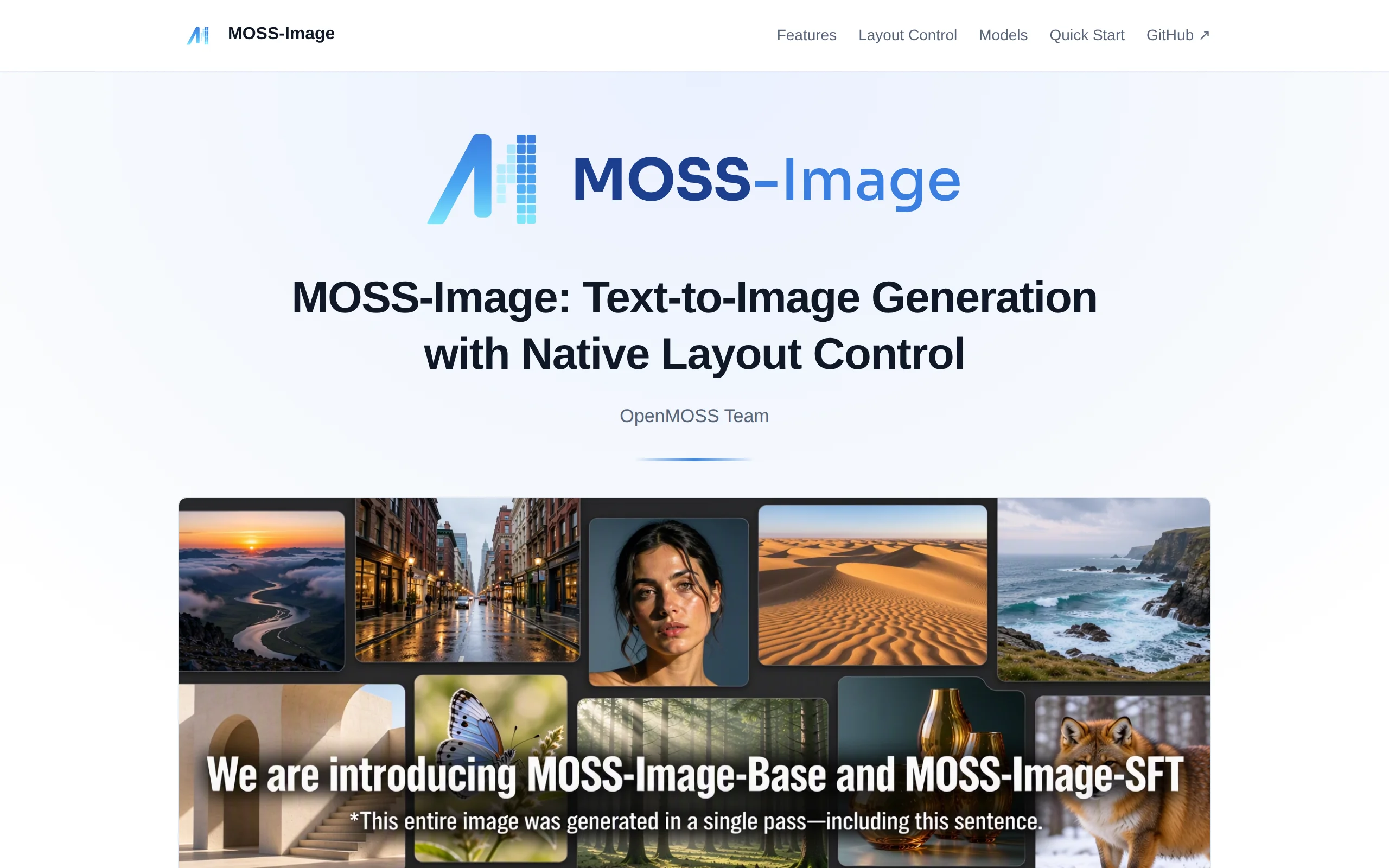
MOSS-Image is a text-to-image model jointly open-sourced by Mosaic and the OpenMOSS team. Its core is composed of a single-stream diffusion Transformer (DiT) backbone with 5B parameters, paired with a...
1. What is MOSS-Image
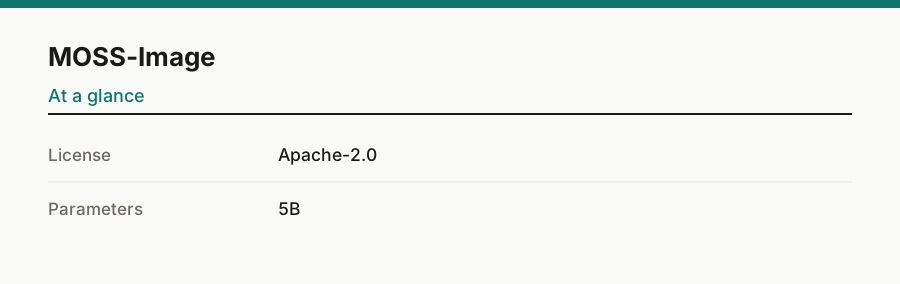
MOSS-Image is a text-to-image model jointly open-sourced by Mosaic and the OpenMOSS team. Its core is composed of a single-stream diffusion Transformer (DiT) backbone with 5B parameters, paired with a frozen Qwen3.5-9B text encoder and FLUX.2 VAE. The model weights are released under the Apache-2.0 license. During the training phase, AI-generated images were excluded to reduce the "AI feel," and the model has been specifically optimized for dense text rendering in both Chinese and English, structured layout control using JSON Layout/Bounding Box, and support for prompts with up to 4096 tokens. It is overall oriented towards controllable design-related image generation scenarios.
Technical positioning and domain: MOSS-Image belongs to the diffusion-based text-to-image model domain, focusing on controllable design-oriented generation tasks, such as precise control over text rendering, layout structure, and spatial relationships between objects. This model is not a simple replication of a general-purpose generator, but rather treats layout design requirements as first-class citizens, with targeted adjustments in both technical architecture and training strategies.
Development background: MOSS-Image was jointly launched by Mosaic and the OpenMOSS community. OpenMOSS is an active open-source large model community, with prior experience in language models and multimodal models. This release combines its technical expertise in text understanding (Qwen3.5-9B as the text encoder) with diffusion generation technology, aiming to provide an open-source and controllable generation solution for design scenarios.
Core value: This model addresses three common pain points in open-source text-to-image models: first, the issue of generated images having a noticeable "AI feel," which is mitigated by excluding AI-generated images from the training data to enhance the naturalness of the output; second, the weak text rendering capability, achieving high text coverage in dense Chinese and English text scenarios (LLTB Mean-6 is 96.3%); third, poor layout controllability, which is improved through structured layout control using JSON Layout and Bounding Box.
Technical features: The model uses a 5B parameter DiT backbone, achieving a balance between controllability and generation quality; it natively supports long prompt inputs with up to 4096 tokens, addressing complex multi-agent scenarios; the Apache-2.0 license, combined with the community ecosystem path (Diffusers, ComfyUI, SGLang, vLLM-Omni), enables a wide range of extensions, including 8-step/4-step acceleration, INT8/GGUF quantization, and multi-style LoRA.
2. Key Features
Natural Language to Image Generation: Users input textual descriptions, and the model can generate images in various styles, including photorealistic, anime, and illustration. This model jointly models text and image latent variables within a unified diffusion framework based on the DiT backbone. It can understand complex semantic descriptions and convert them into visual outputs. The training data excludes AI-generated images, making the output visuals closer in texture to real photography or human-created artwork.
Chinese and English Text Rendering: Specifically optimized for dense text layout requirements commonly found in design scenarios such as posters and e-commerce images. The model can generate text content in both Chinese and English, and it preserves formatting structures such as line breaks as much as possible. It achieved a Mean-6 text coverage score of 96.3% on the LLTB benchmark, ranking first among open-weight models evaluated, effectively addressing issues of text distortion and garbling in traditional text-to-image models.
Native JSON Layout Control: Users can specify the summary, items, text, and bbox fields in JSON format to explicitly constrain the position of titles, objects, and text within the image. Coordinates use the abs_centralized pixel system in yxyx format, making spatial positioning an explicit generation condition rather than relying solely on vague natural language cues. On the 7Bench benchmark, the target localization mIoU reached 0.88, and the layout AUC was 0.70.
Bounding Box Spatial Constraints: In conjunction with the JSON Layout mechanism, the model supports precise bounding box constraints for multiple objects, suitable for scenarios requiring strict compositional control. This mechanism compiles structured prompts into the generation process, allowing the position, size, and hierarchical relationships of each object to be precisely defined using numerical coordinates, greatly enhancing the compositional consistency of the generated results.
Long Prompt Support: Supports prompt inputs up to 4096 tokens, accommodating complex requirements that include multiple subjects, spatial relationships, cinematographic language, and style descriptions. Additionally, a Prompt Enhancer component is provided, which can expand creative descriptions into detailed captions or structured Layout inputs, helping users convert complex ideas into precise instructions that the model can execute.
Multi-ecosystem Deployment and Quantization Acceleration: Offers multiple usage paths, including Diffusers, Gradio, ComfyUI, SGLang, and vLLM-Omni. The derived ecosystem includes 8-step/4-step accelerated sampling schemes, INT8/GGUF/MLX quantization schemes, and multi-style LoRA fine-tuning. 12–24GB of GPU memory is supported in a hierarchical manner, and low-memory environments can run using block inference or layer offloading strategies.
3. How to Use
Environment Setup: It is recommended to use Python 3.10 or higher versions, along with an NVIDIA GPU (with a recommended VRAM of 12GB or more). Install PyTorch that matches your CUDA version, as well as foundational libraries such as transformers and diffusers. When VRAM is less than 12GB, you can run the model using INT8 quantization or the 4-step acceleration scheme.
Code Pulling and Environment Configuration: Execute
git clone https://github.com/OpenMOSS/MOSS-Image.gitto obtain the project code and enter the directory. Create a virtual environment, activate it, and then runpip install -r requirements.txtto install the project dependencies. ComfyUI users can search for and install the MOSS-Image plugin via the ComfyUI Manager.Loading Model Weights: Load the model using the Diffusers method. The key code is
custom_pipeline="pipeline_moss_image"andtrust_remote_code=True, which are used to load the weights of either the Base or SFT version. The SFT weights are optimized for design tasks, while the Base weights are more general-purpose for generation. Both versions are hosted under the OpenMOSS-Team organization on HuggingFace.Precision Configuration and Inference Parameters: It is recommended to use bfloat16 precision for the DiT backbone and float32 precision for the VAE, then execute
pipe.to("cuda")to migrate the model to the GPU. For regular image generation, setnum_inference_steps=50andguidance_scale=3.0as starting points. In low VRAM environments, you can try the 8-step or 4-step acceleration options, or enable chunked inference and layer offloading strategies.Layout-Based Image Generation Process: Organize the summary, items, bbox, and other fields in JSON format and input them as a prompt. Each element must specify coordinates in the yxyx format (normalized to the 0-1 range), and text elements must also provide content and font size information. For complex creative needs, use the Prompt Enhancer to first expand your ideas into structured instructions before inputting them.
4. Pros and Cons Analysis
| Pros |
|---|
| High visual naturalness: During the training phase, AI-generated images are excluded and attributes such as watermarks and blurriness are annotated. The output images reduce the "AI feel" and overly polished appearance, making them closer to real photographs or manually created artwork. |
| Superior text rendering performance: Specifically optimized for dense and long text layout in both Chinese and English, achieving a Mean-6 text coverage rate of 96.3% on the LLTB benchmark, ranking first among open-weight models evaluated, with outstanding performance in design tasks such as menus and posters. |
| Structured layout control: Natively supports JSON Layout and Bounding Box with high coordinate precision. On the 7Bench benchmark, the target localization mIoU reaches 0.88 and the layout AUC is 0.70, making it suitable for precise composition needs in poster and e-commerce image design. |
| Strong long prompt handling capability: Supports conditional input of up to 4096 tokens, allowing for the simultaneous inclusion of complex subject relationships, spatial layouts, cinematographic language, and style descriptions, significantly surpassing the context capacity of most similar models. |
| Active community ecosystem: The 5B main parameter scale is moderate, and the Apache-2.0 license removes restrictions on weight usage, leading to a rich community ecosystem with derivatives such as 8-step/4-step acceleration, INT8/GGUF quantization, and multi-style LoRA. |
5. Comparative Analysis with Similar Tools
| Dimension | MOSS-Image | FLUX 3 Image Klein |
|---|---|---|
| Core Positioning | Controllable design-oriented text-to-image generation, prioritizing text, typography, and layout | General high-quality text-to-image baseline, emphasizing image quality and style |
| Model Architecture | 5B DiT + Qwen3.5-9B text encoder + FLUX.2 VAE | Limited public details; Black Forest Labs has not fully disclosed architectural parameters |
| Text Rendering | Special optimization for dense/long text in Chinese and English, LLTB Mean-6 coverage rate reaches 96.3% | Available but design and typography-related long text typically requires more prompts and workflow coordination |
| Layout Control | Native JSON Layout + Bounding Box structured control, target localization mIoU 0.88 | Primarily relies on natural language descriptions and ControlNet-like plugins for constraints |
| Long Prompt Support | Maximum of 4096 tokens, with built-in Prompt Enhancer to expand complex instructions | Depends on version and interface; long instruction following is not a core selling point |
| Training Data Strategy | AI-generated images are removed to reduce "AI flavor," retaining the diversity of real images | Limited public details; community focuses on image quality and maturity |
| Ecosystem Fine-tuning | 5B backbone, Apache-2.0 license, LoRA/quantization/acceleration derivatives available quickly | Mature ecosystem, rich third-party tools, controllable design requires self-assembly |
| Real-time Blind Evaluation Performance | RLA benchmark Elo 1698.7 (short prompts) / 1807.3 (enhanced prompts) | No published blind evaluation comparison data matching MOSS-Image |
| Deployment Threshold | 12-24GB GPU memory available in layers, supports INT8/GGUF/MLX quantization | Lightweight and user-friendly, full high-quality solution still requires higher GPU memory |
Selection Recommendations: For poster design, e-commerce main images, and layout-oriented design tasks, MOSS-Image has targeted advantages in text rendering, layout control, and long prompt support. Its Apache-2.0 license allows commercial use and secondary development, making it suitable for design teams with customization needs. FLUX 3 Image Klein is appropriate for scenarios that prioritize general image quality limits and do not rely on structured layout control. ERNIE Image is ideal for users in Chinese scenarios who require deep integration with the Baidu Smart Cloud ecosystem and enterprise-grade service guarantees.
6. Editor's Summary
MOSS-Image has a clear differentiated positioning within open-source text-to-image models. Technically, it adopts the mainstream combination of DiT + powerful text encoder + advanced VAE. However, in terms of data strategy, it has chosen a different path from its peers — removing AI-generated images and emphasizing the diversity of real images. This choice is directly reflected in the naturalness of the output images. According to evaluation data, its text rendering capability stands out among open-weight models (LLTB Mean-6 reaches 96.3%), and the mIoU and AUC metrics for layout control validate the practical effectiveness of the JSON Layout mechanism, achieving performance comparable to some commercial models in the RLA blind test.
The model's practicality is mainly reflected in its design scenarios: tasks such as posters, e-commerce images, and social media visuals that require text rendering, layout control, and spatial management. The 5B parameter scale achieves a balance between controllability and generation quality, while the Apache-2.0 license removes barriers for commercial applications. For user groups such as designers, e-commerce operators, and self-media professionals, this model provides a generation solution that is locally deployable, fine-tunable, and controllable. Particularly, its lightweight and modifiable nature enables teams to quickly customize a unique style based on LoRA.
Looking ahead, the community ecosystem of MOSS-Image is rapidly taking shape, with derivative tools such as accelerated sampling, quantization, and LoRA already in initial stages of development. The current obvious shortcoming lies in the weak capabilities of image-to-image generation and editing pipelines, as well as limitations in handling complex poses. If the team can strengthen these areas in the future while maintaining an open-source and open strategy, the model's application value in the niche field of controllable generation will be further realized.
7. Application Scenarios
Poster Design: Designers use JSON Layout to define the position coordinates of titles, subtitles, main visuals, and auxiliary elements within the prompt. MOSS-Image generates a draft promotional poster with a well-structured layout based on the structured instructions. Compared to traditional workflows that start from a blank canvas, this approach can reduce the initial composition time to just a few minutes, and the text elements are directly rendered as images, eliminating the need for subsequent text embedding.
E-commerce Image Generation: Merchants define the product subject, price tags, promotional copy, and background areas using Bounding Box, generating marketing visuals suitable for product detail pages and main images. The model's optimization for dense text and photorealism makes the generated e-commerce images closer to real photos, reducing the workload of manual PS compositing.
Social Media Content Illustration: Operations personnel leverage the long Prompt support feature to compress elements such as brand tone, content theme, and visual style into a 4096-token prompt, enabling the bulk generation of WeChat official account covers, Xiaohongshu note illustrations, and advertising creative assets. Combined with style LoRA, visual consistency can be maintained, adapting to the content publishing rhythm across multiple platforms.
Anime Illustration Creation: Creators introduce multi-style LoRA to customize specific artistic styles. They use natural language to describe character movements, scene atmosphere, and cinematography, generating character concept designs, scene concept art, and storyboard sketches. The fine-tunable nature of the 5B backbone allows creators to train a personalized style using a small dataset of their own works, forming a distinctive visual language.
Multilingual Layout Material Generation: For localization design tasks involving dense text, such as menus, event pages, stickers, and packaging instructions, MOSS-Image's text rendering and layout preservation capabilities can generate production-ready materials with mixed languages. Its performance in text clarity and layout logic is outstanding among similar open-source models.
8. FAQ
Q: What is the minimum VRAM requirement for MOSS-Image? How can VRAM usage be reduced?
A: The official recommendation is 12GB or more VRAM for smooth operation. When VRAM is tight, you can use quantized versions such as INT8/GGUF/MLX to reduce weight memory consumption, or adopt accelerated sampling methods with 8 steps or 4 steps to reduce computational load. Additionally, you can enable model chunked inference and layer offloading strategies, dynamically loading certain layers into VRAM during inference. With the above methods, it is feasible to use MOSS-Image on devices with 8GB VRAM, although image generation speed and resolution limits may be affected.
Q: How can the occasional stroke errors in Chinese text rendering be resolved?
A: Chinese characters have many strokes and complex structures, which may result in minor stroke deviations under specific character shapes or extremely small font sizes. Recommendations: Ensure that text in the prompt is clearly marked with quotation marks; appropriately increase the area proportion of the text region in the image; raise num_inference_steps to above 50; for particularly dense text, consider generating it in separate blocks and then stitching them together. If individual characters are still incorrect, perform a single redraw on the affected area for repair.
Q: What is the fundamental difference between JSON Layout control and natural language description?
A: Natural language description provides probabilistic spatial hints (e.g., "left side," "above"), and the model autonomously determines the final position. JSON Layout converts spatial relationships into deterministic instructions: users directly specify the exact position and boundaries of each element using absolute centralized pixel coordinates and yxyx format. This structured input ensures the generation process adheres to spatial constraints. In practical tests, the target localization mIoU on 7Bench reached 0.88, and layout AUC reached 0.70, making it suitable for design tasks with strict compositional accuracy requirements.
Q: How should one choose between Base version and SFT version weights?
A: The Base version is a general-purpose baseline weight, suitable for a wider range of topics, and is ideal for exploratory creation and style customization fine-tuning. The SFT version has been fine-tuned with supervised learning specifically for design tasks, offering better performance in terms of text accuracy, layout adherence, and design aesthetics. It is recommended for direct image generation scenarios such as posters and e-commerce. If you plan to conduct LoRA-based style training, it's advised to start with the Base version to achieve greater style flexibility.
Q: How to use MOSS-Image in ComfyUI? What are the key considerations?
A: Search for "MOSS-Image" in the plugin marketplace of ComfyUI Manager and install it with one click. Then load the example workflow provided in the project repository. When running, note the following: If multiple diffusion models are present, you must explicitly select the weight path for MOSS-Image in the node; the model files need to be downloaded on the first run; layout control requires installing an additional JSON parsing node. In low VRAM environments, you can add a chunked inference node to the workflow and use it in conjunction with quantized weight versions.
Q: Can MOSS-Image be used in commercial projects under the Apache-2.0 license?
A: Yes. The Apache-2.0 license explicitly grants rights for commercial use, modification, distribution, and patent licensing, with the only requirement being to retain the copyright notice and a copy of the license. This means that generated images can be used in commercial design projects, and modified model code can be used internally or distributed externally as long as the license terms are followed. Compared to some model weights that are restricted to research purposes, this license is more favorable for commercial applications.
9. Project Links
- Project Website: https://openmoss.ai/MOSS-Image/
- GitHub Repository: https://github.com/OpenMOSS/MOSS-Image
- Technical Paper: https://github.com/OpenMOSS/MOSS-Image/blob/main/paper/MOSS_Image_Technical_Report.pdf
- HuggingFace Model Library - SFT Version: https://huggingface.co/OpenMOSS-Team/MOSS-Image-SFT
- HuggingFace Model Library - Base Version: https://huggingface.co/OpenMOSS-Team/MOSS-Image-Base
Related
FLUX 3 Max – In-Depth Review of the Video Generation Model from fal and Black Forest Labs
FLUX 3 Max is a post-training video generation model jointly developed by fal Research and Black Forest Labs, based on BFL's self-developed FLUX 3 multimodal foundation model. It supports three workfl...
In-Depth Review of FLUX 3 Image Klein: A New Benchmark for Image Generation with 5.6B Parameters
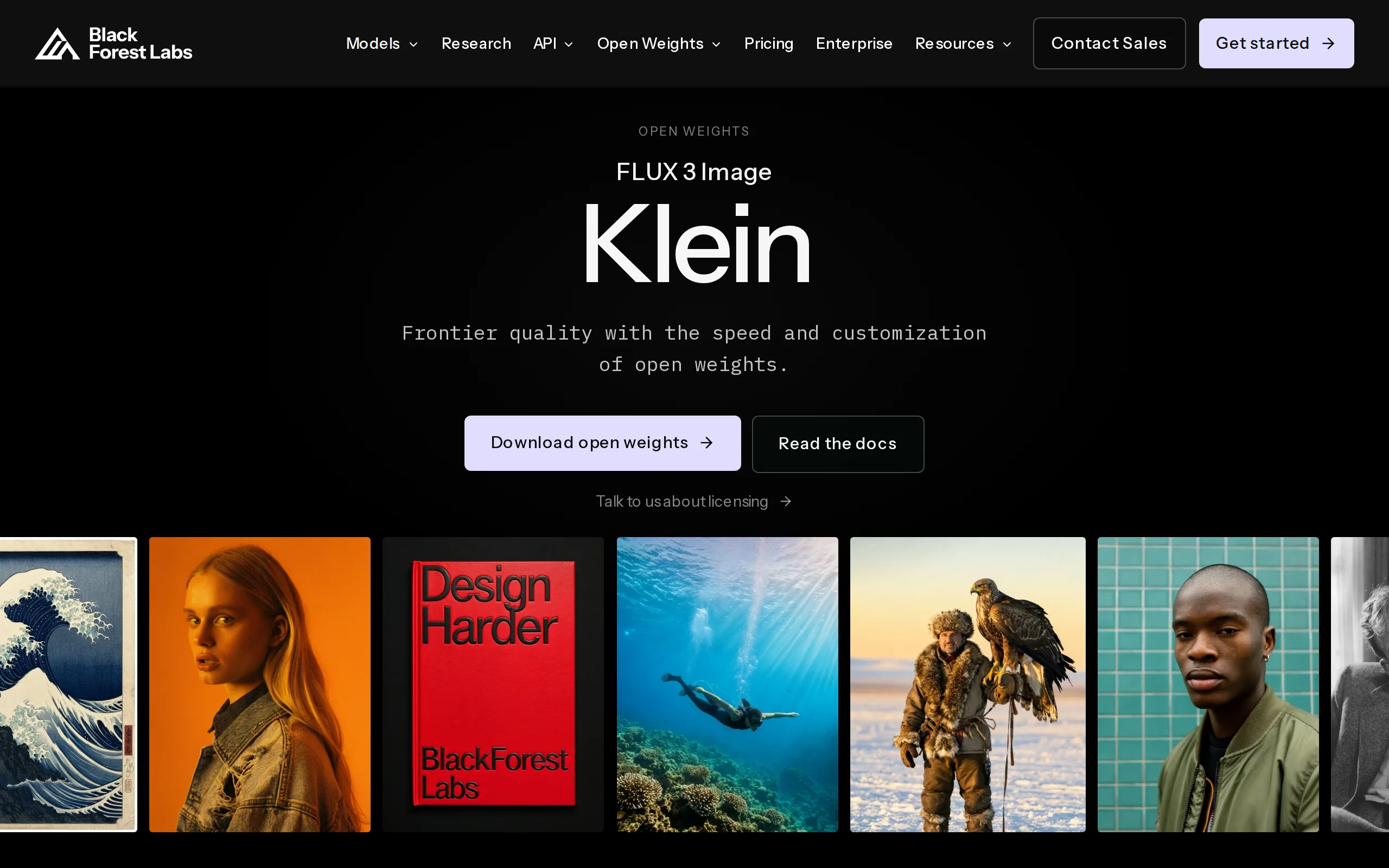
FLUX 3 Image Klein is an open-source AI image generation model developed by Black Forest Labs. With its lightweight parameter count of just 5.6B, it achieves capabilities that previously required mode...
DMAD – Diffusion Model Adversarial Distillation Framework Jointly Open-Sourced by ByteDance and Texas A&M University
DMAD (Distribution Matching as Adversarial Distillation) is an open-sourced few-step distillation framework jointly developed by ByteDance and Texas A&M University. Its core objective is to significan...
Hy Image3.5 preview – A High-Value Professional-Level Image Generation Model from Tencent HunYuan
Hy Image3.5 preview is a high-value professional-level image generation model launched by Tencent HunYuan, designed to address the complex needs of high-quality image generation, precise text renderin...
© All Rights Reserved. Some content on this site is partially generated by AI with human review.