
SenseNova U1.6: SenseTime Reimagines Open-Source Image Generation with a "Self-Correction" Mechanism
Executive Summary:
SenseNova U1.6 is a unified visual large model for understanding and generation, launched by SenseTime. It is based on a MoT (Mixture of Experts) architecture with approximately 8B parameters, integra...
1. What is SenseNova U1.6
SenseNova U1.6 is a unified visual large model for understanding and generation, launched by SenseTime. It is based on a MoT (Mixture of Experts) architecture with approximately 8B parameters, integrating visual understanding and image generation capabilities within a single model. It introduces, for the first time in the open-source community, a native image self-correction mechanism. During the generation process, the model automatically cross-references the prompt to check the initial draft, correcting issues such as typos, garbled text, spelling errors, and misordered numbering. This internalizes the "generate–check–revise" loop as a native model capability, enabling the production of high-quality visual content with accurate text and refined layout in a single pass.
Technical Positioning and Domain: SenseNova U1.6 belongs to the field of multimodal visual generation. Its uniqueness lies in the use of the MoT unified architecture, which integrates three tasks—text-to-image generation, instruction-based image editing, and native image self-correction—into a single weight file. This breaks the traditional pattern of deploying separate models for different visual tasks and embeds visual understanding as an internal capability for self-assessment of image quality, significantly improving the accuracy of the output content. The release of this model further advances visual generation models from "single-task execution" toward autonomous iteration through "generation–evaluation–regeneration," introducing a new paradigm for image generation technology.
Development Background: SenseTime has long been committed to the field of visual AI, having continuously accumulated technical capabilities within the SenseNova large model framework. The launch of U1.6 represents a significant continuation of SenseTime's technical roadmap in visual large models, driven by insights into core user pain points in image generation, such as "insufficient text rendering accuracy" and "deviations between image content and prompts." SenseTime aims to address the common challenges faced by open-source visual generation models, including long-text rendering and layout accuracy, through its self-correction mechanism, while also promoting the prosperity and development of the open-source ecosystem.
Core Value: This model resolves the long-standing issue in the image generation field of "unreliable text content," enabling the efficient generation of visual content that requires precise text, such as infographics and posters, through its built-in self-correction capability. On the text rendering benchmark UltraTextBench, SenseNova U1.6's score improves from 86.04 in U1.5 to 92.28. Its unified architecture reduces the complexity of multi-task deployment, while also providing professional users with "camera-grade" controllable human portrait generation capabilities, elevating the precision of creative expression to new levels and delivering significant efficiency improvements for practical applications in marketing, film, design, and more.
Technical Features: SenseNova U1.6 achieves the unification of understanding and generation capabilities at the 8B parameter scale. Through a multi-expert, multi-reward reinforcement learning framework, it provides targeted training signals and aesthetic optimization strategies for different creative styles and content types, achieving balanced improvements in output quality across various genres. The model's support for complex text rendering and its native self-correction mechanism offer differentiated technical advantages among open-source counterparts, while also providing multiple quantization deployment options to adapt to different hardware environments, balancing technical advancement with practical accessibility.
2. Key Features
Native Image Self-Correction: This is the most innovative capability of U1.6. After generating a draft, the model automatically critiques the generated infographic against the original prompt, then uses the original instruction, the initial draft image, and textual critique as conditions to generate a revised version. This process is entirely completed within the model, without requiring any external feedback loop. On the UltraTextBench benchmark, self-correction scores improved from 86.04 to 92.28, demonstrating the mechanism's significant enhancement in textual accuracy.
Text-to-Image Generation: The model supports generating high-quality images directly from textual prompts, covering a variety of subjects such as portraits, illustrations, and posters, and supports multiple artistic styles including realism, film grain, traditional Chinese art, ink wash, and abstraction. Users only need to describe their creative intent in natural language to obtain visually compelling images that meet design standards, effectively lowering the barrier to entry for professional design.
Image Editing: Based on a reference image and natural language editing instructions, the model can perform detailed modifications on existing images, either locally or globally, enabling targeted adjustments driven by instructions. This feature maintains the consistency of the main subject while flexibly responding to user requests for changes in visual details, composition, and color. It is suitable for product iteration and creative refinement scenarios, providing designers with efficient and controllable post-processing capabilities.
Complex Text and Infographic Generation: Enhanced support for complex text expressions such as perspective text and artistic fonts, allowing the model to maintain design aesthetics while ensuring content accuracy. After users input prompts with precise text requirements, the model can generate an infographic with accurate text and a visually appealing layout in one go, resolving the previous challenge in AI image generation where "getting the text right" and "laying it out well" were difficult to achieve simultaneously.
ComfyUI Workflow Integration: The official release includes standard ComfyUI workflow files, enabling users to invoke the model through a graphical interface. It also supports Turbo acceleration configuration. This integration significantly reduces technical barriers, allowing creators without programming experience to easily access and use all the model's capabilities.
3. Application Scenarios
Marketing Poster and Infographic Creation: Marketing professionals can input event details and design requirements, allowing the model to directly generate promotional posters and social media cover images with accurate text and aesthetically pleasing layouts. The model's built-in self-correction capability automatically identifies and corrects typos and layout errors in the images, eliminating the need for manual proofreading and editing after traditional AI generation, significantly improving the efficiency of marketing content production.
Short Film and Video Content Creation: Through creation platforms like Seko, film production teams can add a 「Image Generation」 node within their canvas workflow to batch generate scene concept art, character design visuals, and visual assets that match the script descriptions, providing efficient support for pre-visualization and post-production in short films and video content, accelerating the transformation of creative ideas from text to visuals.
E-commerce and Office Visual Creation: On office platforms such as SenseTime Xiao HuanXiong, e-commerce professionals can quickly generate product display images, promotional visuals, and product information graphics. Office users can leverage the platform to create presentation images, report covers, and other daily visual materials, reducing the cost and economic investment in corporate visual content production.
Portrait and Photography Style Creation: Photography enthusiasts and designers can utilize the model's 「Camera Language」 capability to naturally invoke effects such as motion blur, film grain, retro color tones, fisheye, and macro shots through natural language, generating artistic portrait works with the authentic texture of real photographs. This provides abundant creative materials and stylized expression options for photo studios, fashion editing, and social media content creation.
4. How to Use
SenseNova U1.6 offers two usage options: local deployment and online platform access, allowing users with different needs to choose flexibly.
Environment Preparation and Installation: For local deployment, configure the CUDA driver and runtime dependencies according to the official SenseNova-U1 installation guide, and ensure that the GPU memory meets the model's requirements. According to official data, running the model with BF16 precision requires approximately 48GB of GPU memory, while using a quantization approach allows inference with 24GB of GPU memory. Additionally, multiple quantization options in GGUF format are available, enabling developers to flexibly configure deployment strategies based on actual hardware conditions.
Download Model Weights: Execute the command
hf download sensenova/SenseNova-U1.6-8B-MoT --revision <specified version> --local-dir ./models/SenseNova-U1.6-8B-MoTin the root directory of the repository to obtain the model weight files from Hugging Face. Users can also download the weights via the ModelScope platform.Run Text-to-Image Generation: Run the command
python examples/t2i/inference.py --model_path <model path> --prompt "your prompt" --output <output path>. The model will generate images directly based on the prompt, and users can control the style, composition, and content of the generated images by adjusting the details in the prompt.Perform Image Editing Tasks: After downloading the reference image, run the command
python examples/editing/inference.py --model_path <model path> --jsonl examples/editing/data/sample_edit_u16_gallery.jsonl --output_dir <output directory>. The model will modify the image based on the reference image and the editing instructions in the JSONL file.Enable Native Self-Correction: Run the command
python examples/interleave/self_correction.py --model_path <model path> --prompt "prompt with accurate text requirements" --output_dir <output directory>. The model will automatically execute the complete closed-loop process of "initial draft generation — critique analysis — corrected output," ultimately producing a corrected image with accurate textual content.Use ComfyUI Workflow: Download the workflow file from the
Comfy-Org/SenseNova-U1page on Hugging Face. Place the checkpoint file in ComfyUI as instructed and configure the Turbo acceleration parameters. You can then call the model through a node-based interface, achieving a visual, low-code operation experience.Online Platform Experience: Users without local deployment capabilities can directly access the SenseTime Xiaohuanxiang platform and use the U1.6 Lite version within the image generation feature. Alternatively, they can use it online via SenseNova Studio (unify.light-ai.top/home?model=u16-lite). Additionally, the Seko platform has integrated the image generation capabilities of U1.6, allowing users to create a canvas and add a "Image Generation" node to use it.
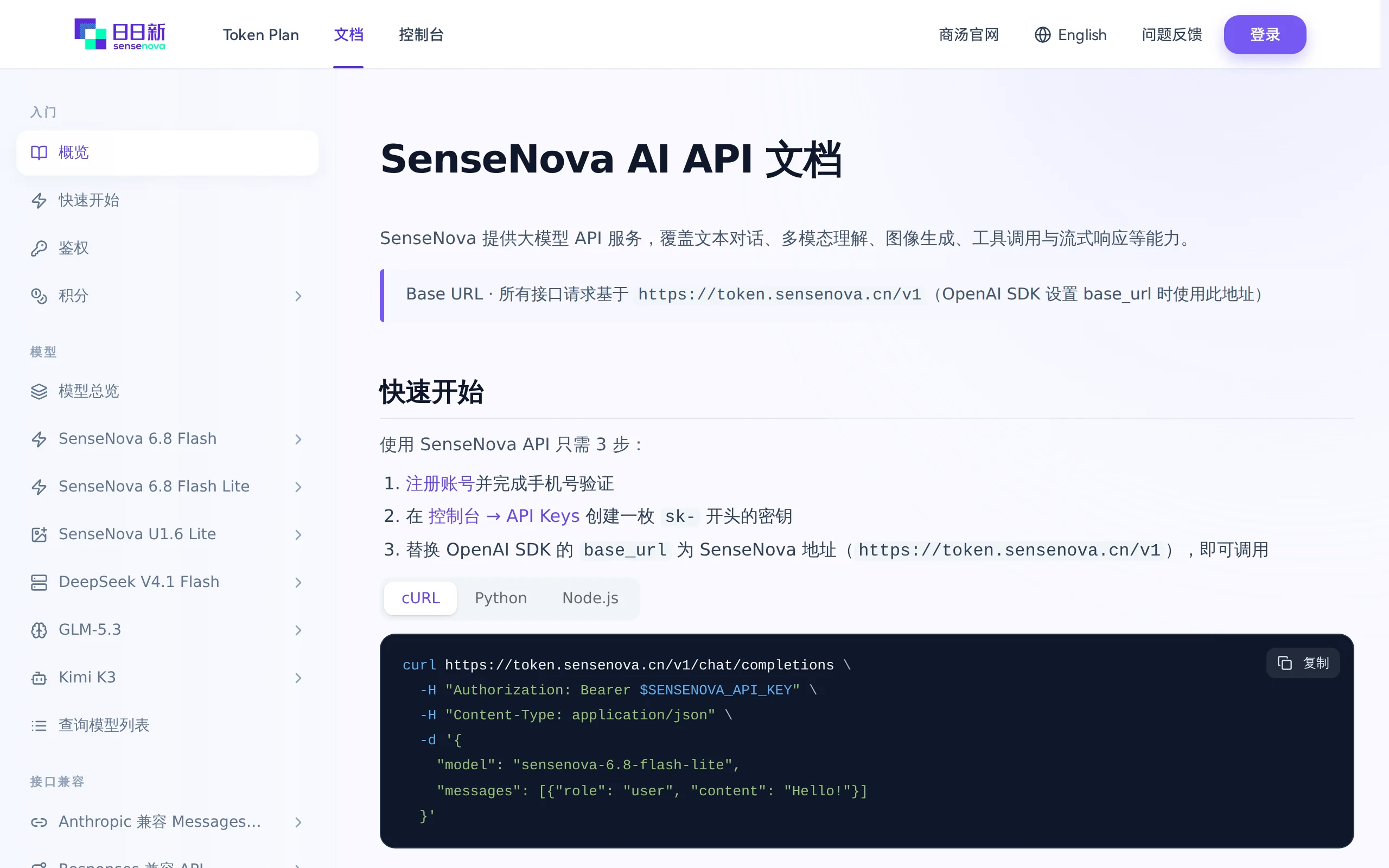
API Integration and Invocation: After developers register on the SenseNova Token Plan platform and obtain API quotas, they can integrate the image generation and editing capabilities of U1.6 Lite into their own applications or business systems by following the official API documentation, enabling large-scale and automated visual content production.
5. Pros and Cons Analysis
| Pros |
|---|
| Native Image Self-Correction Capability: For the first time, brings a "generate–inspect–revise" closed-loop capability to 8B-scale open-source models, enabling the automatic detection and correction of typos, garbled text, and numbering errors in infographics. The UltraTextBench score improves from 86.04 to 92.28, significantly enhancing text rendering accuracy. |
| Unified Architecture for Multi-Task Integration: Based on the MoT architecture, it integrates three tasks—text-to-image generation, image editing, and self-correction—into a single weight file. This simplifies deployment and allows model understanding capabilities to be reused during inference, avoiding resource consumption from multi-head deployment. |
| Aesthetic Optimization by Genre: Aesthetic models are trained separately for portraits, illustrations, and infographics, converting genre-specific aesthetic requirements into targeted training feedback. Internal evaluations show an approximately 10% improvement in aesthetic scores compared to U1.5 Lite, with outstanding performance in human lighting and camera texture. |
| Balancing Complex Text and Layout: Enhanced support for complex expressions such as perspective text and artistic fonts, improving text accuracy while preserving font expressiveness and layout design sense, effectively resolving the long-standing contradiction in AI image generation between "getting it right" and "looking good." |
6. Comparative Analysis with Similar Tools
| Comparison Dimension | SenseNova U1.6 (SenseTime) | Qwen-Image (Tongyi Qianwen by Alibaba) | FLUX.1 Series (Black Forest Labs) |
|---|---|---|---|
| Parameter Scale | 8B MoT architecture (actual weight approximately 18B) | 20B MMDiT architecture | 12B/4B FLUX.1 series |
| Core Differentiating Capability | Native image self-correction (generate—check—modify), automatically corrects typos, garbled text, and numbering errors, completing the loop internally | Strong complex Chinese and English long-text rendering capability, leading among contemporary models on benchmarks like LongText-Bench | High aesthetic quality and prompt-following accuracy, with stable performance in style diversity |
| Functional Scope | Unified architecture combining text-to-image, image editing, and self-correction | Unified text-to-image and image editing, with additional Qwen2.5-VL model required for understanding | Primarily text-to-image, with editing and inpainting capabilities requiring integration with other models or tools |
| Aesthetic Training Strategy | Specialized aesthetic models for different genres (portraits/illustrations/infographics), focusing on "camera language" for portrait texture | Broad coverage of general artistic styles, with Chinese rendering as the top priority, optimized for general aesthetic benchmarks | Emphasizes overall aesthetic consistency, integrating multiple styles and composition capabilities |
| Deployment Threshold | Requires approximately 48GB of BF16 memory; quantized GGUF version can run with 24GB | Larger 20B model, relies on FP8 or CPU offloading solutions; official documentation provides quantization deployment guidance | Corresponding versions available for consumer-grade GPUs to enterprise-level clusters |
| Open Source License | Apache 2.0 (commercial-friendly) | Apache 2.0 (commercial freedom) | Non-commercial use requires application; commercial use requires separate licensing with many restrictions |
| Text Rendering Benchmark | UltraTextBench: 86.04 per generation, 92.28 after self-correction | Achieved SOTA on 12 benchmarks including GenEval and DPG at launch, with strong performance on text rendering benchmarks | Mid-to-high level in text rendering evaluations |
Selection Recommendations: In scenarios where the accuracy of text in visual content is a priority, SenseNova U1.6 stands out with its unique self-correction mechanism and compact 8B parameter size, offering a more deterministic experience for generating图文 content within controlled costs. It is particularly suitable for professional users with clear requirements for text accuracy, such as poster design, infographic creation, and marketing material production. For developers and enterprises seeking the highest level of general-purpose generation quality, the comprehensive capabilities of models like Qwen-Image and FLUX.1 in long-text rendering or full coverage of artistic styles can be evaluated—these models are supported by larger community ecosystems and rich complementary toolchains. For small and medium-sized teams, SenseNova U1.6 provides a good balance between autonomy, controllability, and budgetary costs under the flexible Apache 2.0 license.
7. Editor's Summary
The technological innovation of SenseNova U1.6 is first evident in its "native self-correction" mechanism — the model feeds its visual understanding capabilities back into the image generation process, actively detecting and correcting text rendering errors during inference through internal critique and conditional reconstruction that interleave text and images. This technical approach, which internalizes the "generate — check — modify" feedback loop, provides a new dimension for enhancing the reliability and practical value of visual generation models. On the key metric of text accuracy, the UltraTextBench score has jumped from 86.04 to 92.28, clearly demonstrating the real-world effectiveness of the self-correction mechanism.
From the perspective of technical feasibility, SenseTime has opted for a unified MoT architecture with approximately 8B parameters rather than simply increasing parameter scale. This decision, combined with a multi-expert, multi-reward reinforcement learning training framework, ensures stable, high-quality outputs across different creative styles and content types. By having a unified set of weights handle three tasks — text-to-image generation, image editing, and self-correction — the model reduces deployment and maintenance costs. The training strategy of separate aesthetic models for different genres makes the optimization goals clearer, achieving balanced improvements in both aesthetic performance and text accuracy.
The practical value of U1.6 is particularly evident in application scenarios such as marketing design, film and video content generation, and enterprise office tasks. For a long time, AI painting tools have been limited by their inability to "write the text correctly," which has hindered their transition from entertainment tools to productivity tools. U1.6's breakthroughs in text accuracy and layout design sense have, to some extent, overcome this barrier, enabling AI-generated visual content to be genuinely integrated into commercial production workflows. For independent designers and content creators, the out-of-the-box ComfyUI workflow and online platform integration options lower the barrier to entry. For medium to large enterprises, the Apache 2.0 license and diverse deployment options provide a flexible and controllable integration foundation.
Looking ahead, the self-correction paradigm and the integrated understanding-generation approach still have room for further development, including optimizing the efficiency of the self-correction mechanism, supporting multi-turn interactive correction, higher resolution output, and broader style coverage. Continued construction of the open-source community ecosystem will also determine whether this technical approach can be widely adopted and applied, continuously empowering a broader creator ecosystem.
8. FAQ
Q: How is the self-correction feature of SenseNova U1.6 implemented?
A: The self-correction feature is implemented through an interleaved image-text mechanism: after the model generates the first image, it sequentially produces images and text in a self-regressive manner. It first critiques the generated image in alignment with the user's intent, and then uses the original prompt, the initial image, and the textual critique as input conditions to output a corrected version of the image. The entire process completes the closed-loop of generation—inspection—correction internally within the model, without requiring external model validation or human intervention.
Q: What are the specific memory requirements for SenseNova U1.6?
A: According to official data, inference with BF16 precision requires approximately 48GB of GPU memory, suitable for professional-grade GPUs such as A100 and A6000. By employing the GGUF quantization scheme, the requirement can be reduced to 24GB of GPU memory, making it compatible with consumer-grade GPUs like RTX 3090/4090. The team also offers various quantization levels with higher compression ratios, allowing users to balance GPU memory usage and generation quality to meet deployment needs across more hardware environments.
Q: Which model has stronger text rendering capabilities between SenseNova U1.6 and Qwen-Image?
A: Both models have their own strengths. Qwen-Image excels in benchmark tests for rendering long Chinese and English texts, making it well-suited for complex image-text generation tasks involving large volumes of text. SenseNova U1.6, on the other hand, leverages its unique self-correction mechanism to automatically check and correct text errors after the initial generation. This has improved its UltraTextBench score from 86.04 to 92.28, showcasing a clear advantage in tasks requiring precise text layout, such as infographics and posters.
Q: Can I use U1.6 for free on online platforms?
A: SenseTime provides the U1.6 Lite version through multiple online platforms. Users can freely experience it on platforms such as SenseTime Xiaohuanxiang and SenseNova Studio. Developers can register on the SenseNova Token Plan platform to obtain API quotas. The free version may have limitations in terms of usage frequency and functionality. For higher quotas and production-level applications, users must upgrade according to the pricing plans of the respective platforms.
Q: What are the system and software requirements for deploying the local version?
A: Local deployment requires a Linux operating system (recommended Ubuntu) and the configuration of NVIDIA GPU drivers, CUDA toolkit, and deep learning runtime environments such as PyTorch. Specific dependency versions should be referenced in the official SenseNova-U1 installation guide. The official also provides a ComfyUI workflow solution as an alternative to programmatic deployment, but it still requires meeting the corresponding AI framework environment configuration requirements.
9. Project Links
- SenseNova-U1 GitHub Repository (U1.6 Model Documentation): https://github.com/OpenSenseNova/SenseNova-U1/blob/main/docs/u1.6_model.md
- API Service Registration (SenseNova Token Plan): https://platform.sensenova.cn
- Hugging Face Model Weights Page: https://huggingface.co/sensenova/SenseNova-U1.6-8B-MoT
- ComfyUI Official Workflow: https://huggingface.co/Comfy-Org/SenseNova-U1
Related
Niji V8 – Anime Image Generation Model Introduced by Midjourney and Others
Niji V8 is a new generation anime image generation model jointly released by Midjourney and Spellbrush. It is also the fastest-running and most coherent version of the Niji series to date. This model ...
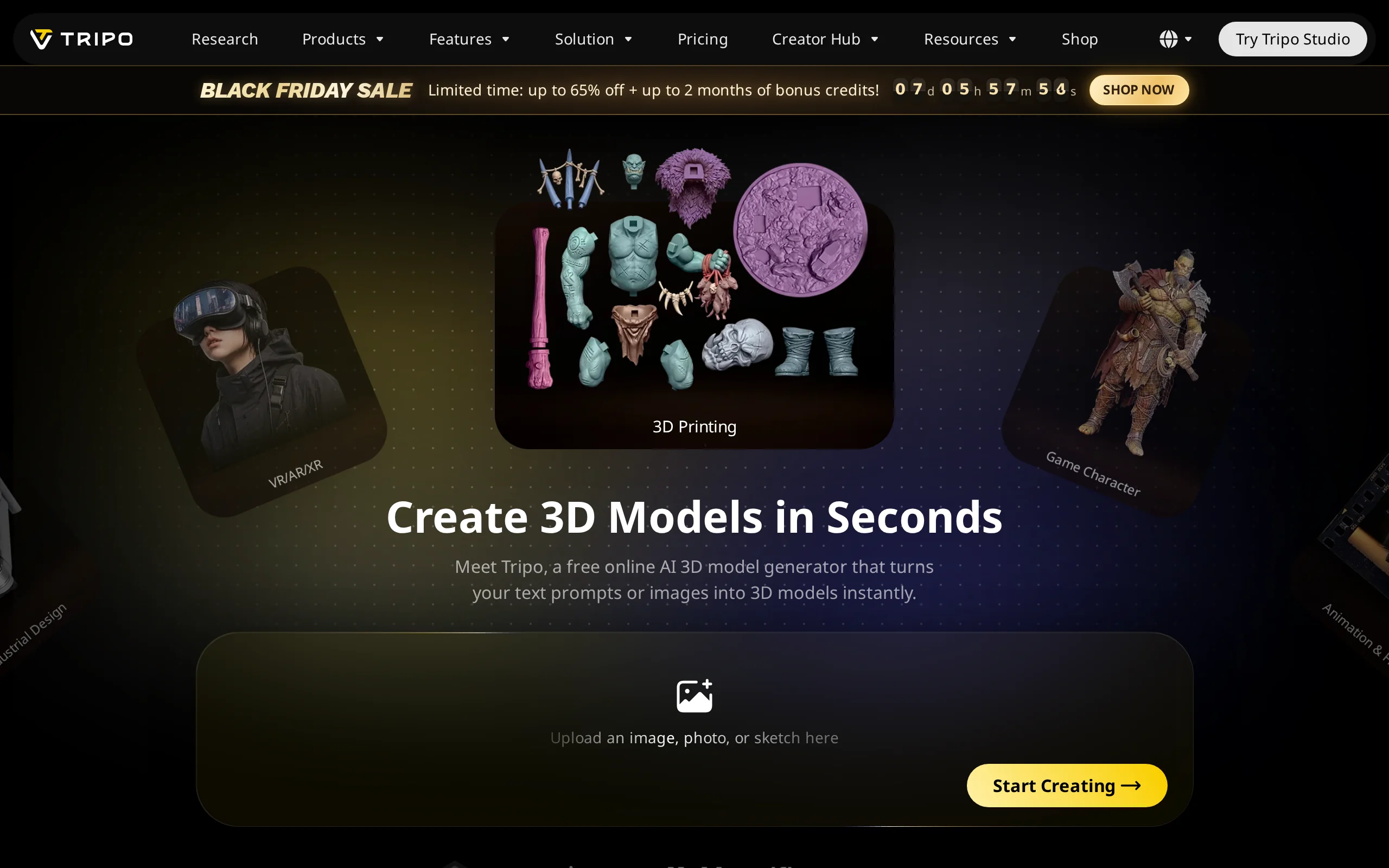
In-Depth Review of Tripo H3.5 Preview: A High-Precision AI 3D Foundation Model for Professional Production Scenarios
Tripo H3.5 Preview is a new generation of high-precision AI 3D foundation model introduced by VAST, capable of generating detailed 3D models with up to 5 million triangles from images or textual descr...
Hy MT3 – Tencent HunYuan's Third-Generation Open-Source Translation Model
Hy MT3 is the third-generation open-source translation model developed by the Tencent HunYuan team, representing a full iteration of both architecture and capabilities over its predecessor, MT2. This ...

Uni3Sim – A System-Level Simulation Platform Open-Sourced by Zhipu AI and Tsinghua University
Uni3Sim is a system-level simulation platform jointly open-sourced by Zhipu AI and Tsinghua University, focusing on performance pre-simulation and design validation for large-scale LLM inference clust...
© All Rights Reserved. Some content on this site is partially generated by AI with human review.