
AI Open Source Project Weekly – Featured Projects: TV to Desktop, AI Dubbing, and More
Executive Summary:
VoiceStudio is a localized desktop tool focused on text-to-speech synthesis and audio processing, integrating voice generation, voice cloning, video dubbing, and speech transcription into a unified wo...
1. What is VoiceStudio
VoiceStudio is a localized desktop tool focused on text-to-speech synthesis and audio processing, integrating voice generation, voice cloning, video dubbing, and speech transcription into a unified workspace. Users can generate customized voiceovers using reference recordings or textual descriptions, with all processing completed locally, ensuring strong privacy protection. The tool supports both CPU and GPU modes, and is available for Windows, macOS (Apple Silicon), and Linux platforms, making it ideal for content creators, audiobook producers, and video editors.
Technical Positioning and Domain: It belongs to the field of AI audio processing, covering four core areas: text-to-speech (TTS), voice cloning (Voice Cloning), video dubbing (Video Dubbing), and speech recognition (ASR). Its unique aspect lies in presenting these capabilities as a desktop application, rather than relying on cloud-based APIs, thereby achieving a localized closed-loop workflow for audio processing.
Development Background: This project was initiated and continuously maintained by developer debpalash on GitHub. It is positioned as a one-stop local audio workstation for creators. Its design philosophy aligns with the recent trend of local deployment of AI audio tools—users are increasingly demanding higher data privacy, lower processing costs, and greater customization capabilities.
Core Value: It addresses the issue of fragmented tools in the audio production workflow for creators. Traditional workflows require switching between multiple software applications: recording reference audio, training cloning models, generating speech, and mixing and editing. VoiceStudio unifies all these steps into a single interface and supports batch task processing, significantly reducing the technical barriers of multi-step audio production.
Technical Features: It supports zero-shot voice cloning using reference audio, as well as a generation mode driven by textual descriptions; the model management module allows downloading and local loading of models, enabling seamless model switching without the need for coding; batch processing capabilities allow handling multiple text segments at once, making it suitable for long-form content creation scenarios such as audiobooks.
2. Key Features
Voice Cloning: Simulate the target voice using a small amount of reference audio. After the user provides a clear reference recording, the system extracts the voice characteristics and generates highly realistic synthetic speech. This feature is ideal for customizing a consistent voice for videos, podcasts, or virtual characters.
Text-to-Speech (TTS): Supports generating natural and fluent speech output from input text, with multiple built-in voice models available. Users can directly edit content in the text box and adjust parameters such as speech rate and tone to quickly generate high-quality voice-over audio files.
Video Voice-over and Audio Transcription: Users can import video files to overlay voice-over or extract existing audio tracks. The system also supports transcribing spoken content from audio or video into text, enabling bidirectional processing of audio and video content. This feature has direct application value in post-production video editing and content organization scenarios.
Batch Task Processing: Provides a task queue mechanism that allows users to submit multiple texts or files for batch voice generation at once, significantly improving the production efficiency of long-form content such as audiobooks and course materials. Progress tracking and result exporting are supported during batch processing.
Local Model Management: The application includes a built-in interface for downloading and managing models. Users can browse the list of available voice models, download them to their local disk as needed, and switch flexibly between different models without requiring additional environment configuration or coding.
Multi-platform Desktop Support: Offers desktop installation packages for Windows, Apple Silicon Mac, and Linux with simplified installation processes. Machines without a dedicated GPU can run in CPU inference mode, which is slower but reduces the hardware requirements.
3. Application Scenarios
Audiobook and Long Audio Production: Import multiple text documents such as novels and articles in bulk into VoiceStudio, and generate complete audio content using a unified reference voice. The batch processing feature is especially suitable for producing long-form works that can span dozens of hours, eliminating the need for manual processing of each segment.
Video Narration and Voiceover: Video creators can write narration scripts and select or clone an appropriate voice for the commentary. After quickly generating the voiceover files, they can import them into editing software for synthesis. This approach is adaptable for tutorial videos, documentary narration, product promotional videos, and more, significantly reducing the time required for voiceover recording.
Personalized Voice Assistants and Virtual Characters: Game developers, virtual streamers, or application developers can use the voice cloning feature to assign unique voices to characters. Only a few segments of character-defined audio are needed to generate a large amount of dialogue, reducing voiceover costs and maintaining voice consistency.
Audio Content Transcription and Re-creation: Interview recordings, meeting audio, lecture content, and more can first be transcribed into text scripts using the transcription feature, making it easier to edit and organize. These text scripts can then be converted back into audio through text-to-speech synthesis, meeting derivative needs such as multilingual voiceover and content re-creation.
4. How to Use
System Requirements: Supports Windows, Apple Silicon Mac, and Linux systems. It is recommended to prioritize using an NVIDIA dedicated GPU for faster inference speed; devices without a dedicated GPU can run in CPU mode, but generation speed will significantly decrease, with the exact time depending on the model size and hardware configuration.
Installation and Launch: Download the installation package (or portable zip file) corresponding to your system from the Releases page of the GitHub repository. After extracting or installing, launch the application and enter the main workspace interface.
Model Preparation: Open the model management interface within the application, browse the list of available voice models, and select one to download locally. On first use, wait for the model to fully download. It is recommended to choose a model suitable for your task type (such as Chinese speech, English speech, or specific voice tones).
Create a Generation Task: Enter the text to be synthesized or import a reference audio for voice cloning. In the parameter section, select the target model, output format, and audio parameters. Submit the task and wait for the generation results.
Audio Export and Post-Processing: The generated audio can be previewed and auditioned in the results list. After confirmation, export it as an audio file. Batch processing tasks can be uniformly managed in the task queue, and once completed, they can be exported in bulk to a specified directory.
Notes: For voice cloning, provide a clear reference recording without background noise; when batch processing long texts, properly manage the task queue to avoid excessive memory usage; in CPU mode, it is recommended to reduce the length of text processed in a single session to achieve more stable performance.
5. Pros and Cons Analysis
| Pros |
|---|
| Integrated Functionality: Combines text-to-speech, voice cloning, transcription, and dubbing into a single application, eliminating the need to switch between multiple tools and significantly shortening the audio production workflow. |
| Localized Processing for Privacy Protection: All audio data is processed locally on the device, without the need to upload it to third-party servers, which is appealing to users concerned about privacy. |
| Low-Code Accessibility: No coding or complex AI environment setup is required—just install and use. The model management is graphical, making it suitable for creators without a technical background. |
| Open Source and Free to Use: The project is open source and free, allowing users to modify or extend its functionality, and providing a foundation for further development by technical users. |
6. Comparative Analysis with Similar Tools
| Comparison Dimension | VoiceStudio | GPT-SoVITS | Coqui TTS |
|---|---|---|---|
| Core Architecture | Local integrated desktop application | Local Web interface + CLI | Python library / CLI framework |
| Voice Cloning Support | Supports reference audio cloning | Supports few-shot cloning | Partial model support |
| Deployment Complexity | Install package only, low complexity | Requires Python environment and dependency configuration | Requires programming knowledge and dependency management |
| Batch Processing Capability | Built-in task queue supports batch processing | Requires script orchestration | Programmable batch processing |
| Platform Coverage | Windows, macOS (Apple Silicon), Linux | Primarily Linux/Windows | Cross-platform Python support |
| Open Source License | Open source (specific license subject to repository) | MIT open source | MPL-2.0 open source |
| Network Dependency | Fully offline usable | Offline usable | Offline usable |
| Target Users | Primarily non-technical creators | Technical users / researchers | Developers / researchers |
Selection Recommendations: For creators without a technical background, the integrated desktop solution of VoiceStudio is the most user-friendly, offering immediate usability and broad feature coverage. For technical users who require model fine-tuning or in-depth experimentation, GPT-SoVITS and Coqui TTS provide more flexible programming interfaces and model customization capabilities. For developers seeking zero deployment cost or needing to quickly integrate into applications, it is recommended to evaluate cloud API solutions such as Edge-TTS, but they must accept the trade-offs of data transmission and usage costs.
7. Editor's Summary
VoiceStudio's core concept lies in delivering several key capabilities in the current AI audio domain—text-to-speech, cloning, transcription, and dubbing—in a highly integrated manner to ordinary users. From a technical evolution perspective, this project responds to the trend of AI tools transitioning from command-line interfaces to graphical user interfaces, bringing functionalities such as voice cloning, which previously required technical expertise, into the realm of mainstream creative tools. Its standout feature is the balance between functional completeness and ease of use: it fully covers the entire process from voice customization to final output, while also offering a user-friendly interface with a low learning curve.
From a practical standpoint, the value of this tool for scenarios such as podcast production, video dubbing, and audiobook creation is direct and quantifiable. For example, an audiobook author can complete the initial draft of audio content that would have previously taken several days within just a few hours by leveraging batch processing and cloning features. The privacy protection and offline availability offered by local deployment also serve as key differentiators compared to similar tools.
The primary target users include content creators, video editors, educators, and podcast hosts. Its low technical barrier makes widespread adoption feasible. Looking ahead, the expansion of the model ecosystem, optimization of batch processing stability, and improvement of multilingual support will be crucial directions for enhancing professional competitiveness. If the project continues to expand its high-quality voice model library and improves performance in handling long tasks, it has the potential to secure a more stable position in the open-source AI audio tool ecosystem.
8. FAQ
Q: Does VoiceStudio support Chinese voice generation?
A: Yes. Users can select a model suitable for Chinese speech synthesis in the model management interface and download it for use. There are differences in Chinese performance across models; it is recommended to try several models and choose one that matches your expected tone and pronunciation quality.
Q: How long of a reference recording is needed for voice cloning?
A: The quality of the reference recording is more important than its duration. It is recommended to provide audio that is over 30 seconds long, with clear speech, no background noise, and no environmental reverberation. Maintaining a steady speaking rate and consistent tone during recording can yield more stable cloning results.
Q: Can a computer without a dedicated graphics card be used normally?
A: Yes. The application supports CPU inference mode, but the generation speed will be significantly slower compared to a system with a dedicated graphics card. For short text processing or low-frequency usage scenarios, this is generally acceptable. For large-scale tasks, it is recommended to configure a GPU or appropriately reduce the amount of text processed in each session.
Q: Can the generated audio be used for commercial purposes?
A: The usage rights and commercial boundaries depend on the licensing terms of the selected model and the source of the voice. Content generated using built-in models is typically free to use, but cloning someone else's or a specific brand's voice may involve legal risks such as rights of publicity or voice rights. It is advisable to confirm the scope of authorization before commercial use.
Q: Can custom models be imported or can I train my own voice model?
A: Currently, the application focuses on downloading and using existing models. Technical users can perform secondary development based on the open-source code to introduce custom models or training processes. If you wish to train a private voice model out-of-the-box, please keep an eye on future versions to see if an in-built training module is provided.
9. Project Links
- GitHub Repository: https://github.com/debpalash/VoiceStudio (contains installer downloads, usage instructions, and source code)
Related
Muse Ember Review: Meta Redefines the Efficiency Boundaries of Lightweight Models
Muse Ember is Meta's smallest parameter-scale AI model introduced in mid-2026, specifically designed for high-frequency, repetitive tasks in agents. According to official benchmark data, this model ac...
In-Depth Review of Sophon-Realtime v1: A Technical Breakthrough and Engineering Practice in Open-Source Full-Duplex Speech Models
Sophon-Realtime v1 is an open-source full-duplex speech dialogue model developed by Adventists AI. Designed with a 32B parameter scale, it enables complete conversational capabilities, including real-...
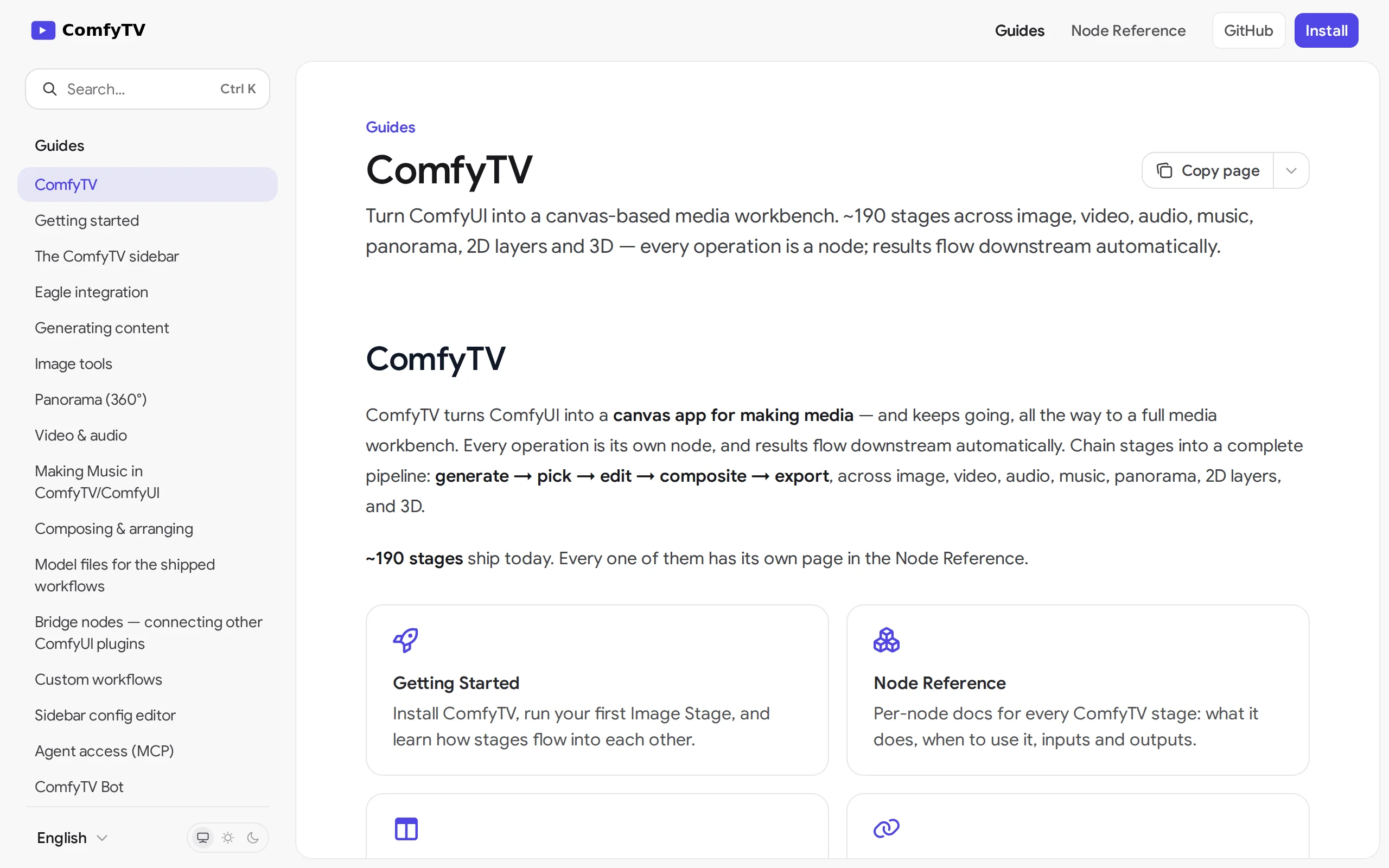
ComfyTV – Open-Source ComfyUI Plugin, Local Infinite Canvas Media Workbench
ComfyTV is an open-source ComfyUI plugin that operates entirely locally, transforming ComfyUI into an infinite canvas-style media workbench similar to TapNow and LibTV. Each operation on the canvas is...
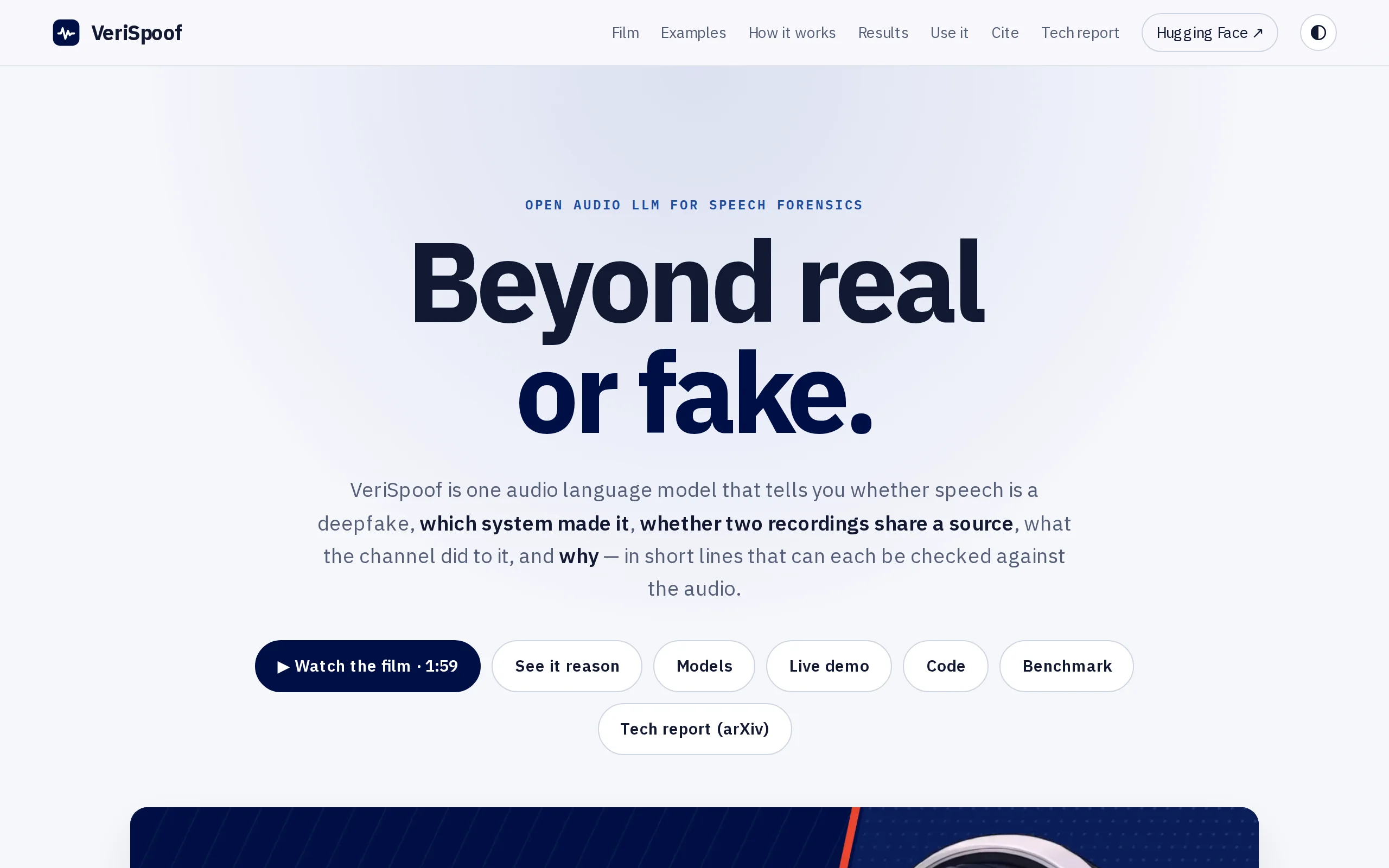
VeriSpoof: University of Melbourne's Open-Source Audio Large Model, a Unified Framework for Voice Forensics Analysis
VeriSpoof is an open-source audio large model developed by the University of Melbourne. With a parameter scale of 2.85B, it only trains 29.7M parameters, unifying the task of voice forgery forensics i...
© All Rights Reserved. Some content on this site is partially generated by AI with human review.