
BaoCut – Open-Source AI Video Agent Tool with Multilingual Dubbing Support
Executive Summary:
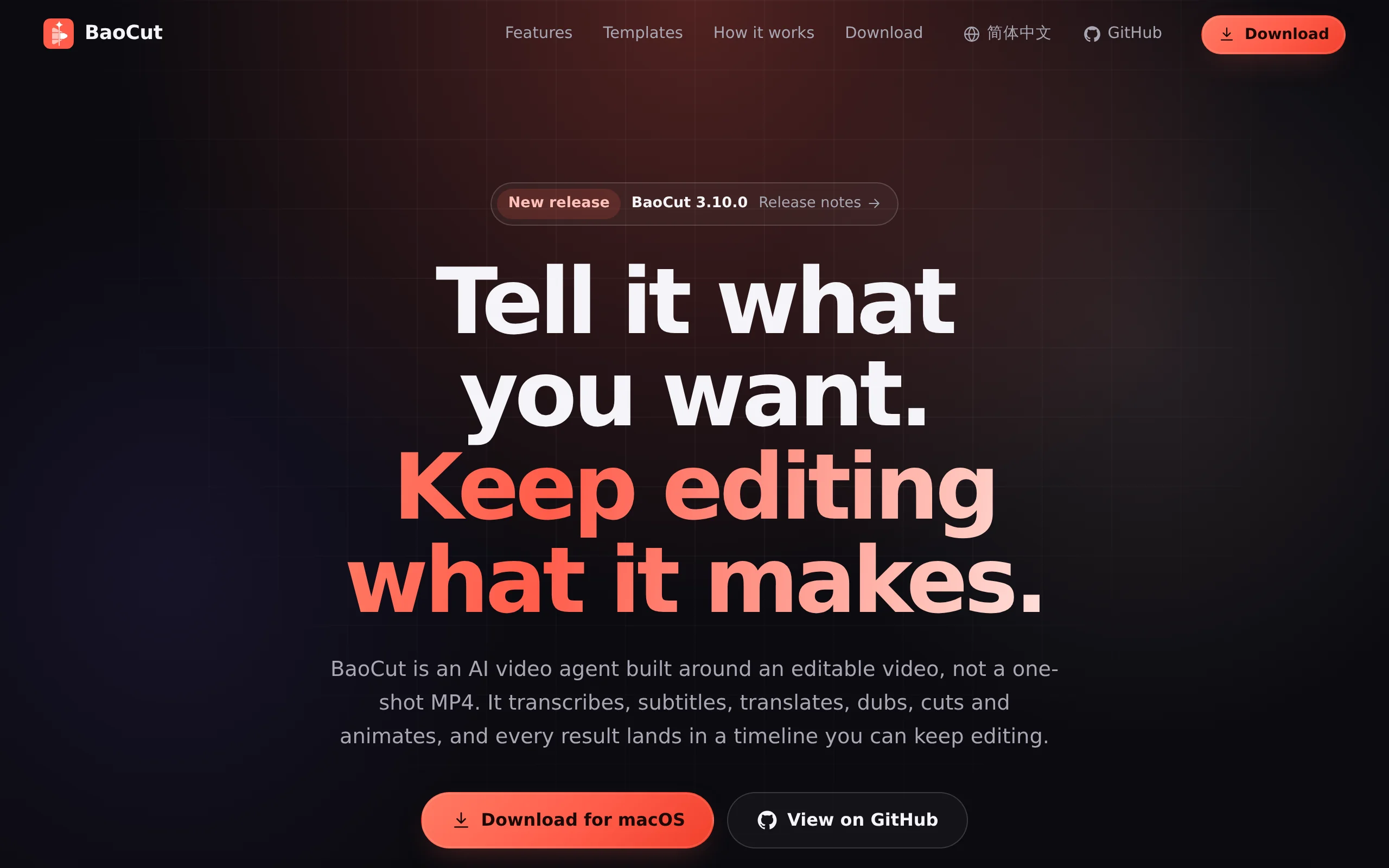
BaoCut is an open-source AI video Agent tool developed by JimLiu. Its core positioning is to use an "editable timeline" as an intermediate state, enabling human creators and AI Agents to collaborate w...
1. What is BaoCut
BaoCut is an open-source AI video Agent tool developed by JimLiu. Its core positioning is to use an "editable timeline" as an intermediate state, enabling human creators and AI Agents to collaborate within the same editor to complete video transcription, translation, dubbing, voice-over editing, and animation generation. Its most notable technical feature is "partial modification without re-rendering"—when a user edits a subtitle or replaces a clip, the system only reprocesses the affected segments, rather than re-rendering the entire video. BaoCut supports integration with mainstream Agent engines such as Claude Code, Codex, and Kimi Code. The model layer is fully decoupled, allowing it to run locally via MLX or whisper.cpp, or connect to over 15 cloud API providers.
Technical positioning and domain: BaoCut belongs to the "Agent-based editing" niche within the AI video production tool domain. It deeply integrates AI agents driven by large language models with professional video editing workflows, distinguishing itself from traditional timeline-based non-destructive editing software and one-click AI video generation tools. Its core innovation lies in introducing the Agent into the editor itself, allowing it to share the same command protocol, transaction mechanism, and undo stack with humans.
Development background: This project was initiated and open-sourced by JimLiu individually, using the BaoCut Community License agreement, which allows free commercial content creation. The developer has long focused on the intersection of AI programming assistants and video production tools, and the team has deep expertise in local model inference and multimedia processing pipelines. The open-source community has formed an active plugin and template ecosystem around this project.
Core value: BaoCut addresses two major pain points in AI video tools: first, inefficiency caused by full re-rendering, and second, collaboration difficulties resulting from the separation between Agent workflows and human editing processes. Through its architecture design that treats "video as the sole source of truth," all elements such as subtitles, dubbing, chapters, and animations reside within the timeline. MP4 and SRT files are only snapshots that can be exported at any time, fundamentally changing the iterative approach to video production.
Technical features: It employs a "animation as code" approach, where the Agent writes HTML-based dynamic graphics and bakes them into frames within the timeline; supports local model sharing over a LAN, allowing a local model on one machine to be used by other devices; includes 24 built-in scene templates, enabling the production of complete videos from a single prompt, thereby achieving an automated closed-loop from concept to delivery.
2. Key Features
Partial Modifications Without Re-rendering: This is the core technical feature that distinguishes BaoCut from traditional video editing tools. When a user edits a subtitle, replaces a clip, or revoices a narration, the Agent only processes the affected segments, leaving the rest unchanged and providing a change log detailing exactly what was modified. This mechanism significantly shortens the video iteration cycle, reducing re-rendering times that previously took tens of minutes down to seconds.
Video as the Single Source of Truth: All video elements—subtitles, voiceover, chapters, animations—are stored within the timeline. MP4 and SRT files are merely snapshots that can be exported at any time. This means that at any export point, users will get a finished product that exactly matches the current timeline state, eliminating the need to maintain multiple versions of project files.
Human-AI Collaborative Editor: Humans and the Agent use the same command protocol, transaction mechanism, and undo stack. Users can take over any editing operation currently being performed by the Agent, or hand off tasks at any point for the Agent to continue processing. This deep collaboration mechanism is relatively rare in existing video tools, greatly reducing the cognitive load when switching between human and AI workflows.
Agent Engine Plug-and-Play: Fully end-to-end verified support for Claude Code and Codex, with Kimi Code, Gemini CLI, and others integrated via the ACP protocol. Users are not locked into a specific vendor's Agent ecosystem and can choose the most suitable engine based on task type. Even multiple Agents can be used interchangeably within the same project.
Fully Decoupled Models: Supports local models via MLX, whisper.cpp, or cloud-based models from 15+ providers. Different models can be configured separately for transcription, translation, and voiceover tasks. Furthermore, users can share local models across devices on a local network, enabling resource reuse.
Cross-Language Voiceover and Subtitle Translation: The system translates sentence by sentence to generate original, translated, or bilingual subtitles, with any individual sentence editable at will. After translation, it automatically separates the voice from background audio, then synthesizes new audio tracks using cloned or preset voices, sentence by sentence, and places them on the timeline, achieving high-quality cross-language video localization.
3. How to Use
Download and Install: Visit the BaoCut official website (https://baocut.com/zh-hans/) to download the corresponding version. macOS Apple Silicon users can simply drag the application into the Applications folder; Windows users need to first install VC++ v14 Redistributable, then run the installer to complete the installation.
Install ffmpeg: The media transcription and export features rely on ffmpeg and ffprobe being available in the system PATH. The installer does not include these components, so they must be manually installed and ensured to be directly callable from the terminal. macOS users can install via Homebrew, while Windows users can add the directory containing the ffmpeg executable to the system PATH.
Log in to the Agent Engine: After launching the application, log in to Claude Code or Codex CLI in the settings. Other engines (such as Kimi Code, Gemini CLI) can be optionally configured. First-time login requires completing the OAuth authorization process.
Download Local Models: On the first use, download the required transcription and translation models from the settings interface. If using the cloud API mode, you need to configure the corresponding provider's API Key; if choosing the local network sharing mode, you must enable the sharing service on the host machine.
Create a New Session: On the Home page, describe your requirements in natural language, drag in video materials, or select a template. Specify the Agent engine and access mode (local/cloud). The system will automatically plan the processing steps and execute them progressively on the timeline.
Issue Instructions and Review Edits: Issue instructions in natural language (e.g., "Transcribe this video and add bilingual subtitles"), and the Agent will automatically break down the task and execute it. Users can preview the results in the timeline editor, click on any subtitle to make direct edits, or instruct the Agent to reprocess only a specific sentence.
Export and Deliver: After confirming the final video is error-free, export the MP4 video, SRT subtitle files, or a portable .baocut project package. The project package can be edited across devices, facilitating team collaboration and remote review.
4. Pros and Cons Analysis
| Pros |
|---|
| Partial modification without re-rendering: When modifying individual subtitle lines or clips, only the affected segments are processed, saving substantial rendering time and significantly improving video iteration efficiency, making it ideal for fine-tuning scenarios. |
| Agent engine flexibility: Supports multiple mainstream agents such as Claude Code and Codex, with unified access via the ACP protocol. Users are not locked into a specific vendor and can flexibly choose the engine based on the task. |
| Fully decoupled model: Choose between local MLX/whisper.cpp and over 15 cloud providers. Supports LAN model sharing, offering significant flexibility in terms of data privacy and cost control. |
| Video is the sole source of truth: All editing elements reside on the timeline, with MP4/SRT only serving as exportable snapshots. This avoids confusion from managing multiple versions and makes it easier to track each change. |
5. Comparative Analysis with Similar Tools
| Comparison Dimension | BaoCut | Jianying Hub (ByteDance) | Descript |
|---|---|---|---|
| Product Positioning | AI video Agent infrastructure, targeting developers and heavy creators | One-stop commercial creation platform, targeting the general public and professional creators | AI video editor, focusing on text-based editing for podcasts and voice-over videos |
| Core Paradigm | Editable timeline as an intermediate state, partial modifications without re-rendering | Infinite canvas + multi-track + AI scriptwriting Agent | Editor based on transcribed text, where text is the timeline |
| Open Source Status | Open source (Community License, free for commercial use) | Fully closed-source commercial product | Closed-source, with a free tier available |
| Agent Integration | BYO Agent: Claude Code, Codex, Kimi Code, etc., freely selectable | Can only use the built-in "Jianying Assistant," not replaceable | Built-in AI assistant, does not support external Agent integration |
| Model Selection | Local (MLX/whisper.cpp) + 15+ cloud providers, supports local network sharing | Can only use ByteDance's official cloud model service | Uses proprietary hosted models |
| Data Privacy | Local-first, Runtime runs on your own computer | Cloud-based, materials need to be uploaded to ByteDance servers | Cloud processing, with local transcription support (paid version) |
| Template Ecosystem | 24 built-in templates, more technical-oriented | Vast template, material, and music library ecosystem, with mature commercialization | Limited templates, excels in editor functionality |
| Target Users | Developers, technically-oriented creators, and enterprises with private deployment needs | Short video creators, MCNs, and commercial production teams | Podcast creators, voice-over video creators |
Selection Recommendations: For developers and technically-oriented creators who prioritize data privacy and require custom Agent integration and flexible model selection, BaoCut offers openness and programmability that current commercial tools lack. It is especially suitable for teams looking to integrate video production workflows into existing automation pipelines. Its Community License allows free commercial use of content creation, providing a clear cost advantage.
For non-technical short video creators and MCN organizations, Jianying Hub remains a more reliable choice. Its extensive template ecosystem, mature commercial material library, and robust cloud collaboration capabilities are more comprehensive, and it eliminates the need to deal with technical details such as ffmpeg installation and Agent configuration. If the focus is on podcast editing and voice-over video optimization, Descript's text-based editing experience is more intuitive in specific scenarios. Teams primarily engaged in cross-language video localization can weigh their options between BaoCut and WhisperStudio based on their investment scale and requirements for voice cloning quality.
6. Editor's Summary
BaoCut introduces a promising new technological direction in AI video production tools—deeply embedding the Agent within the editor itself rather than as an external assistant. Its architecture design of "local modifications without re-rendering" essentially transforms a traditional video rendering engine into an on-demand incremental computation system, a concept that aligns closely with incremental compilation in software engineering. This approach holds practical value when applied to the video domain.
From a practical standpoint, BaoCut's value is concentrated in two key scenarios: first, the cross-language video localization process is significantly simplified, with each step in the transcription-translation-voiceover workflow being independently adjustable. Work that previously required a professional team can now be accomplished by a single individual. Second, the precision editing efficiency of spoken-word videos is greatly improved. The automatic removal of filler words and redundant sentences maintains the integrity of the original material while reducing editing time to the minute level. These features directly address high-frequency needs for podcasters, educators, and interview content creators.
BaoCut's target audience shows a clear technical inclination. Developers can build customized video production pipelines based on its open architecture, while technically-oriented creators can leverage the Agent's flexible integration and model decoupling capabilities to find their own balance between privacy and cost. For general video creators, there is a certain configuration barrier to overcome, but as the project evolves and community documentation improves, this barrier is gradually decreasing. As an open-source project, BaoCut's iteration pace and community contributions are worth watching, especially in the areas of Agent collaboration protocols and incremental rendering. Its accumulated experience also provides reference value for similar tools within the industry.
7. Application Scenarios
Cross-language Video Localization: Hand over English tutorial or presentation videos to Agent, which automatically performs transcription, sentence-by-sentence translation, and voice cloning for dubbing, producing a localized version with bilingual subtitles. When a translation is inaccurate, users simply click on that sentence in the timeline to re-translate it, and the system will not re-render the entire video. This workflow is suitable for scenarios requiring multiple language versions, such as education and training, cross-border corporate internal training, and overseas market promotion.
Efficient Editing of Talk Videos: Recorded courses, interviews, or live stream replays can automatically identify filler words, long pauses, and irrelevant sentences, which are then removed from the timeline without affecting the original material. Creators first let Agent perform a rough edit, then manually fine-tune based on the timeline. Hours of raw audio can be processed into a tightly paced final talk video within minutes, ideal for podcast creators and knowledge-based content teams.
Long Video Splitting into Short Clips: Generate chapters, summaries, and highlight clips based on timestamped transcriptions. A one-hour podcast or lecture can be quickly split into multiple short segments suitable for platforms like Douyin and Xiaohongshu. Agent automatically identifies key sentences and generates clip previews, and the operations team only needs to confirm the export.
Rapid Production of Product Promotion Videos: Starting from a single brief, use built-in templates to let Agent complete scriptwriting, voiceover synthesis, video editing, and animation generation, exporting a 9:16 vertical promotional short video. Product teams no longer need to assemble a video production team and can quickly obtain multiple versions of materials for A/B testing.
Remote Team Collaboration for Video Review: After Agent makes changes on the local timeline, it generates a one-time Web link. Remote colleagues can directly open the editor in their browser to view the changes and provide feedback, without the need to transfer large engineering files. The entire review process is completed within the browser, making it suitable for distributed teams and external client confirmation stages.
8. FAQ
Q: Is BaoCut completely free?
A: BaoCut uses the BaoCut Community License, with open-source code and free content creation for commercial use. However, when using cloud-based Agent engines (such as Claude Code, Codex) or cloud model APIs, the respective service providers will charge fees according to their own billing rules. In local model inference mode, you only need to bear the cost of your own hardware.
Q: What hardware requirements does BaoCut have?
A: When running models locally, it is recommended to have at least 16GB of memory and be equipped with an Apple Silicon chip (optimized for MLX) or an NVIDIA GPU. Transcription and voice-over tasks require some amount of video memory, depending on the parameter size of the selected model. If your hardware configuration is limited, you can choose the cloud API mode or send local model requests to a device with better performance.
Q: How to achieve local network model sharing?
A: Enable the model sharing service in the settings to provide your local model to other devices over the local network. The receiving device can call the shared model by adding the shared model address within the same network. This feature is suitable for workflows where a single high-performance machine handles inference tasks, while multiple low-performance devices collaborate in production within a team.
Q: What video and audio formats does BaoCut support?
A: Format support depends on the installed version of ffmpeg on the system. Typically, it can handle mainstream video formats such as MP4, MOV, MKV, and WebM, as well as common audio formats like MP3, WAV, M4A, and FLAC. If you encounter an unsupported format, you can resolve it by transcoding and then importing the file.
Q: How to use the exported .baocut project package?
A: The .baocut format is a portable project format for BaoCut, containing timeline data, material reference relationships, and editing records. Copying this file to another device with BaoCut installed allows you to restore the complete project and continue editing. This format is suitable for team collaboration, remote review, and project archiving scenarios.
Q: How to switch Agent engines?
A: Select the target Agent engine in the settings and complete the login. BaoCut allows specifying different engines for different sessions within the same project. When switching engines, note that the support for tool calling may vary slightly between engines. It is recommended to test with small samples before critical tasks. Before official release, it is advisable to perform a full-process trial run with the new engine combination to ensure that all tool calls function properly before proceeding with large-scale production.
9. Project Links
- Product Website: https://baocut.com/
- Chinese Website: https://baocut.com/zh-hans/
- GitHub Repository: https://github.com/JimLiu/baocut
Related
Agensh – A Multi-Agent Collaboration Framework Introduced by Microsoft Research
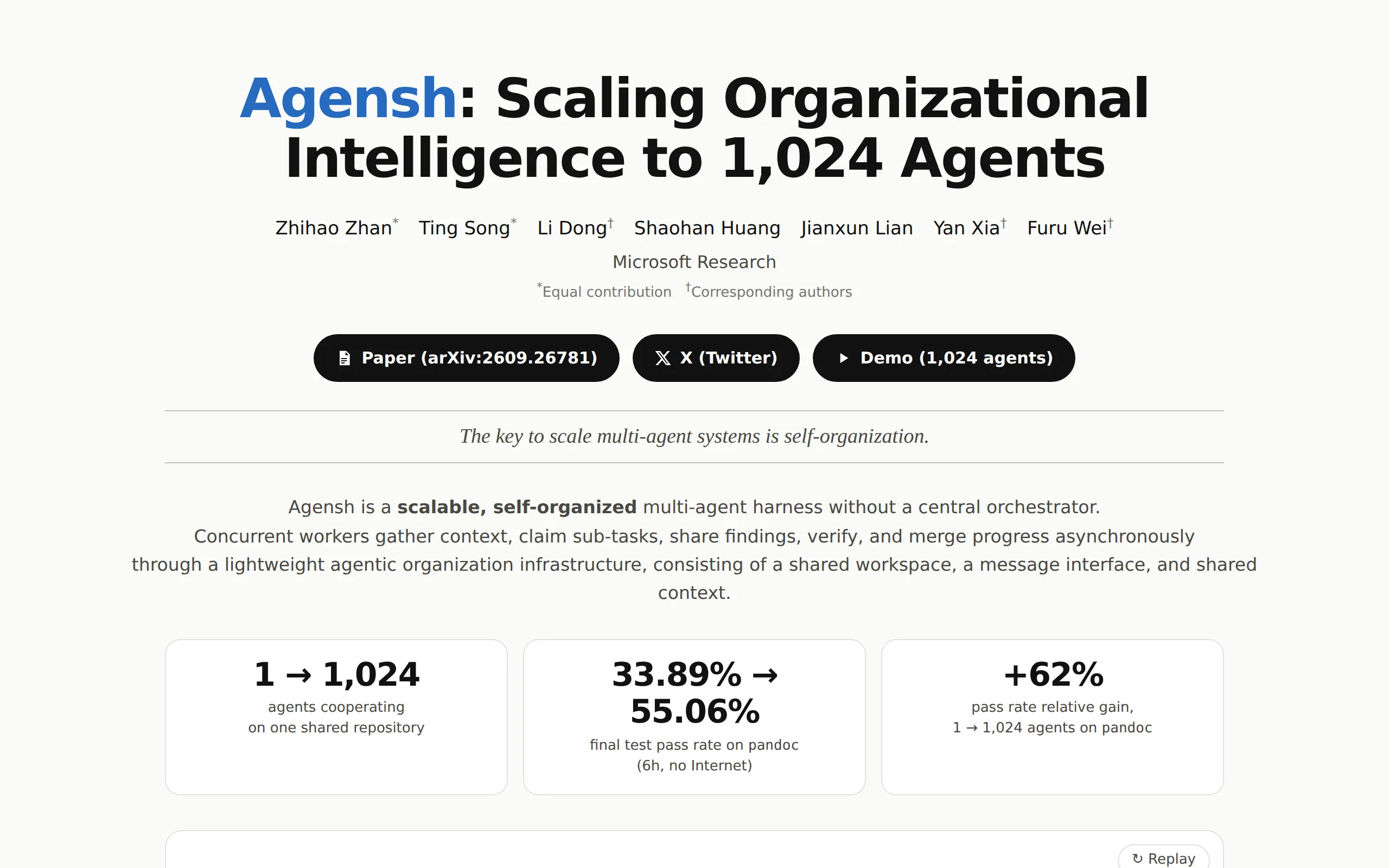
Agensh is a multi-agent collaboration framework introduced by Microsoft Research. Its core innovation lies in a fully decentralized organizational structure—where all agents follow a unified five-step...
Eleven Realtime: ElevenLabs' Architectural Breakthrough and Engineering Practices in Unified Voice Agent Models
Eleven Realtime is a unified voice agent model series introduced by ElevenLabs, featuring two versions: v1 Mini and v1 Max. Its core design philosophy is to integrate speech recognition (ASR), languag...
CleanYourTV – Open-Source Tool for Removing TV Ads and Clearing Bloatware
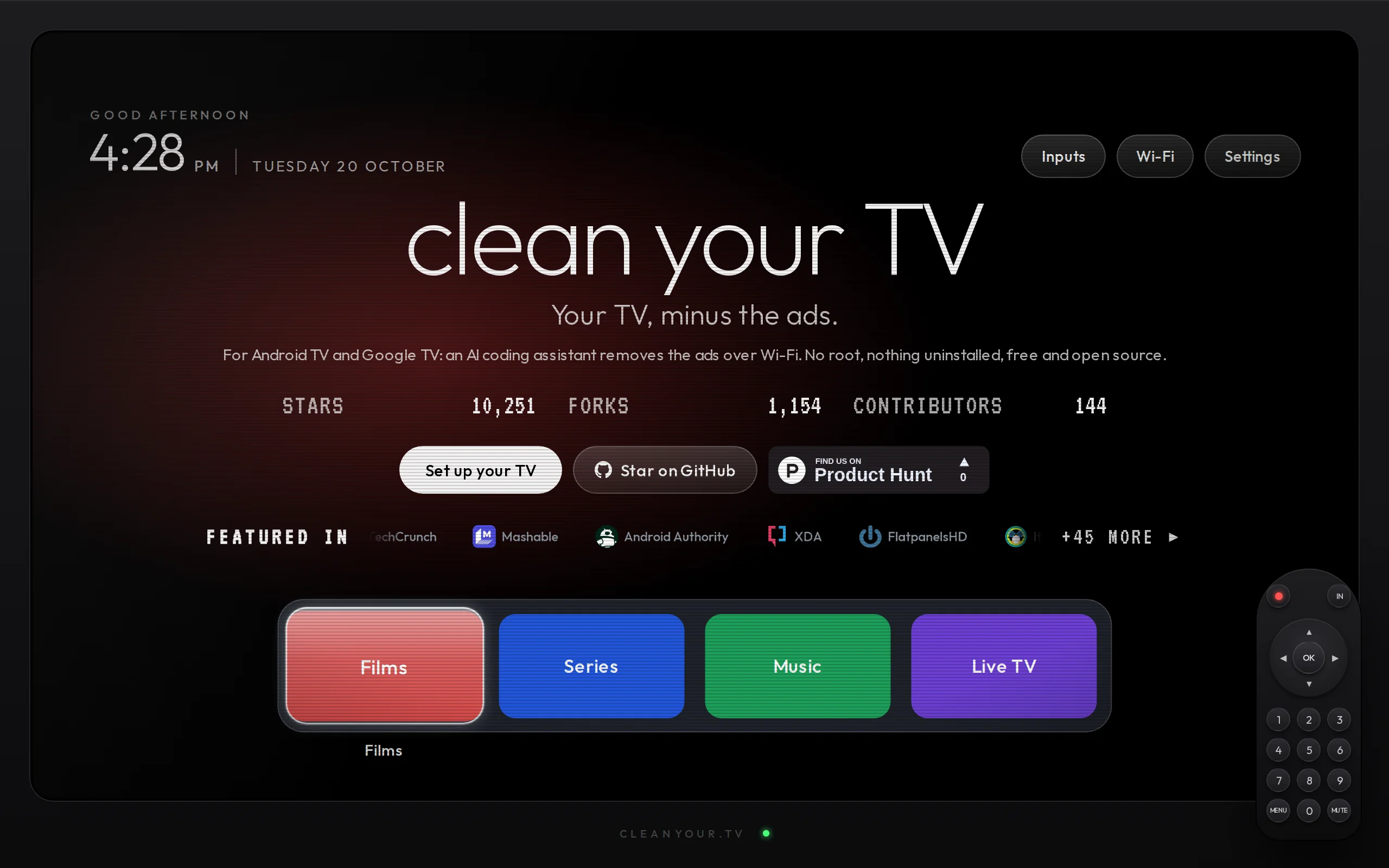
CleanYourTV is an open-source Android TV system optimization tool that connects to Android TVs via Wi-Fi using the ADB (Android Debug Bridge) protocol. It leverages AI Agents such as Claude Code, Code...
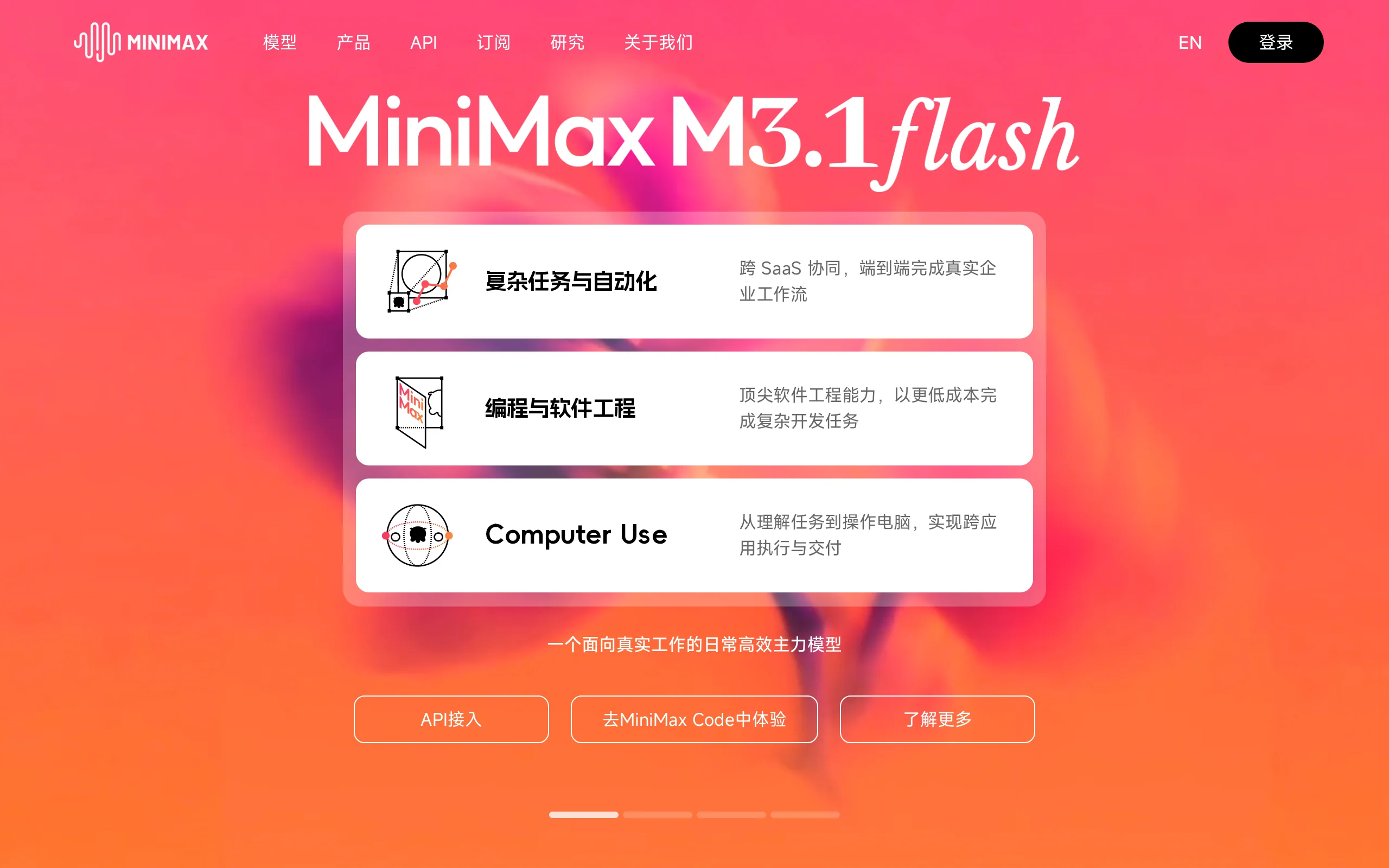
MiniMax M3.1 Flash – The Latest Flash Series Model from MiniMax
MiniMax M3.1 Flash is the new generation of the Flash series model launched by MiniMax in 2026. It made its debut under the anonymous name "Space Bunny" across major evaluation benchmarks, with a trai...
© All Rights Reserved. Some content on this site is partially generated by AI with human review.