
CleanYourTV – Open-Source Tool for Removing TV Ads and Clearing Bloatware
Executive Summary:
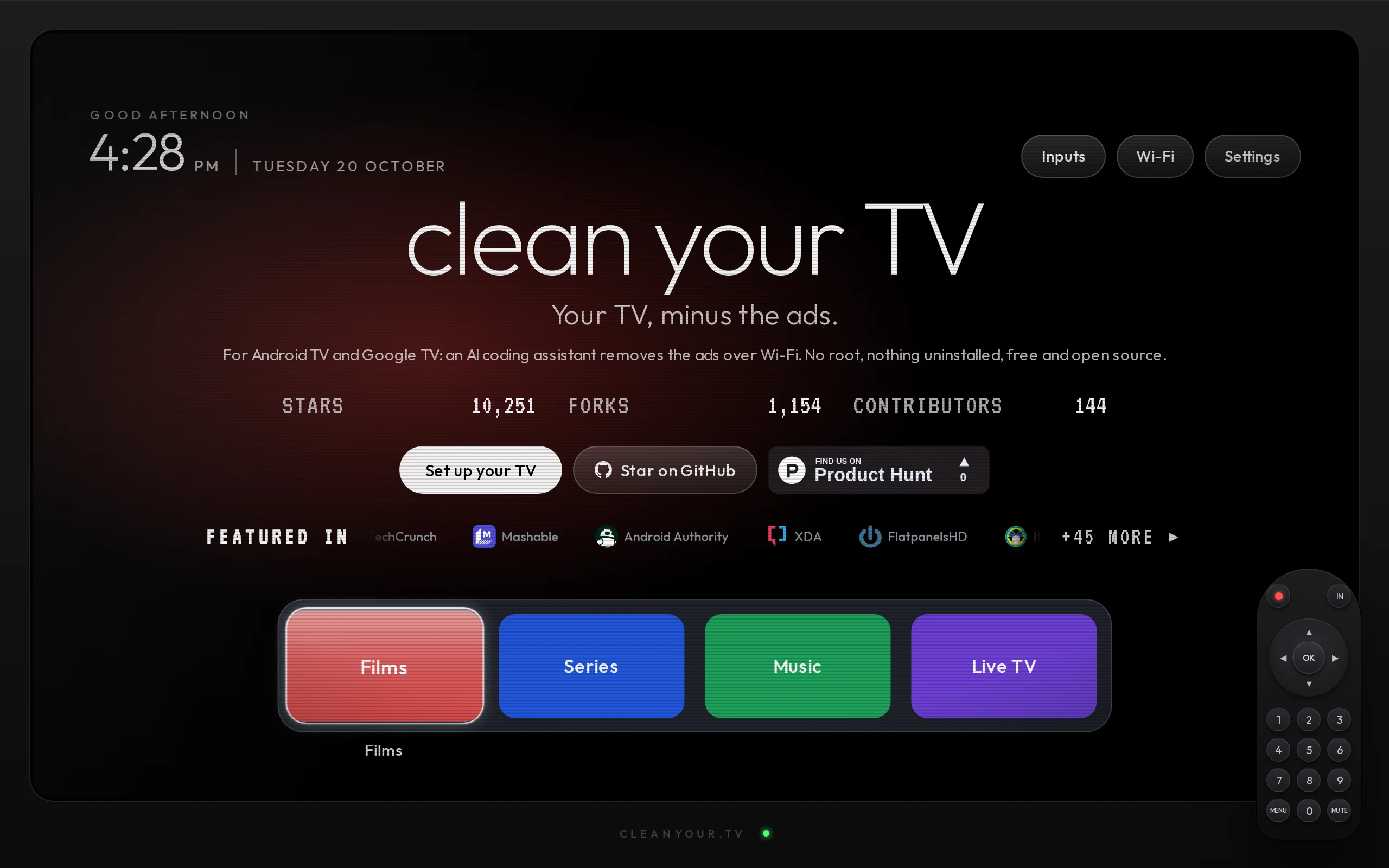
CleanYourTV is an open-source Android TV system optimization tool that connects to Android TVs via Wi-Fi using the ADB (Android Debug Bridge) protocol. It leverages AI Agents such as Claude Code, Code...
1. What is CleanYourTV
CleanYourTV is an open-source Android TV system optimization tool that connects to Android TVs via Wi-Fi using the ADB (Android Debug Bridge) protocol. It leverages AI Agents such as Claude Code, Codex, and Gemini CLI to automatically identify and disable pre-installed advertising apps, data telemetry services, and bloatware from manufacturers. At the same time, it installs a minimalist desktop launcher with a design similar to Apple TV. This tool requires no Root permissions and does not uninstall any system applications. Before performing any operations, it automatically backs up the package status of the software and supports one-click full restoration. Currently, CleanYourTV includes approximately 80 device-specific package lists, covering 28 Android TV brands such as TCL, Xiaomi, Sony, Hisense, and Philips, and 92 TV models. It also supports 16 different language interfaces.
Technical Positioning and Domain: It belongs to the category of Android TV system optimization and privacy protection tools, situated at the intersection of the smart TV application ecosystem and system-level tuning. Its unique positioning lies in combining AI Agents with automated ADB commands, reducing the technical barriers for TV system cleanup and enabling non-technical users to perform system optimization tasks that would traditionally require command-line operations.
Development Background: CleanYourTV was created and open-sourced by developer Gathin, with the project hosted on GitHub. The motivation behind its development stems from the widespread issues of ad推送 (ad push), data collection, and pre-installed redundant software on smart TVs—phenomena that significantly impact user experience and device performance. By utilizing the code execution capabilities of AI Agents like Claude Code, the developer has encapsulated complex ADB commands into automated workflows, forming this low-threshold solution.
Core Value: This tool addresses two major pain points of smart TVs: "slower performance over time" and "ad overload." Traditional cleanup solutions often require Root access, flashing firmware, or external devices, which are complex to operate and carry security risks. CleanYourTV disables applications using the pm disable-user command rather than uninstalling them, and combines this with an automatic backup and one-click restore mechanism, achieving system-level cleanup while ensuring safety. It provides a controllable optimization path for privacy-conscious users and families seeking a clean and simple experience.
Technical Features: The tool uses Wi-Fi-based ADB connection, eliminating the need for USB cables or additional hardware. It comes with approximately 80 brand and model-specific lists for out-of-the-box usability. The minimalist desktop launcher is only about 300-370KB in size, making it suitable for low-end or older TVs. The integration of an AI assistant makes it one of the few TV optimization tools currently available that is driven by natural language processing.
2. Key Features
Wireless ADB Connection and Remote Management: Establish an ADB connection between the computer and the TV over a Wi-Fi network, allowing users to perform system-level operations without physically touching the TV device. This mechanism is based on the network ADB debugging feature of the Android system. Once the TV is in developer mode, the tool can remotely execute commands such as disabling apps and installing desktop components, freeing users from the constraints of traditional USB cables.
AI Agent Automated Cleanup Process: Users simply need to paste the content of the
PROMPT.mdfile from the project into AI programming assistants like Claude Code, Codex, or Gemini CLI. The AI will then automatically complete the entire process, including connecting to the TV, identifying components, executing commands, and verifying results. The entire cleanup process takes approximately 15 minutes and requires no understanding of command-line syntax or Android system principles from the user.Precise Disabling of Ads and Tracking Components: The tool uses the
pm disable-usercommand to disable system components such as ad pushers, content recommenders, and telemetry data collectors that are pre-installed by the manufacturer, rather than uninstalling them directly. This method keeps the apps present in the system but prevents them from running, achieving the cleanup goal while avoiding stability issues that may arise from uninstalling system applications.Minimalist Desktop Launcher Replacement: Install a native Launcher with a size of approximately 300KB, featuring a clean interface similar to Apple TV. This replaces the original desktop, which is cluttered with sponsored content and recommendation streams. The new desktop is free of ads and pre-installed apps, with the Dock bar only retaining user-selected frequently used apps such as Netflix and YouTube, returning to the fundamental TV experience of "open and watch."
One-Click Backup and Full Restoration: Before each operation, the script automatically creates a backup of the current state of all system packages, saved as a JSON file. If users are unsatisfied with the cleanup results or need to restore the factory state, they can use the restoration script to fully restore all disabled applications, reverting to the original desktop and system settings, ensuring the process is reversible and risks are controllable.
3. How to Use
Environment Requirements and Prerequisites: You need a computer running Windows, macOS, or Linux, and an Android TV device that supports network ADB debugging. The computer and TV must be connected to the same Wi-Fi network. Before first use, install the ADB tool on your computer (available via Android SDK Platform-Tools), and prepare an AI assistant environment such as Clone Code, Codex, or Gemini CLI.
Clone the Project Repository: In the computer terminal, run
git clone https://github.com/Gathin23/cleanyourtv.gitto pull the project source code locally. Enter the project directory to view the file structure and confirm that core files such asPROMPT.md,config.yaml, and the cleanup script have been fully downloaded.Enable TV Developer Mode: Navigate to the location
Settings → About → Version Numberon the TV and press the OK button seven times consecutively. The system will prompt that you have entered Developer Mode. Then go toSettings → Developer Options, find theNetwork ADB DebuggingorWireless Debuggingoption and enable it. Also, note down the TV's IP address within the local network (typically found underSettings → Network).Configure Connection Parameters: Edit the
config.yamlfile in the project and enter the TV's IP address, brand, and model information. If using an AI assistant, you can also directly write the TV IP, brand, and model information into thePROMPT.mdinstruction that will be pasted to the AI, allowing the AI to automatically complete the configuration parsing.Launch the AI Assistant to Perform Cleanup: Copy and paste the complete content of
PROMPT.mdinto Claude Code, Codex, or Gemini CLI, instructing the AI to start the cleanup task. The AI will automatically call ADB to connect to the TV, read the pre-defined list, execute component disable commands, and install the minimalist desktop. The entire process takes approximately 15 minutes.Verify Cleanup Results: After the cleanup is complete, restart the TV and confirm that the ads are gone, the new desktop loads properly, and commonly used apps remain unaffected. If essential components were accidentally disabled, run the recovery script in the project to fully restore the system state from the previously backed-up JSON file.
4. Pros and Cons Analysis
| Pros |
|---|
| Zero hardware cost and wireless operation: Only requires a computer and TV to be connected to the same Wi-Fi network, using the ADB wireless protocol for operations. No USB drives, flashing boxes, or external devices are needed, making the deployment cost almost zero. |
No Root required, controllable risk: Instead of uninstalling system apps, it uses pm disable-user to disable them, combined with automatic backup and one-click recovery mechanisms. This makes the operation significantly safer than flashing or Root solutions, allowing for quick restoration even in case of accidental operations. |
AI-driven lowers the usage barrier: Users do not need to know ADB commands or Android system knowledge. Simply paste PROMPT.md into an AI assistant, and it will automatically complete the entire process, making it accessible even to non-technical users. |
| Ultra-lightweight launcher is friendly to older TVs: The Launcher is only about 300KB in size, with no ads or pre-installed apps, placing minimal burden on older TVs with less than 1GB of memory, significantly improving smoothness. |
5. Comparative Analysis with Similar Tools
To comprehensively evaluate CleanYourTV's positioning, we conduct a horizontal comparison with three representative Android TV optimization tools: Projectivity Launcher (third-party minimalist desktop), ADBLink (classic ADB management tool), and Universal Android Debloater (open-source PC-based bloatware removal tool).
| Comparison Dimension | CleanYourTV | Projectivity Launcher | ADBLink |
|---|---|---|---|
| Core Architecture | Python script + AI Agent-driven, based on ADB protocol | Standalone APK desktop application, runs on the TV | Desktop GUI application, manages devices via ADB |
| Automation Level | High, AI automatically identifies and executes the full process | Low, requires manual installation and configuration | Medium, graphical interface but requires manual step-by-step execution |
| Cleanup Mechanism | pm disable-user disables apps, reversible |
Does not involve app cleanup | Supports install/uninstall/disable, some operations are irreversible |
| Desktop Replacement | Built-in minimalist launcher (~300KB), Apple TV style | Provides full desktop replacement with rich features | Does not provide desktop replacement |
| Backup and Restore | Automatic JSON backup, one-click restore | Not applicable | Requires manual export of app list |
| Brand Compatibility | Built-in 80 device-specific lists, covering 28 brands | Compatible with all Android devices | Compatible with devices but no custom lists |
| Deployment Method | Requires a computer + AI assistant environment | Direct APK installation | Requires desktop software installation on a computer |
| Open Source License | Open source (GitHub) | Closed source | Closed source |
| Target Users | Users seeking full automation and AI-driven features | Users seeking aesthetically pleasing and functional desktops | Users who prefer manual graphical control |
Selection Recommendations: For home users who prioritize ease of use and automation, CleanYourTV is the most suitable option—no need to learn ADB commands, as the AI assistant can handle everything, and the automatic backup system significantly reduces operational risks. If the main requirement is simply to replace the desktop with a more attractive interface without concern for ad removal, independent desktop applications like Projectivity Launcher are lighter and more straightforward. For tech enthusiasts familiar with ADB commands, Universal Android Debloater offers more precise batch processing control, but users must manually determine which system apps can be safely disabled, making it unsuitable for beginners.
6. Editor's Summary
CleanYourTV has found a unique entry point in the field of TV optimization tools: by organically combining the natural language understanding capabilities of AI Agents with the system control capabilities of ADB, it has created a completely new interaction paradigm. From a technological innovation perspective, its clever design lies in using PROMPT.md as a dual interface between users and AI, as well as between AI and the system — users do not need to understand technical details, and the AI, acting as a smart agent, completes all tasks from environment detection to command execution. This design approach offers significant reference value for managing smart home devices and demonstrates the application potential of AI Agents in system-level tools.
In terms of practical value, CleanYourTV precisely addresses the widespread issues in the smart TV industry, such as excessive advertising and performance degradation. As the family entertainment hub, the user experience of TVs has long been constrained by manufacturers' business models — boot-up ads, recommendation streams, and background telemetry have become standard features. This tool safely and reversibly restores user control over the device, while also transforming traditional system cleanup, which typically requires technical expertise, into an operation that ordinary users can easily perform, with zero hardware cost and an automated process taking approximately 15 minutes.
The target audience for CleanYourTV is quite broad: ordinary home users annoyed by TV ads, young people who want to clean their parents' TVs, users with low-end older TVs seeking a smooth experience, and tech enthusiasts who value family data privacy. The project is currently in a rapid iteration phase, and with the addition of more brand and model lists and the enhancement of AI assistant capabilities, its coverage and level of automation are expected to improve further. For the smart TV ecosystem, CleanYourTV represents a user-driven, privacy-first optimization direction, and it is worth keeping a close eye on.
7. Application Scenarios
Removing Ads from Elderly Users' TVs: Many senior users often feel overwhelmed by TV startup ads and complex recommendation streams. After cleaning with CleanYourTV, the TV boots directly to the content interface, greatly simplifying the operation path. Seniors no longer need to navigate through layers of ads to access Netflix or live TV apps, significantly reducing the difficulty of daily use.
Revitalizing Old TVs and Low-End Set-Top Boxes: TVs or entry-level set-top boxes with only 1GB of memory often experience noticeable lag when running multiple tasks. By disabling background telemetry services and pre-installed redundant apps with CleanYourTV, system resources are freed up, resulting in much smoother device performance. This extends the effective lifespan of the hardware and reduces the need for frequent replacements due to lag.
Minimalist Living Room Entertainment Center: For users who prefer minimalist design, CleanYourTV offers an Apple TV-style clean desktop that transforms the TV from a "content recommendation terminal" back into a pure "media playback tool." The Dock bar retains only high-frequency apps like Netflix and YouTube, removing all distracting elements and aligning with the "open and watch" philosophy.
Network Purification for Privacy-Conscious Families: Smart TV manufacturers often collect viewing habits and online behavior through pre-installed apps. After disabling telemetry components and tracking services in bulk with CleanYourTV, and combining it with Private DNS to block tracking domains, it effectively reduces the leakage of family privacy data, creating a safer home network environment.
Fixing the Issue of TVs Becoming Slower Over Time: Over time, TV system components gradually expand, and background services wake each other up, consuming all available resources. Using CleanYourTV to clean up system components and auto-start services that run in the background can restore a laggy TV to a factory-like smooth state, without the need to perform a factory reset that would erase user data.
8. FAQ
Q: Will CleanYourTV affect normal usage and system updates after cleaning the TV?
A: CleanYourTV mainly disables components related to ads, telemetry, and content recommendations, and does not affect the TV's core playback, settings, and network functions. Since it uses pm disable-user instead of uninstalling, system updates are typically unaffected. If a disabled component is re-enabled during a system update, you can simply re-run the cleanup script. In rare cases where you need to restore all components, you can use the backup script to restore them with one click.
Q: Can I use CleanYourTV if my TV model is not on the preset list?
A: Yes. The built-in list is mainly for convenience in automation, but the core cleanup logic is generic. Users can manually specify the application package names to check in the AI assistant's instructions, or adjust the list based on similar models. It is recommended to first check the community for solutions for similar models from the same brand, or to perform a backup before attempting cleanup to ensure safety.
Q: What technical prerequisites are needed to perform the cleanup using the AI assistant?
A: In principle, no command-line experience is required. Users only need to complete three simple tasks: cloning the Git repository, enabling the TV's developer mode, and entering the IP address. The rest of the process is fully automated by the AI. If you have no technical experience at all, you can download the ZIP archive instead of cloning the repository, keeping the overall operation threshold low.
Q: What is the difference between CleanYourTV and uninstalling an application? Are the applications still present after being disabled?
A: Disabling (pm disable-user) is fundamentally different from uninstalling: after disabling, the application remains on the system but cannot be run, does not consume foreground resources, and can be re-enabled when needed. Uninstalling removes the application files completely, which may cause related system functions to malfunction, and some system applications may not be recoverable. CleanYourTV chooses the disabling mechanism precisely to ensure the reversibility of the operation and system stability.
9. Project Links
- Product Website: https://cleanyour.tv/
- GitHub Repository: https://github.com/Gathin23/cleanyourtv
Related
MiniMax M3.1 Flash – The Latest Flash Series Model from MiniMax
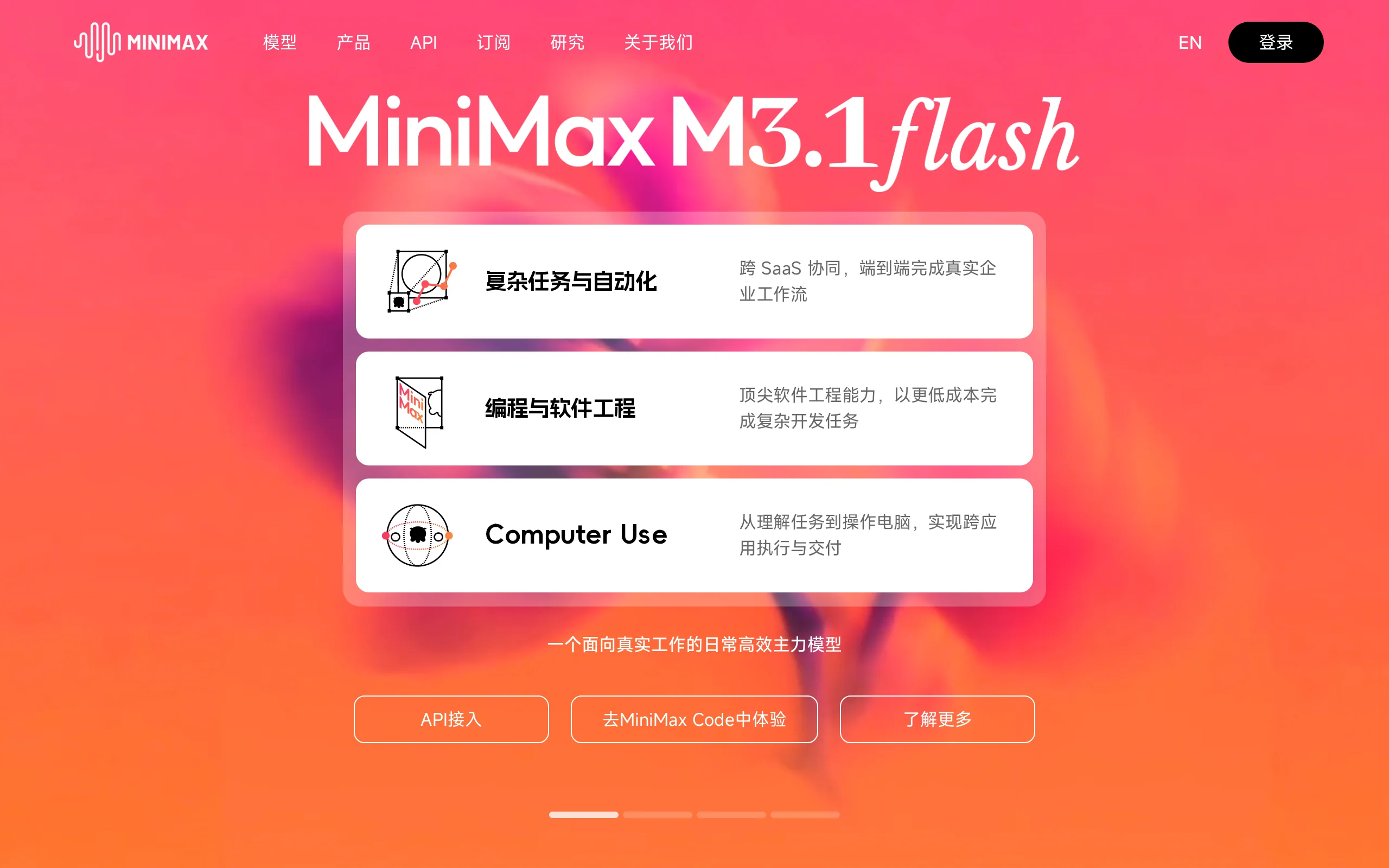
MiniMax M3.1 Flash is the new generation of the Flash series model launched by MiniMax in 2026. It made its debut under the anonymous name "Space Bunny" across major evaluation benchmarks, with a trai...
Hy Memory 2.0 – Tencent HunYuan's Open-Source Agent Memory Framework
Hy Memory 2.0 is an open-source agent memory framework developed by Tencent HunYuan, featuring a three-tier architecture: "model + framework + application." It includes the Hy-Memory-30A3B model speci...

BlenderWorld – Qwen's Open-Source 3D Creation Agent Evaluation Benchmark
BlenderWorld is an evaluation benchmark for 3D creation agents, jointly developed by the Qwen team with Zhejiang University, The Chinese University of Hong Kong, Fudan University, and National Univers...
Muse Spark Open – In-Depth Review of Meta's Open-Source Multimodal Large Model
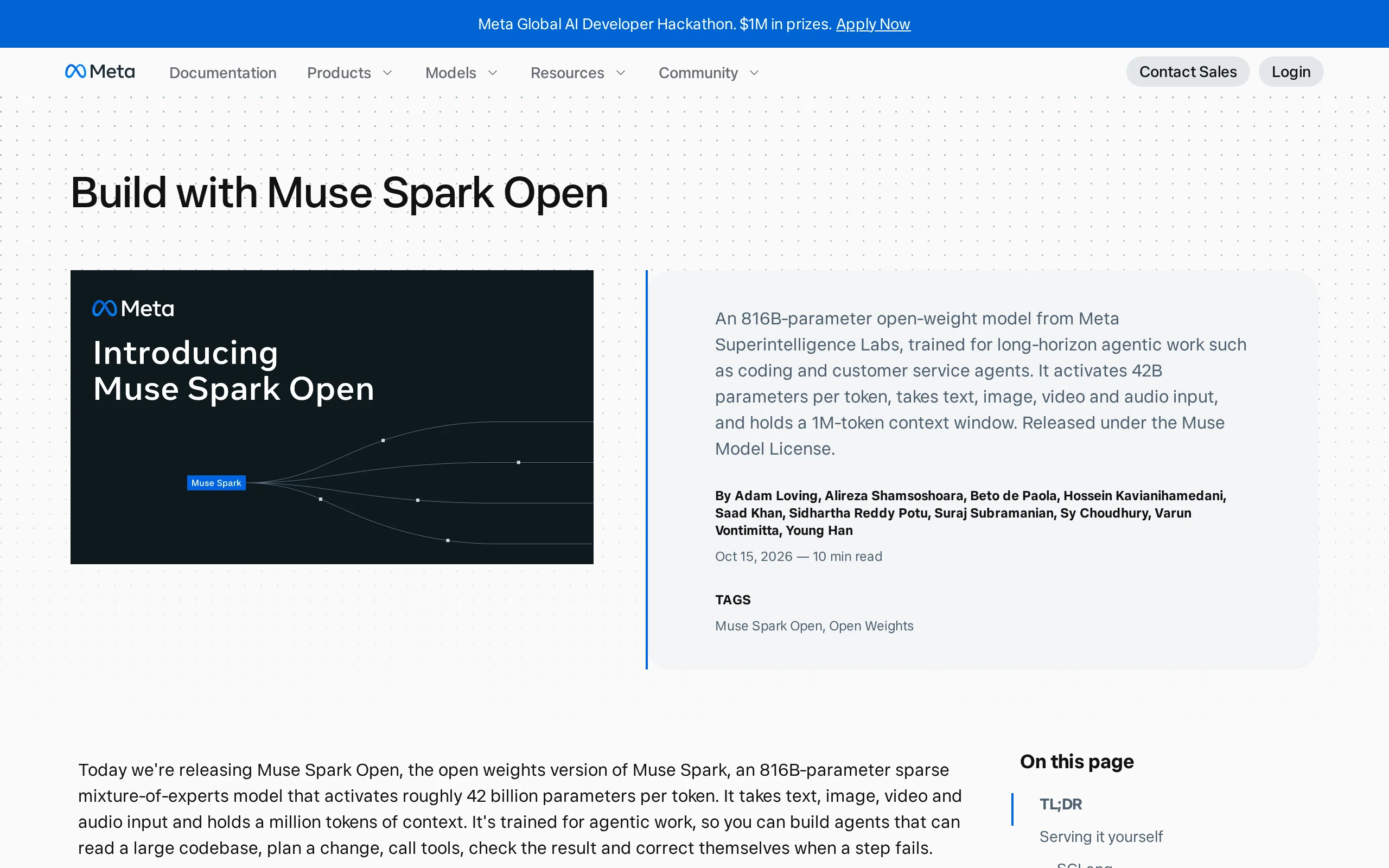
Muse Spark Open is Meta's latest open-source multimodal large model, built using a sparse Mixture-of-Experts (MoE) architecture. It has a total parameter count of 816 billion, with only 420 billion pa...
© All Rights Reserved. Some content on this site is partially generated by AI with human review.