
Doory – Open-Source Online Design Editor, an Open-Source Alternative to Canva
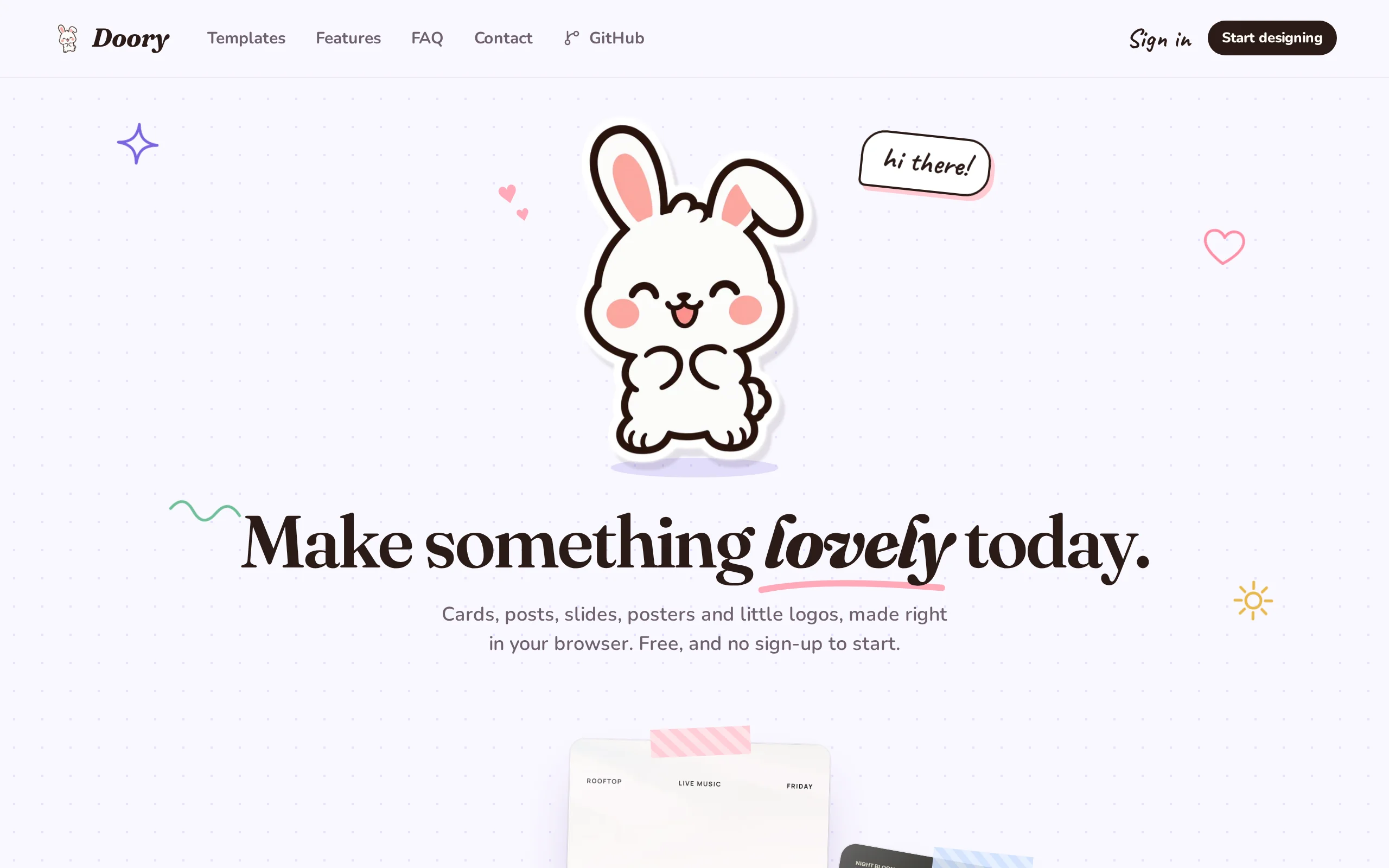
Executive Summary:
Doory is an open-source online design editor, positioned as an open-source alternative to Canva. It runs entirely in the browser, requiring no client installation, and enables the creation of various ...
1. What is Doory
Doory is an open-source online design editor, positioned as an open-source alternative to Canva. It runs entirely in the browser, requiring no client installation, and enables the creation of various design types such as posters, social media images, resumes, PPTs, and business cards. The tool supports exporting to PNG/JPG/SVG/PDF formats, as well as animated formats like MP4/WebM/GIF. It includes built-in real-time collaborative editing, animation effects, and one-click background removal, and can be privately deployed using Docker. Doory is free for all users, with no ads, and is particularly suitable for small and medium-sized teams looking to build their own design platform. Its core design philosophy is to provide users with the full functional chain of commercial design software in an open-source format, allowing the use of design tools without being constrained by cloud subscriptions or data hosting.
Technical positioning and domain: Doory belongs to the domain of frontend graphic editing and collaborative tools. It leverages Fabric.js to provide pixel-level canvas editing capabilities and integrates Yjs to achieve real-time multi-user collaboration. It is positioned between professional design software and lightweight online tools, retaining advanced features such as layers, masks, and timelines while reducing the learning curve through templates and drag-and-drop interactions. In terms of AI integration, Doory runs the background removal model locally in the browser, which is a typical use case for on-device inference, balancing response speed and data privacy.
Development background: Doory was initiated and open-sourced by developer shaongitbd, with the project hosted on GitHub. The motivation behind its development stems from the limitations of commercial tools like Canva in pricing, data control, and functional customization—high subscription costs, design files hosted on third-party servers, and limited depth in customization. Doory is released under an open-source license (Attribution Assurance License), allowing users to freely access the source code and run the full design service on their own infrastructure. This reflects the current demand in the open-source community for self-controlled and autonomous design tools.
Core value: The core problem that this tool addresses is data sovereignty and cost control in design workflows. Through one-click deployment with Docker, teams can store all design files and uploaded assets on their own servers and integrate with S3 object storage, completely avoiding the risk of data being hosted on third-party platforms. At the same time, Doory provides a level of functional completeness close to commercial products—from layer management and mask filters to animation timelines, presentation mode, and version history, making it a viable functional alternative to commercial design software.
Technical features: Architecturally, it adopts a front-end and back-end separation model, with the front-end handling canvas rendering and interaction, and the back-end built on Django to provide data persistence and API services. Its differentiating capabilities are concentrated in three areas: real-time collaborative editing based on Yjs reaches commercial-grade standards, AI background removal is fully executed locally; multi-format export covers both static and dynamic outputs, including transparent background PNGs and video formats; and the modular data import mechanism supports batch synchronization of templates, icons, fonts, and audio.
2. Key Features
Pixel-level Canvas Editing: Built on Fabric.js, the canvas engine supports multi-page and multi-size design, offering alignment guides, auto-snapping, and ruler tools. Users can precisely control the position and size of elements, meeting a variety of canvas needs—from social media images to presentations. Pixel-level control ensures output accuracy.
Complete Layer Management System: Each element on the canvas can be managed as an independent layer, with support for renaming, locking, hiding, grouping, and drag-and-drop sorting. Right-click menus allow direct adjustment of layer hierarchy, making the organization of complex designs clear and controllable, closely resembling the operation logic of professional desktop design software.
Text Tools and Font Ecosystem: Offers title text, curved text, text effects, and font pairing capabilities. It includes an open-licensed font library and supports uploading custom fonts. Curved text and text effects provide more creative possibilities for layout design, while font pairing suggestions reduce the design decision burden for non-professional users.
Local AI One-Click Background Removal: The background removal model is directly deployed to run locally in the browser, allowing foreground separation without uploading images to a server. This design significantly reduces processing latency and prevents design assets from being exposed during transmission, achieving a good balance between AI functionality and privacy protection.
Animation Creation and Timeline Editing: Includes 27 entrance/exit animations, 12 emphasis effects, and 16 page transitions, along with a timeline editor. Users can finely control the animation sequence, duration, and trigger methods of elements, and export animation effects as video formats, suitable for creating dynamic social media content.
Multi-format Export: Supports exporting to static formats such as PNG (with transparency channel), JPG, SVG, and PDF. Animated works can be exported as MP4, WebM, or GIF. The wide range of export formats enables design outputs to flexibly adapt to different delivery scenarios, including web, print, presentations, and video.
Real-time Collaborative Editing and Permission Management: Implements multi-user simultaneous editing of the same canvas using Yjs, supporting real-time cursor display, comment interaction, and version history rollback. Shared links can be set with access passwords and three-tier permissions: "View Only," "Comment Only," or "Editable," providing a complete workflow support for team collaboration.
Rich Built-in Asset Library: Comes with approximately 25,000 open-licensed icons, emojis, and illustration resources. It also supports uploading local images and applying masks and filters. The built-in assets lower the barrier to entry for starting from scratch, while the upload capability ensures the extensibility and personalization of asset sources.
3. How to Use
Doory provides two usage options: online experience and Docker private deployment. The former is suitable for quick personal trials, while the latter is ideal for teams building their own design platform.
Online Quick Experience: Directly visit the official website (https://doory.art/) to access the template gallery. Users can browse or search for starter templates, click "Use this template" to enter the editor, or choose a blank canvas to start creating from scratch. In guest mode, design works are automatically saved locally in the browser, and all core editing features can be fully experienced without registration.
Editing and Design Operations: Click on any element on the canvas to modify it. Use the left sidebar to add text, shapes, stickers, images, animations, and audio element objects. The top toolbar provides access to adjust properties such as font, color, and size. The layer panel allows management of element order, visibility, and grouping. After completing the design, click the download button and choose PNG/JPG/SVG/PDF or MP4/WebM/GIF for multi-format export.
Registration and Cloud Synchronization: After clicking "Sign up" to register an account, you can migrate works saved locally in guest mode to the cloud with one click, enabling cross-device access and persistent storage. Registered users can also generate sharing links via the "Share" button in the top-right corner, set passwords and access permissions (view only / comment allowed / edit allowed), and invite others for real-time collaborative editing.
Docker Private Deployment — Getting the Code and Basic Configuration: First, clone the GitHub repository to the target server and copy the
.env.examplefile to.env. Generate theDJANGO_SECRET_KEYin.envusingopenssl rand -base64 48, and set key environment variables such asPOSTGRES_PASSWORD. This method ensures the security of backend database access.Starting the Service and Creating an Administrator: Run
docker compose up -d --buildin the project root directory and wait for the containers to complete building. Then executedocker compose exec api python manage.py createsuperuserto create a backend administrator account, which will be used for subsequent content management and asset uploads.Content Initialization and Access: Run management commands such as
seed_templates,seed_elements,sync_fonts,sync_element_packs, andsync_audioin sequence to import the basic templates, icons, fonts, and audio resources required by the system. After initialization is complete, accesshttp://localhost:8080in your browser to begin design creation. Administrators can log in to the backend to upload custom templates and assets, building a design resource library tailored for the team.
It is worth noting that for private deployment, it is recommended to use a Linux server with at least 4GB of memory and ensure that the Docker and Docker Compose versions meet the corresponding compatibility requirements. In production environments, it is advisable to configure an additional HTTPS reverse proxy to ensure secure data transmission.
4. Pros and Cons Analysis
| Pros |
|---|
| Data autonomy and control: Supports one-click private deployment via Docker, with all design files and uploaded materials stored on your own servers. It can integrate with S3 object storage, completely eliminating the risk of data being hosted on third-party platforms. This is particularly important for industries with high data sensitivity. |
| High completeness of features: Offers a full range of functionalities including layers, masks, filters, curved text, animation timelines, audio, presentation mode, and version history, covering the complete creative workflow from static design to dynamic presentation, achieving the same depth as commercial design software. |
| On-device AI image segmentation: The background removal model runs directly on the local browser, allowing image processing without uploading to the server. This significantly reduces inference latency while ensuring that design assets remain on the local machine, balancing performance and privacy. |
| Real-time collaboration at commercial level: Based on Yjs, the multi-user collaboration feature supports real-time cursors, comments, version history, and three-tier permission management, offering a collaboration experience comparable to commercial products. External collaborators can be invited via password-protected links. |
| Open source, free, and ad-free: Released under the Attribution Assurance License open-source protocol, all features are completely free after self-hosting via Docker, with no subscription fees or ads. Long-term usage costs are significantly lower than commercial subscription services. |
5. Comparative Analysis with Similar Tools
| Comparison Dimension | Doory | Canva | Photopea |
|---|---|---|---|
| Open Source Attributes | Open source (Attribution Assurance License), code is accessible and supports secondary development | Closed-source commercial software, no access to source code | Closed-source free, core code not public |
| Private Deployment | Supports one-click deployment via Docker to your own server | Only available on official cloud service, no self-hosting option | Does not support self-hosting, only online use |
| Data Control | Files are stored on infrastructure you control, can integrate with S3 | Data is hosted on Canva servers | Files are processed locally in the browser by default, servers only act as a relay |
| Usage without Login | Supports guest design, projects are saved locally in the browser | Must register an account to use | Can be used directly online without registration |
| Real-time Collaborative Editing | Supported, based on Yjs, includes real-time cursor, comments, and version history | Supports team collaboration, mature ecosystem | Does not support real-time multi-user collaboration |
| Animation and Video Export | Supports exporting MP4, WebM, GIF | Supports animation and video export | Does not support animation export, only static images |
| Background Removal | On-device model, runs locally in the browser | Cloud-based processing, free version has limitations | Does not support native image segmentation |
| Template and Asset Scale | 10 starter templates, approximately 25,000 icons/Emojis, supports self-expansion | Millions of templates, mature ecosystem | No built-in templates, relies on external assets |
Selection Recommendations: For teams that prioritize data sovereignty and long-term cost control, Doory's private deployment and open source attributes offer clear advantages, especially for sensitive industries (finance, government, healthcare), where keeping design files within the internal network is a strict requirement. Its collaborative editing capabilities and animation export features cover most daily operational design scenarios, and with Docker deployment, it can quickly establish an internal design service platform. If a team requires a high level of template richness and out-of-the-box experience, Canva remains a more convenient option, but it requires accepting the constraints of subscription fees and cloud-based data hosting. For teams requiring UI/UX design and emphasizing design standard collaboration, Figma's professional capabilities are more suitable for product design workflows, while Doory is more oriented toward marketing materials and social media content production. Photopea is ideal for individual users who need Photoshop-style detailed image editing but prefer not to install desktop software; however, it cannot match Doory in terms of collaboration and animation capabilities.
6. Editor's Summary
Doory is entering the online design market through an open-source approach, finding a notable balance between data sovereignty and functional completeness. From a technical architecture perspective, it combines the Fabric.js canvas engine with the Yjs collaboration protocol, along with browser-side local AI image segmentation inference, forming a lightweight yet functionally deep technology stack. This combination gives Doory both the collaborative experience of commercial software and the capability characteristics of on-device AI—local inference not only reduces latency but also eliminates privacy concerns related to uploading design assets to third-party servers, demonstrating a pragmatic approach to technical selection in the implementation of AI features.
In terms of practical value, Doory addresses a long-standing challenge for small and medium-sized teams: the subscription costs and data hosting issues associated with Canva, as well as the high engineering barriers of developing their own design tools. Through Docker one-click deployment, a complete design platform with layer management, animation timelines, multi-format export, and multi-user collaboration can be set up within a few hours—an efficiency that is relatively rare in open-source projects. Its modular data synchronization mechanism (CLI import for templates, icons, fonts, and audio) also provides a clear path for teams to build their own private design asset libraries.
Doory's current shortcomings are equally clear—it is in an early stage, with limited initial scale of templates and assets, and brand asset management and team-level configuration capabilities still need to be built in-house. This means that teams adopting Doory must be willing to invest in content development and have some technical operations capabilities. In terms of target users, this tool is most suitable for small and medium-sized teams with technical capabilities, startups, individual design studios, and organizations with compliance requirements for data security. For individual users seeking a ready-to-use platform with a vast library of templates, commercial products remain the more convenient option.
Overall, Doory reflects a trend in open-source design tools to align with commercial products in terms of functionality—it is no longer limited to simple image editing, but directly competes with commercial tools in areas such as collaboration, animation, and AI capabilities. As the number of community contributors increases and the product continues to evolve, these tools will continue to gain prominence in the design infrastructure of small and medium-sized teams. Its development is definitely worth long-term attention.
7. Application Scenarios
Internal Design Platform for Small Teams: Marketing and operations personnel can create posters, promotional images, and social media visuals directly through the browser, without requiring any foundational knowledge of professional design software. Teams can share the built-in asset library and custom templates, establishing a unified visual standard. After deployment on their own servers, team members can access the design platform at any time via the browser. Design resources are centrally managed, and version updates are orderly.
Private Design Environment for Data-Sensitive Organizations: For organizations in finance, government, healthcare, and other sectors with strict data security requirements, Doory can be deployed within the internal network using Docker. All design drafts and uploaded assets remain within the internal network boundary. Combined with AI-powered image segmentation capabilities running locally in the browser, the entire design process—from asset upload to final export—can be completed within an isolated environment, meeting compliance and audit requirements.
Zero-Cost Alternative to Commercial Design Subscriptions: Startups and individual studios can build their own alternative solution using Docker, eliminating the need for annual design tool subscription fees that can cost hundreds of dollars. After private deployment, the full feature set—including layer management, animation creation, multi-format export, and collaborative editing—is available for free, with no feature restrictions or ads. Once deployed, it can be used long-term, with marginal costs approaching zero.
Real-Time Multi-Person Collaboration and Review Workflow: By generating password-protected sharing links, clients or colleagues can be invited to view, comment on, or directly edit design drafts online. Real-time cursor and comment features allow for immediate feedback from multiple parties, replacing the traditional back-and-forth process of "design draft - screenshot - email feedback - revisions." Version history ensures that every change can be traced back, maintaining control over the collaboration process.
8. FAQ
Q: Is Doory completely free? Are there any restrictions on commercial use?
A: Doory is completely free and ad-free, and its open-source license allows for commercial use. After users deploy it privately using Docker, all features are fully available without the need for a subscription or payment. However, it uses the Attribution Assurance License, so when redistributing or modifying the source code, users must comply with the corresponding license terms.
Q: What server configuration is required for private deployment?
A: The official recommendation is to use a Linux server with at least 4GB of memory and Docker and Docker Compose installed. Actual resource consumption depends on the number of concurrent users and the complexity of the design drafts. For production environments, it is advised to configure an HTTPS reverse proxy to ensure secure transmission and to regularly back up the PostgreSQL database.
Q: What file formats does Doory support for import and export?
A: Export supports static formats such as PNG (with transparency channel), JPG, SVG, and PDF. Animated works can be exported as MP4, WebM, or GIF. Regarding file import capabilities, the project provides channels for uploading custom images and fonts. For direct import support of professional design source files such as PSD, please check future version updates.
Q: How does the multi-user collaborative editing mechanism work? Is it necessary for all collaborators to register an account?
A: Real-time cursor, comments, and editing synchronization are implemented using the Yjs collaboration protocol. Shared links can be set with an access password and three levels of permissions: "View Only," "Comment Only," or "Editable." Collaborators can join via the link, and whether they need to register an account depends on the creator's permission settings, offering a high degree of flexibility.
Q: How is Doory's AI background removal feature implemented? What browser requirements does it have?
A: The background removal model runs directly on the local browser (edge-side inference), so images do not need to be uploaded to the server. As a result, processing is fast and protects the privacy of the materials. This feature relies on browser capabilities such as WebAssembly or WebGPU. It is recommended to use the latest versions of Chrome, Edge, or Firefox browsers for compatibility and performance.
9. Project Links
- Doory Official Website (Product Page): https://doory.art/
- Official GitHub Repository: https://github.com/shaongitbd/doory
Related
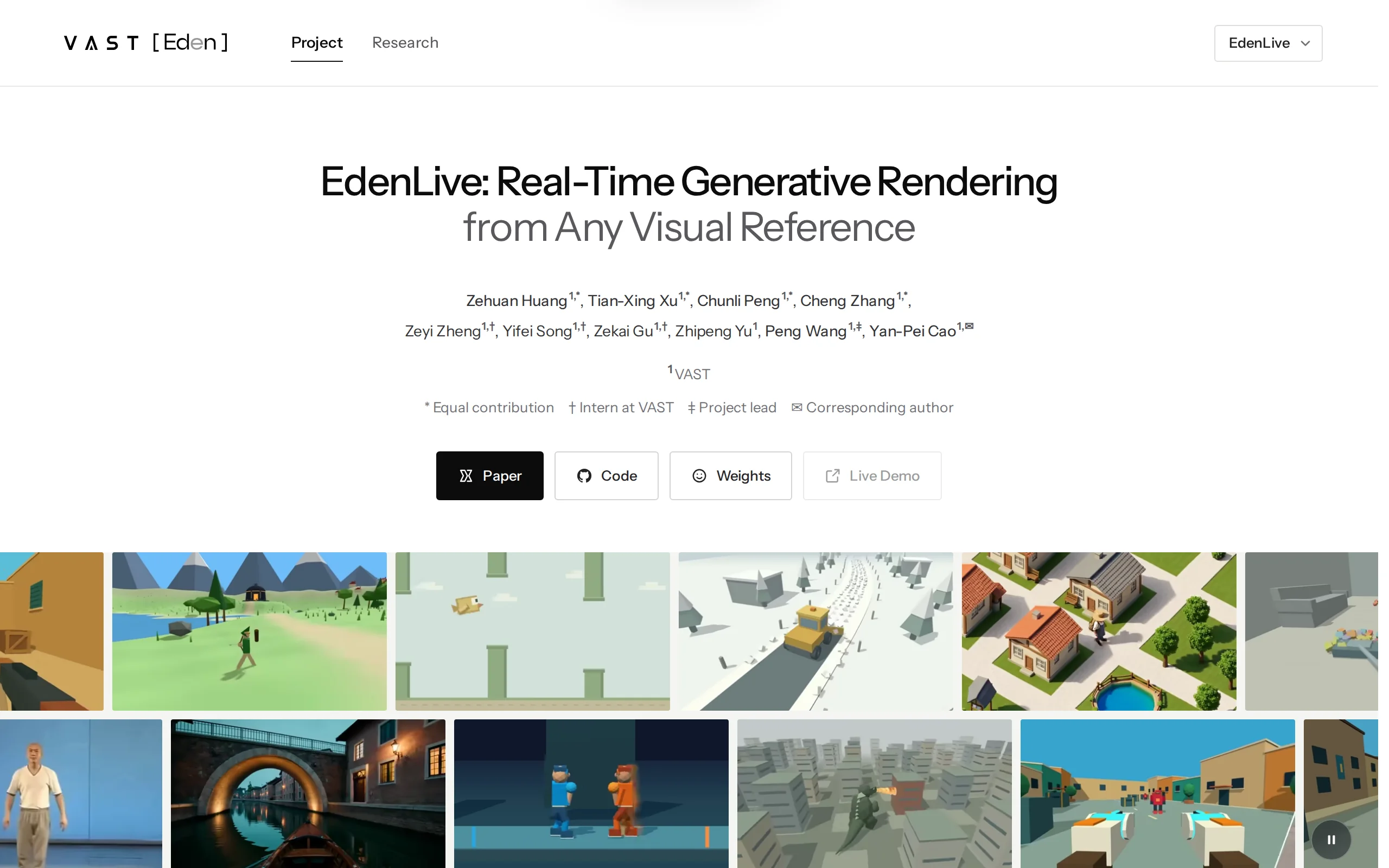
EdenLive – VAST's Real-time Generative Renderer, Redefining the Paradigm of World Model Rendering
EdenLive is a real-time generative renderer launched by VAST, and a milestone achievement in its world model project, Project Eden. This tool uses a Proxy as the control signal to simplify the image o...
Review of DeepSeek-V4.1-Flash-1017: Dual Optimization of Performance and Cost in Lightweight Models
DeepSeek-V4.1-Flash-1017 is an iterative version of DeepSeek's lightweight model, now available across the web, APP, and API. The new version is trained using self-supervised reinforcement learning, s...
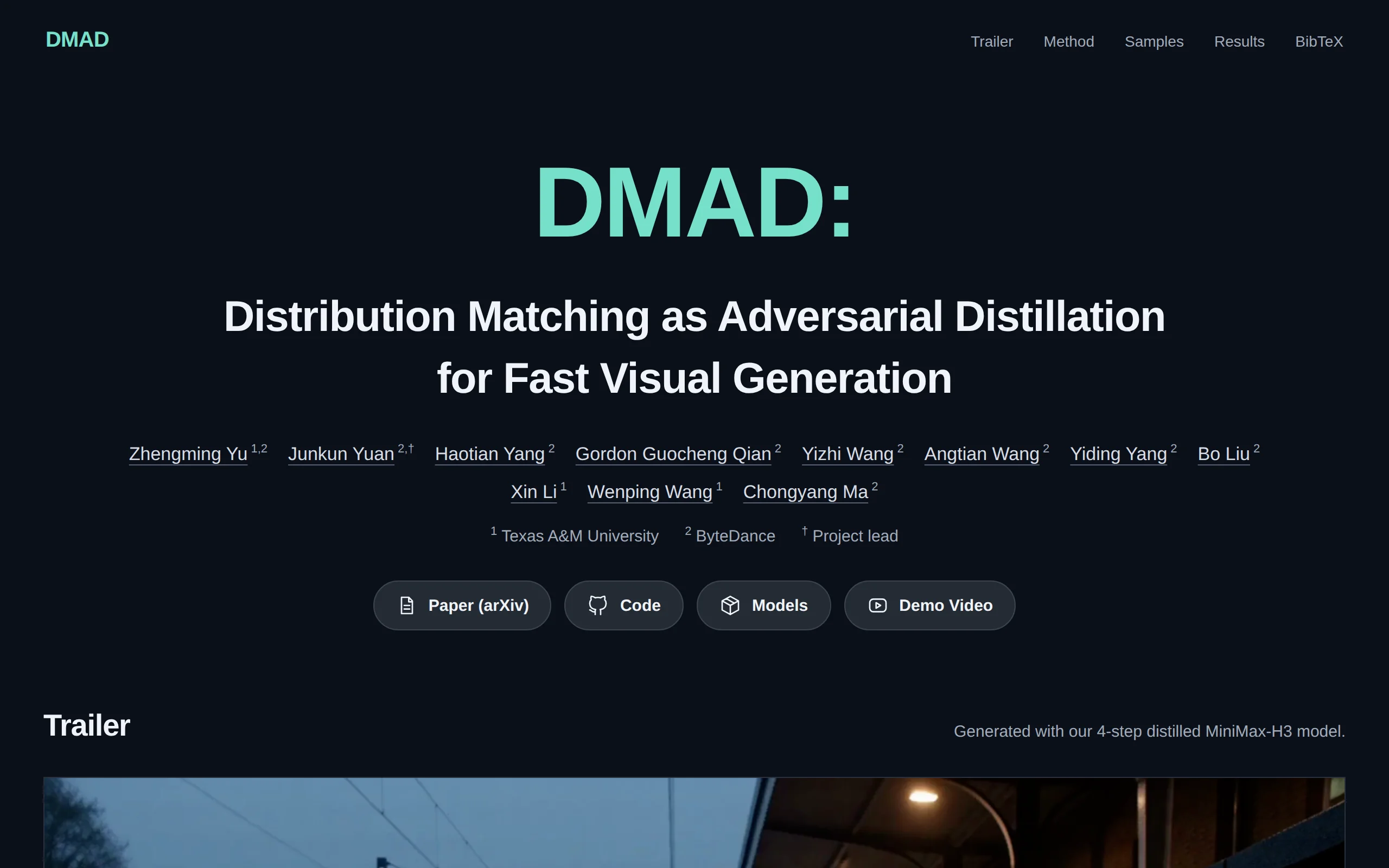
DMAD – Diffusion Model Adversarial Distillation Framework Jointly Open-Sourced by ByteDance and Texas A&M University
DMAD (Distribution Matching as Adversarial Distillation) is an open-sourced few-step distillation framework jointly developed by ByteDance and Texas A&M University. Its core objective is to significan...
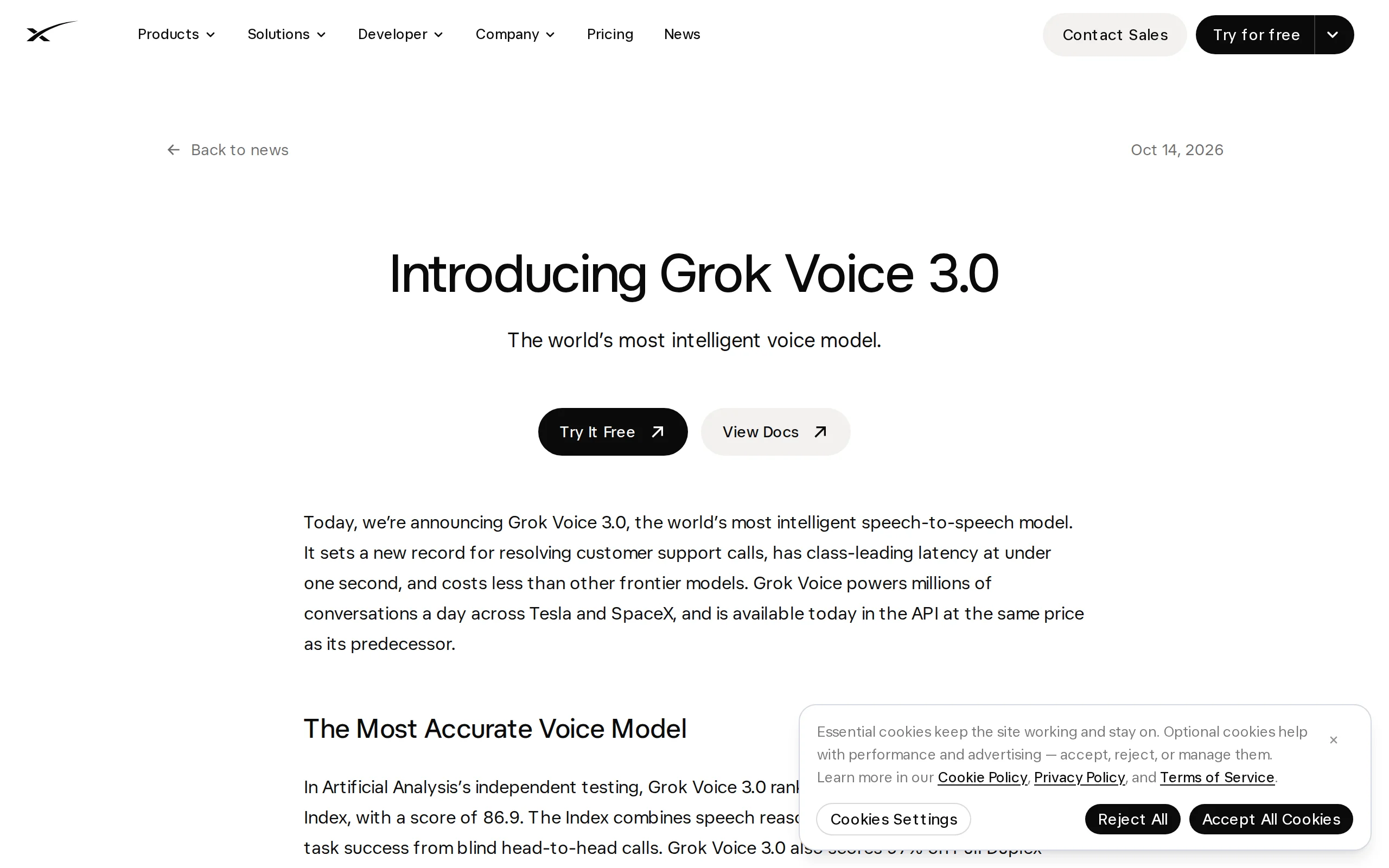
In-Depth Review of Grok Voice 3.0: SpaceXSI's End-to-End Speech Interaction Model
Grok Voice 3.0 is an end-to-end speech-to-speech model launched by SpaceXSI. It ranks first on the speech synthesis leaderboard by the independent testing agency Artificial Analysis with a score of 86...
© All Rights Reserved. Some content on this site is partially generated by AI with human review.