
Orca Review: Orchestrate a Fleet of Coding Agents (stablyai)
Executive Summary:
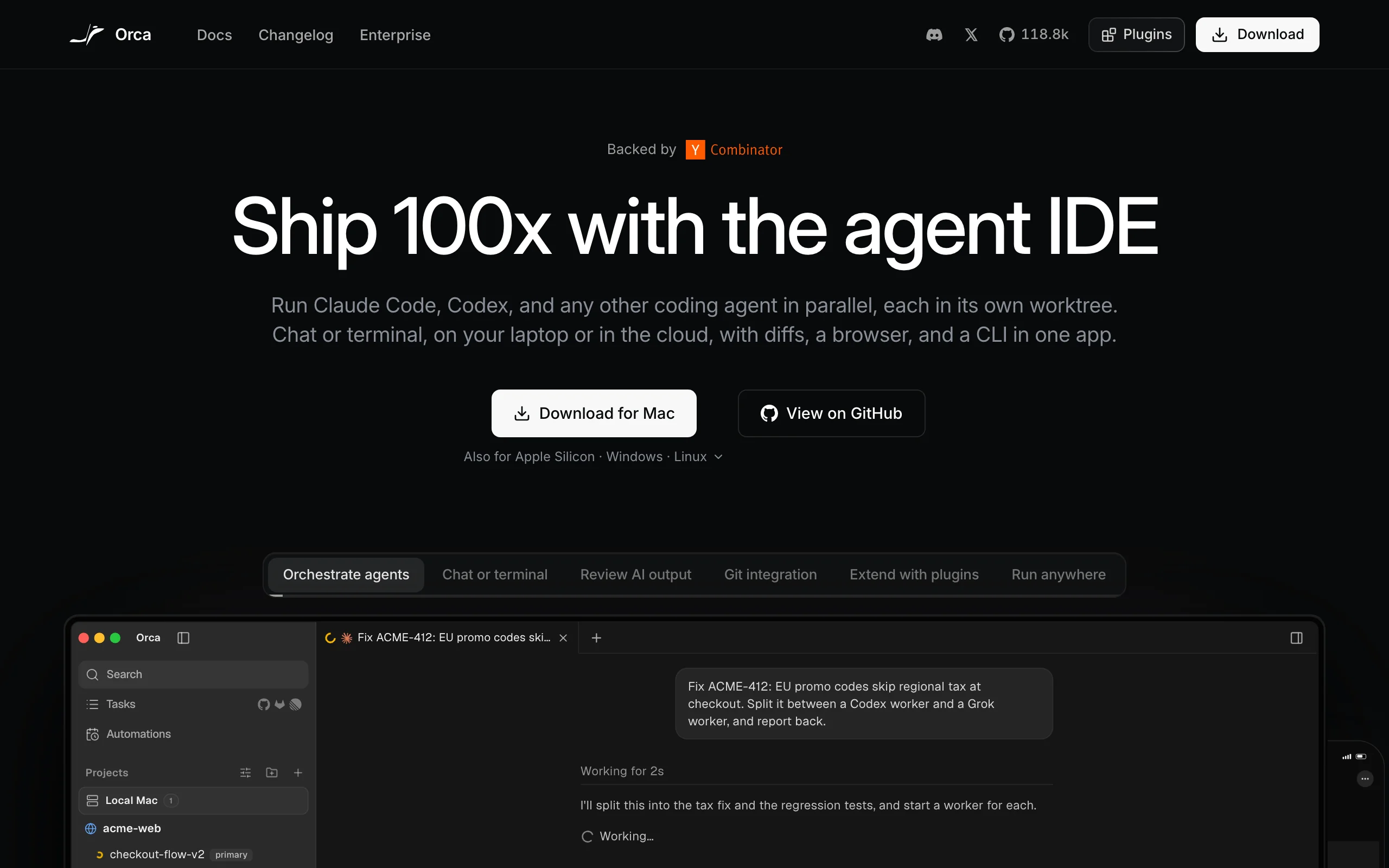
If you use both Claude Code and Codex for different tasks and want them running in parallel in their own working directories, Orca is worth a look. This open-source orchestration tool from stablyai is...
Orca: Orchestrate Multiple Coding Agents on a Single Workbench
If you use both Claude Code and Codex for different tasks and want them running in parallel in their own working directories, Orca is worth a look. This open-source orchestration tool from stablyai is designed to "manage your coding agents" rather than replace them. It lets you run multiple coding agents with your existing subscriptions, execute tasks in parallel worktrees, and gives you a unified interface for chat, terminal access, and diff viewing.
It's a good fit if you've already integrated coding agents into your daily workflow but are tired of juggling multiple terminal windows. It's less suitable if you only use a single agent and have no interest in changing your workflow—Orca's orchestration assumes you're comfortable with parallel worktrees.
The Orca GitHub repository was created on 2026-03-17. It's written primarily in TypeScript and uses the MIT license. At the time of writing, the latest stable release is v1.4.253, dated 2026-11-07, a minor update. The repository has 118,802 stars, consistent with the README badge. The official homepage is orca.dev, while the documentation and download site is onOrca.dev—two different domains. It's unclear whether they're the same site or serve separate roles as the main site and documentation site.
Parallel Worktrees: Orca's Core Orchestration Mechanism
Orca's orchestration is built around the concept of a "worktree." You create independent worktrees for each task, with one coding agent instance running in each. Multiple agents can execute tasks simultaneously in different trees without blocking each other.
This addresses a real pain point: if you want Claude Code to modify a function while Codex writes tests on another branch, you'd normally have to open two terminals, switch directories, and talk to each agent separately. Orca brings those conversations into one interface with three views: chat, terminal, and diff. The diff view lets you quickly check which files each agent has modified before merging—essential when multiple agents are changing code in parallel.
Orca doesn't modify code itself. It acts as an orchestration layer: creating worktrees, launching agents, presenting results, and managing sessions. The actual code generation and file changes are done by the CLI agents you configure.
Compatible Agents: Any CLI Agent Works
The README states that Orca works with any CLI agent, including Claude Code, Codex, Grok, Cursor, GitHub Copilot, and others. The key word is "CLI"—if your agent has a command-line interface, Orca can call it.
This approach has two implications. First, you don't need to replace your existing agent tools to use Orca. Second, Orca's value is in unified management, not deep integration with any specific provider. Compatibility doesn't depend on a vendor's API or plugin marketplace; it's built on the CLI, a general-purpose interface.
How Orca integrates with specific agents—whether additional API keys are needed, how parameters are passed—isn't documented yet. You'll need to figure that out yourself.
Installation and Usage: Three Paths - Desktop, Mobile, CLI
Orca offers three ways to use it: a desktop app, a mobile app, and a CLI tool.
The desktop app is the main interface, with full worktree management and session views. Orca also offers a browser interface for viewing sessions and diffs, handy for checking on tasks from devices without a client installed. For installation, macOS users can use Homebrew, and Arch Linux users can get the stable or git version from the AUR. A Windows version is available too, with code signing sponsored by SignPath.io.
On mobile, Orca has iOS and Android apps. The iOS app is on the App Store under the name Orca IDE. The mobile app isn't for full development; it pairs with the desktop app. When an agent reaches a point that needs user input, the mobile app gets a notification, and you can reply from the app to let the agent continue. This covers a real scenario: a task is halfway through and needs confirmation, but you're away from your computer.
Remote Execution: Letting Agents Continue Running on Servers
Orca can run agents anywhere—on a Remote Orca Server, an SSH host, or a cloud VM. The practical benefit: you can offload tasks to a remote machine, so agents keep running even when your laptop is asleep or off.
This solves a core limitation of local execution—tasks stop when you close the laptop lid. If you need a long queue of tasks—batch refactoring, cross-module test generation—remote execution sidesteps the power and stability limits of local hardware.
For cloud VMs, Orca provides standard SSH access. Note that remote execution means code and data are processed on the remote machine—something to evaluate in advance if you work with sensitive code or have compliance requirements.
Plugin System and Community Support
Orca has a plugin system that lets the community install themes, editors, languages, and panels. It's the same approach many modern editors take: keep the core lean and let plugins extend it.
The repository lists a Discord community and an X (Twitter) account where users can get updates and join discussions. For open-source tools, community activity directly affects the plugin ecosystem and long-term maintenance quality. The repository doesn't yet show contributor counts or a plugin directory—Orca is a relatively new project, and the ecosystem is still forming.
License and Privacy
Orca is MIT-licensed, so you can freely use, modify, and distribute it, including commercially. For businesses and independent developers, MIT is one of the least restrictive open-source licenses.
On privacy, the README mentions anonymous telemetry, but the specifics—what data is collected, how it's used, and whether it can be disabled—aren't fully disclosed. The exact scope isn't public, so businesses should confirm whether they're comfortable with this default before deploying. If you're concerned about anonymous data collection, you can look for configuration options in the repository—but this isn't prominent in the docs, so you'll need to verify manually.
Pre-Deployment Unknowns to Confirm
Several details aren't publicly disclosed yet, and each has different implications for procurement and deployment:
- Pricing model: The docs don't clearly state whether Orca is free or requires a separate subscription. This affects budget planning—if the orchestration layer itself costs money, the cost structure differs from paying only for individual agent subscriptions.
- Integration method with each agent: It's unclear whether each agent needs additional API key configuration or how parameters are passed. The docs don't cover this. It affects onboarding effort—the more complex the setup, the longer it takes a team to get up to speed.
- Security and privacy terms: Beyond anonymous telemetry, the specific terms aren't fully disclosed. If you handle sensitive code or have compliance requirements, evaluate this before deployment—otherwise it could stall procurement.
- Community activity and number of contributors: The absence of long-term metrics creates uncertainty about the plugin ecosystem and the pace of maintenance. Factor this in when weighing alternatives and potential replacement costs.
- Chinese interface and localized documentation: The README links to multiple languages, but the completeness of the Chinese content hasn't been verified. This affects the adoption barrier for non-English-speaking teams.
- Actual user experience: No independent evaluations are available, so performance and stability can only be verified through hands-on testing. We recommend running a round of real-world scenario tests before committing.
Selection Recommendations
Orca makes sense if you already use more than one coding agent, need to run multiple tasks in parallel, want to track agent progress from your phone, or occasionally need to run tasks on a remote server.
It's probably not worth it if a single agent is enough, you don't need parallel workflows, or you'd rather not learn a new orchestration tool. Orca's value comes from its orchestration layer. If you don't have multiple agents and tasks that need coordinating, the marginal value drops significantly. When evaluating it, focus on how well it organizes multiple agents, not on the code it can generate itself—code quality still depends on the CLI agents you plug in.
If your use case fits, start by reviewing the official homepage and the GitHub README, then install it through a package manager and try the worktree and diff views to see whether they suit your workflow. For remote execution and mobile pairing, test those features yourself before deploying.
Sources and Project Links
- Product Website: https://orca.dev
- Documentation and Download Site: https://onOrca.dev
- GitHub Repository: https://github.com/stablyai/orca
- Official Release Page: https://github.com/stablyai/orca/releases
- Community Links: https://discord.gg/fzjDKHxv8Q
- X (Twitter) Account: https://x.com/orca_build
- App Store (iOS): https://apps.apple.com/us/app/orca-ide/id6766130217
- Android Download Page: https://www.onorca.dev/download/android
Related
LoopForge – Tencent's Open-Source Cloud-Based AI R&D Collaboration Platform
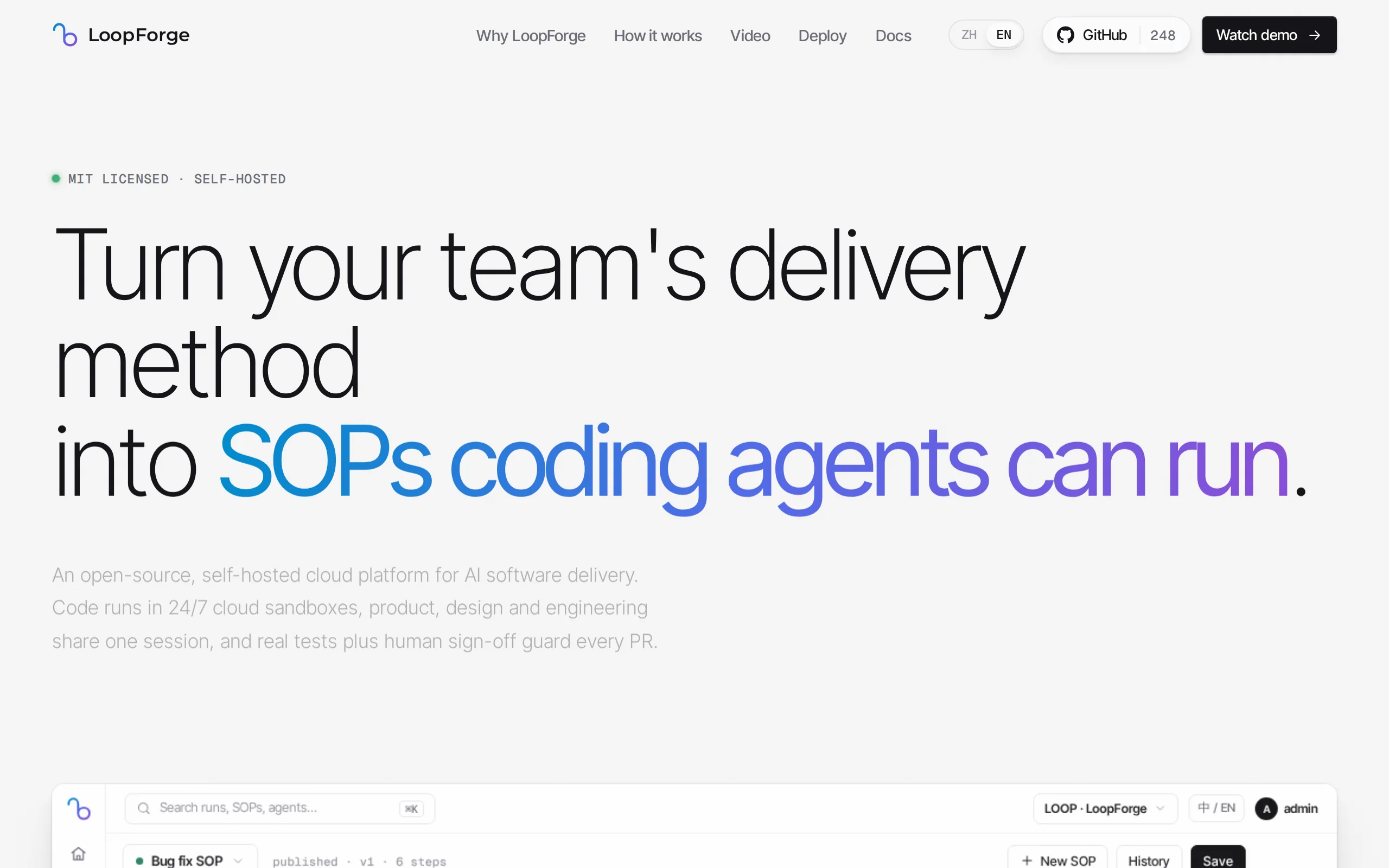
LoopForge is an open-source, team-level cloud-based AI R&D collaboration platform developed by Tencent, designed to address engineering breakpoints that occur during multi-Agent handover processes. Un...
Muse Ember Review: Meta Redefines the Efficiency Boundaries of Lightweight Models
Muse Ember is Meta's smallest parameter-scale AI model introduced in mid-2026, specifically designed for high-frequency, repetitive tasks in agents. According to official benchmark data, this model ac...
Claude Fable 5.2 – Anthropic's Flagship AI Model
Claude Fable 5.2 is Anthropic's flagship AI model, sharing a common origin with the security-focused Claude Mythos 5.2. This model is renowned for its capability of autonomous collaboration among thou...
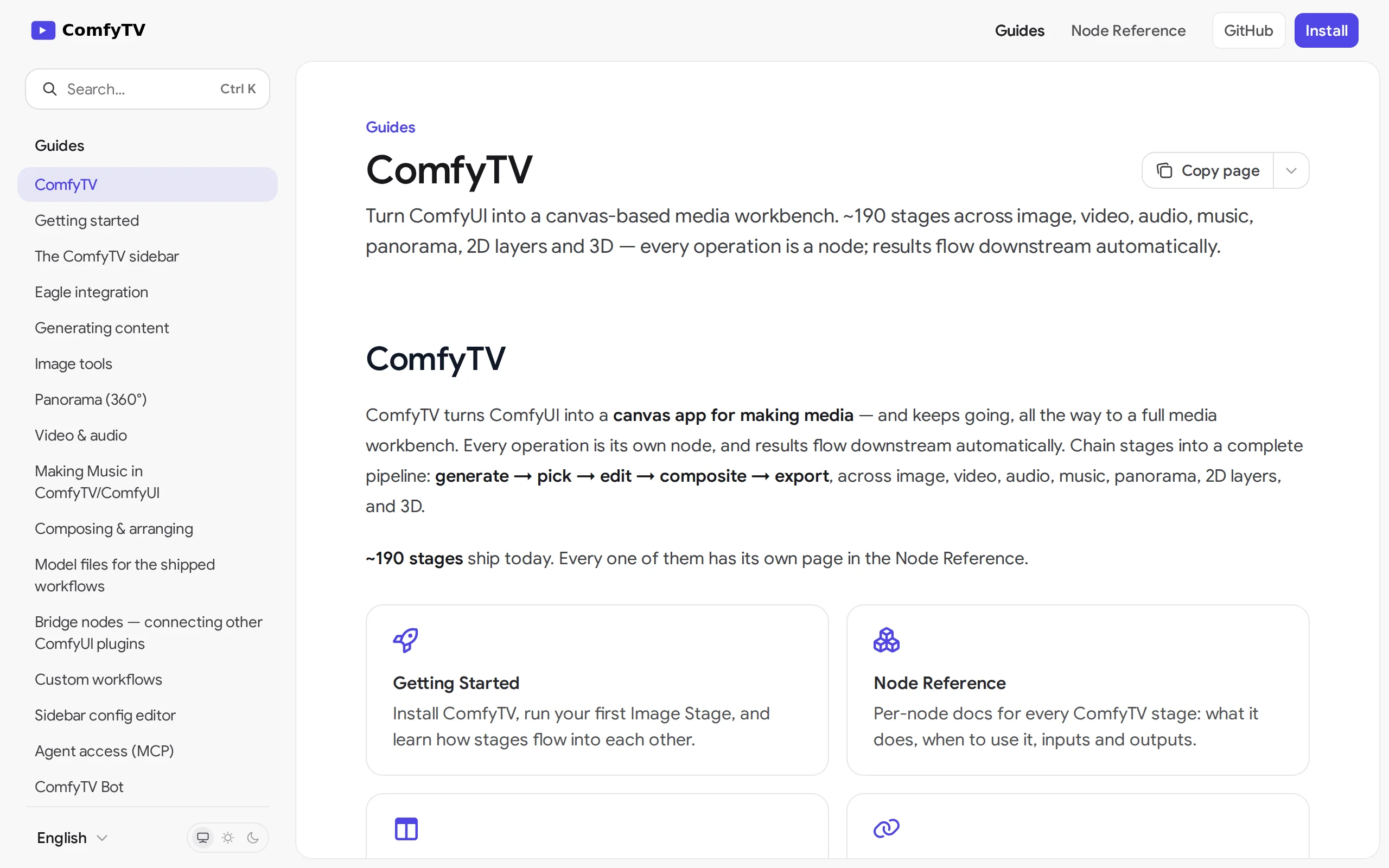
ComfyTV – Open-Source ComfyUI Plugin, Local Infinite Canvas Media Workbench
ComfyTV is an open-source ComfyUI plugin that operates entirely locally, transforming ComfyUI into an infinite canvas-style media workbench similar to TapNow and LibTV. Each operation on the canvas is...
© All Rights Reserved. Some content on this site is partially generated by AI with human review.