
LoopForge – Tencent's Open-Source Cloud-Based AI R&D Collaboration Platform
Executive Summary:
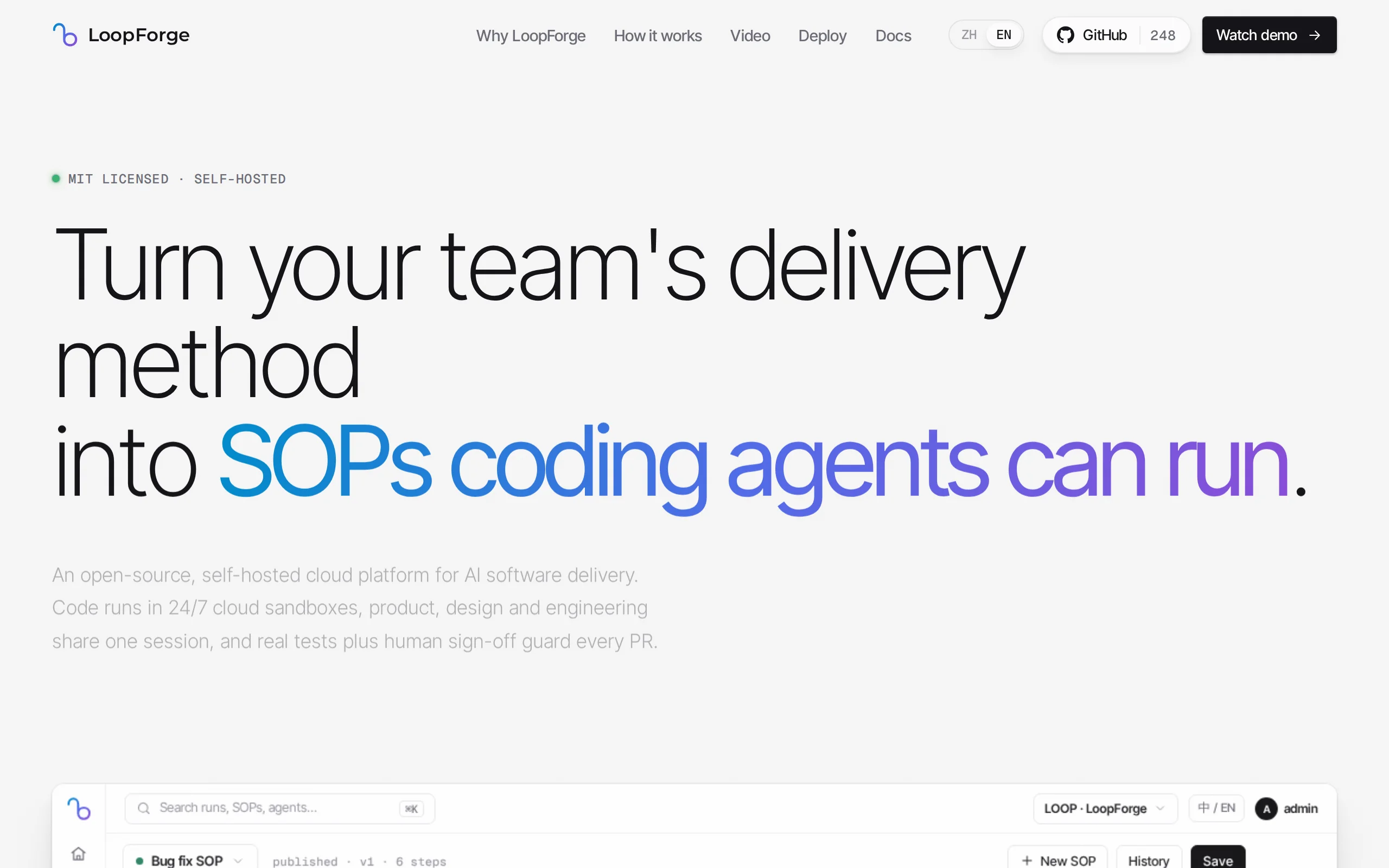
LoopForge is an open-source, team-level cloud-based AI R&D collaboration platform developed by Tencent, designed to address engineering breakpoints that occur during multi-Agent handover processes. Un...
1. What is LoopForge
LoopForge is an open-source, team-level cloud-based AI R&D collaboration platform developed by Tencent, designed to address engineering breakpoints that occur during multi-Agent handover processes. Unlike traditional AI programming assistants that are limited to individual developers, LoopForge runs tasks in a 7×24 cloud sandbox, allowing tasks to continue executing even after the user closes their computer. Roles such as product, design, and development share the same Main Bot session, with context automatically flowing between them, eliminating the need for manual copy-pasting. Requirements are advanced through a SOP-standardized workflow pipeline, with compilation and testing objectively determined by exit codes. Failures are automatically logged and sent back for rework, and key checkpoints require manual confirmation before proceeding. After the workflow completes, there is an RSI self-evolution review mechanism that scores each run (0-100) and identifies bottlenecks for rework, while also feeding issues back into the process and role standards.
Technical positioning and domain: LoopForge belongs to the field of AI software engineering automation, with its core focus on team-level AI R&D collaboration and delivery pipeline orchestration. It elevates AI-assisted programming from a personal productivity tool to a team-level engineering collaboration platform through multi-Agent coordination, cloud sandbox execution, and orchestratable SOP processes.
Development background: LoopForge was developed and open-sourced by Tencent, using the MIT license. Tencent has long been accumulating expertise in AI R&D tools, having previously launched products such as AI code assistants. LoopForge represents an advanced attempt to extend its AI engineering capabilities from individual assistance to team collaboration and automated delivery, reflecting Tencent's technical strategy in the AI R&D efficiency domain.
Core value: The core problem that LoopForge addresses is engineering breakpoints in multi-Agent collaboration—inefficiencies caused by the lack of standards in Agent task handover and context loss. Through a unified Main Bot session, SOP standards, and script access control mechanisms, it achieves an automated closed-loop from requirement clarification to acceptance and delivery, while retaining manual approval checkpoints to ensure that critical decisions are not autonomously controlled by AI.
Technical features: The platform has four unique capabilities: first, a 7×24 cloud sandbox ensures uninterrupted task execution; second, SOP processes are orchestratable and reusable, enabling the accumulation of team experience; third, the RSI self-evolution review system automatically scores each run (0-100) and identifies rework bottlenecks after every execution; and fourth, it supports conversational asset creation, allowing users to create assets such as roles, SOPs, Skills, and MCPs through @ commands in chat.
2. Key Features
SOP Standard Pipeline: Built-in six-stage pipeline: "Clarification → Design → Implementation → Review → Testing → Acceptance," with multiple Agents working in roles and passing tasks sequentially. SOPs can be orchestrated and reused, allowing teams to accumulate best practices. New projects can directly copy and use existing SOPs, effectively addressing issues of process chaos and lack of standards in AI collaboration.
Engineering-Level Script Gatekeeping: Compilation and testing stages use exit codes as objective criteria for judgment. If a failure occurs, the system automatically attaches error logs and sends the task back for rework. Unlike traditional methods that rely on the subjective judgment of large models, this mechanism uses deterministic rules to ensure quality control, significantly reducing the probability of defects being passed to downstream stages.
Manual Approval Gate: At key nodes such as plan confirmation and code merging, the process automatically pauses and waits for manual approval or rejection. This design ensures that AI does not make independent decisions on critical matters, preserving human control over delivery quality. It is especially important in scenarios requiring business judgment or strategic decisions.
RSI Self-Evolution Retrospective: After each run, the system automatically scores (0-100) and identifies bottlenecks causing rework. Developers can one-click write improvement measures back into SOPs and role specifications. This mechanism enables the system to continuously optimize its own process definitions and role behavior constraints, reducing repeated mistakes and forming a positive feedback loop.
Conversational Asset Creation: Roles, SOPs, Skills, and MCPs can be created by simply mentioning them with @ in a conversation. Validated processes used during the conversation are automatically saved as reusable assets. This feature greatly lowers the barrier for defining processes, enabling non-coding team members to participate in building collaboration standards.
AI Scheduled Tasks: By setting up a schedule, Agents can run continuously in the cloud, such as periodically syncing GitHub Issues and automatically fixing common problems. This capability enables unattended daily maintenance, removing repetitive tasks from developers' routine workload.
Team Shared Context: Product, design, testing, and development teams collaborate within the same Main Bot session, with context automatically inherited and passed along. This avoids information silos and distortion caused by copy-pasting in traditional models, ensuring all roles make decisions based on the same information source.
Cloud Sandbox Snapshot Suspension: Each task runs in an independent cloud workspace and automatically takes a snapshot and suspends when idle, resuming seamlessly the next day. This saves computing resources while ensuring the state of long-term tasks is preserved. Additionally, sandbox isolation between tasks prevents interference.
3. Application Scenarios
Full Feature Delivery: New feature development follows the complete workflow from "clarification → design → implementation → review → testing → acceptance," with multiple Agents working collaboratively to automate the entire process from requirement description to producing a mergeable Pull Request. Product managers can directly describe requirements in natural language, and developers no longer need to manually write code line by line, making it ideal for standardized feature module development.
Online Defect Repair: The SOP for bug fixing automatically completes defect localization, patch generation, and regression testing. In case of failure, logs are automatically attached and the task is sent back for rework. The repair PR is merged into the main branch only after manual confirmation at key checkpoints, ensuring repair quality while preventing AI-induced errors from affecting online stability. This scenario is suitable for production systems that undergo frequent maintenance and iteration.
Automatic Digestion of GitHub Issues: Issues in the repository are periodically synchronized to a requirement board, and cloud-based Agents work in parallel to resolve routine tickets. Conflicts are automatically resolved, leaving only critical confirmation steps for humans. This scenario is ideal for open-source projects or teams with a large number of Issues, significantly reducing the burden on maintainers and ensuring that daily tickets are not overlooked.
Continuous Iteration of Legacy Systems: After integrating legacy projects into the cloud workspace, small daily changes and text adjustments can be initiated as PRs at any time; major transformation tasks are assigned to SOPs with attached risk assessments. Combined with the context inheritance feature of team-shared sessions, new members taking over legacy projects can save a significant amount of time on background knowledge transfer.
4. How to Use
Installation and Deployment: Execute
git clone https://github.com/Tencent/LoopForge.git && cd LoopForge && bash scripts/install.shto complete the local installation. Teams without their own server infrastructure can directly contact Tencent Cloud Light experts to deploy it on a cloud server, eliminating operational and maintenance costs.Registration and Login: Open the local address in your browser, register an account to become an administrator and access the homepage. Administrators have full permissions for project creation, member management, and workflow configuration.
Zero-Configuration Experience: On first access, you are automatically added to the "LoopForge Experience Project." Click "One-Click Experience" to run the built-in script approval SOP. It is recommended that new users complete this step first to understand the platform's basic workflow before proceeding with personalized configurations.
Configure Model Executor: In the "Settings" section, select the model executor type and enter the corresponding API Key. The platform supports multiple models such as DeepSeek and Claude. Users can freely choose and combine different models based on task type and cost budget.
Create a New Project and Bind a Repository: Fill in the basic project information and bind a GitHub code repository. Add collaborators as needed. Once the project is created, all members automatically gain access and share the same workspace.
Input Requirements: Describe the desired functionality in natural language within the project conversation. The Main Bot automatically converts the requirements into structured items and confirms the implementation plan. This step is crucial—clearer requirement descriptions lead to higher accuracy in subsequent Agent task allocation and execution.
Start the SOP Pipeline: After selecting an internal workflow, proceed to the execution phase of the pipeline: "Clarification → Design → Implementation → Review → Testing → Acceptance." During this process, multiple Agents work in roles, handing off tasks sequentially. Progress is visible in real time on the requirement board.
Manual Approval and Acceptance: At key nodes such as plan confirmation and code merging, the platform automatically pauses. After reviewing the deliverables, click "Approve" or "Reject and Re-work." After the SOP is completed, you can download the deliverables to your local machine or directly push them back to GitHub for merging and deployment.
5. Pros and Cons Analysis
| Pros |
|---|
| SOP Process Configurable and Reusable: Successful team practices can be solidified into standard processes, which can be directly copied and used for new projects. Team experience is not lost with personnel changes, and the process becomes more mature with continued use. |
| Multiple Quality Assurance Mechanisms: Script gates use exit codes to objectively enforce quality standards, while manual approvals provide a safety net at critical points. Compared to a single Agent completing tasks autonomously, this approach offers stronger engineering reliability. |
| Team Collaboration with Context Inheritance: Product, design, and development teams share the Main Bot session, eliminating information silos and significantly reducing the context transfer cost across roles. |
| RSI Self-Evolution and Review Mechanism: Each run automatically scores and identifies problem points, and improvements can be written back to the process specifications with one click, forming a positive feedback loop for continuous optimization and avoiding repeated mistakes. |
| Open Ecosystem and Model Freedom: The MIT license allows commercial use and secondary development. Different models can be freely selected as executors, avoiding lock-in with a single model supplier. |
6. Comparative Analysis with Similar Tools
| Comparison Dimension | LoopForge (Tencent) | Devin (Cognition) | Cursor |
|---|---|---|---|
| Product Positioning | Team-level cloud-based AI R&D collaboration platform | A single "AI software engineer" digital colleague | AI-native code editor |
| Open Source Status | Fully open-sourced under MIT license, supports self-deployment | Closed-source commercial product, only available via SaaS subscription | Closed-source commercial product |
| Working Mode | Multi-Agent division of labor and relay based on SOP pipeline | Single Agent completes tasks end-to-end autonomously | Developer-driven interactive coding |
| Quality Control | Script gatekeeping (exit codes) + independent review + manual approval | Relies mainly on Agent self-validation, with manual post-review | Developer self-review, AI-assisted checks |
| Runtime Environment | Self-hosted 7×24 Docker cloud sandbox | Cognition-managed cloud sandbox | Local desktop application |
| Context Collaboration | Shared session among product/design/R&D roles | Task-based, weak cross-role capability sharing | Focuses on code files, weak cross-role collaboration |
| Process Accumulation | SOP can be orchestrated and reused + RSI review for self-evolution | No customizable process | No process concept |
| Model Selection | Executables and models can be freely configured | Specified by Cognition, users cannot change | Supports multiple models but requires subscription |
Selection Recommendations: For teams requiring multi-role collaboration and standardized process requirements (such as a complete delivery chain involving product, development, and testing), LoopForge's SOP pipeline, script gatekeeping, and multi-Agent collaboration model align best. Its MIT open-source license also facilitates private deployment and data compliance. Teams can choose models like DeepSeek or Claude to control costs. If the team primarily consists of individual developers and prioritizes efficient, autonomous task completion, Devin's end-to-end model is more straightforward. If developers wish to maintain traditional coding experiences while enhancing efficiency with AI, Cursor offers a lower learning curve and is suitable for quick onboarding.
7. Editor's Summary
LoopForge has a clear differentiated positioning in the field of AI-assisted R&D tools. Instead of choosing the "stronger single Agent" technical route, it focuses on the engineering governance of multi-Agent collaboration, defining standard procedures through SOP pipelines, providing objective quality checkpoints with script gatekeeping, and retaining key human decision-making authority through manual approval points. This design revolves around "controlled automation," finding a balance between AI autonomy and engineering reliability. In terms of practical value, the team-level shared session and context inheritance mechanism effectively address information loss during AI collaboration, while the RSI review mechanism establishes a closed-loop for continuous optimization, making the process more mature with use. For R&D teams that require standardized delivery processes, emphasize quality checkpoints, and demand flexible model selection, LoopForge offers a differentiated solution within the current open-source ecosystem. Its MIT license lowers the barriers to adoption and secondary development, making it suitable for technical teams with certain operational capabilities to self-deploy. As competition in AI R&D tools shifts from "single-point capabilities" to "engineering efficiency," the workflow orchestration and team collaboration approach represented by LoopForge is worth keeping an eye on for its future ecosystem development.
8. FAQ
Q: What differentiates LoopForge from regular AI code assistants?
A: Regular AI code assistants are designed for individual developers, offering code completion and generation within the editor. LoopForge, on the other hand, is a team-level collaboration platform that manages the complete SOP pipeline from requirement clarification to delivery acceptance. It includes built-in multi-Agent division of labor, script gatekeeping, manual approval, and post-mortem analysis mechanisms, addressing team collaboration and engineering standards rather than individual coding efficiency.
Q: Which model executors does LoopForge support?
A: LoopForge supports mainstream model executors such as DeepSeek and Claude. Users can freely choose and configure these in the settings. Different models can be paired with different stages of the process—for example, using models with strong reasoning capabilities during the design phase and models with high execution stability during the testing phase—allowing for flexible combinations that balance cost and quality.
Q: Does LoopForge have to be deployed in the cloud?
A: No, it does not. LoopForge supports both local installation (via git clone and scripts/install.sh) and cloud deployment. Local deployment is suitable for teams with available server resources, while cloud deployment can be handled by Tencent Light Cloud experts. The sandbox runs in a Docker environment and can be executed both locally and in the cloud.
Q: What is the role of the RSI post-mortem mechanism in LoopForge?
A: The RSI post-mortem mechanism automatically scores the execution process (0-100) after each SOP run, identifies bottlenecks causing rework, and analyzes the root causes. Users can one-click write improvement measures back into the SOP process and role specifications, preventing the same errors in future executions. This mechanism continuously collects lessons learned from team collaboration, allowing the process assets to be continuously optimized through use.
Q: What open source license does LoopForge use, and can it be used for commercial purposes?
A: LoopForge uses the MIT open source license, allowing for free use, modification, and distribution, including for commercial purposes. Users can perform secondary development and private deployment based on their specific needs, without being constrained by vendor lock-in. The only ongoing cost is the model API usage.
Q: Can non-technical members (such as product managers) use LoopForge?
A: Yes. One of the key design goals of LoopForge is to enable zero-code members to participate in the collaboration. Product managers can describe requirements in natural language, and the Main Bot automatically converts these into structured items and confirms the proposed solution. Non-technical members only need to perform manual approvals at key checkpoints, without needing to write any code.
9. Project Links
- Product Website: https://loopforge.cn/
- GitHub Repository: https://github.com/Tencent/LoopForge
Related
Muse Ember Review: Meta Redefines the Efficiency Boundaries of Lightweight Models
Muse Ember is Meta's smallest parameter-scale AI model introduced in mid-2026, specifically designed for high-frequency, repetitive tasks in agents. According to official benchmark data, this model ac...
Claude Fable 5.2 – Anthropic's Flagship AI Model
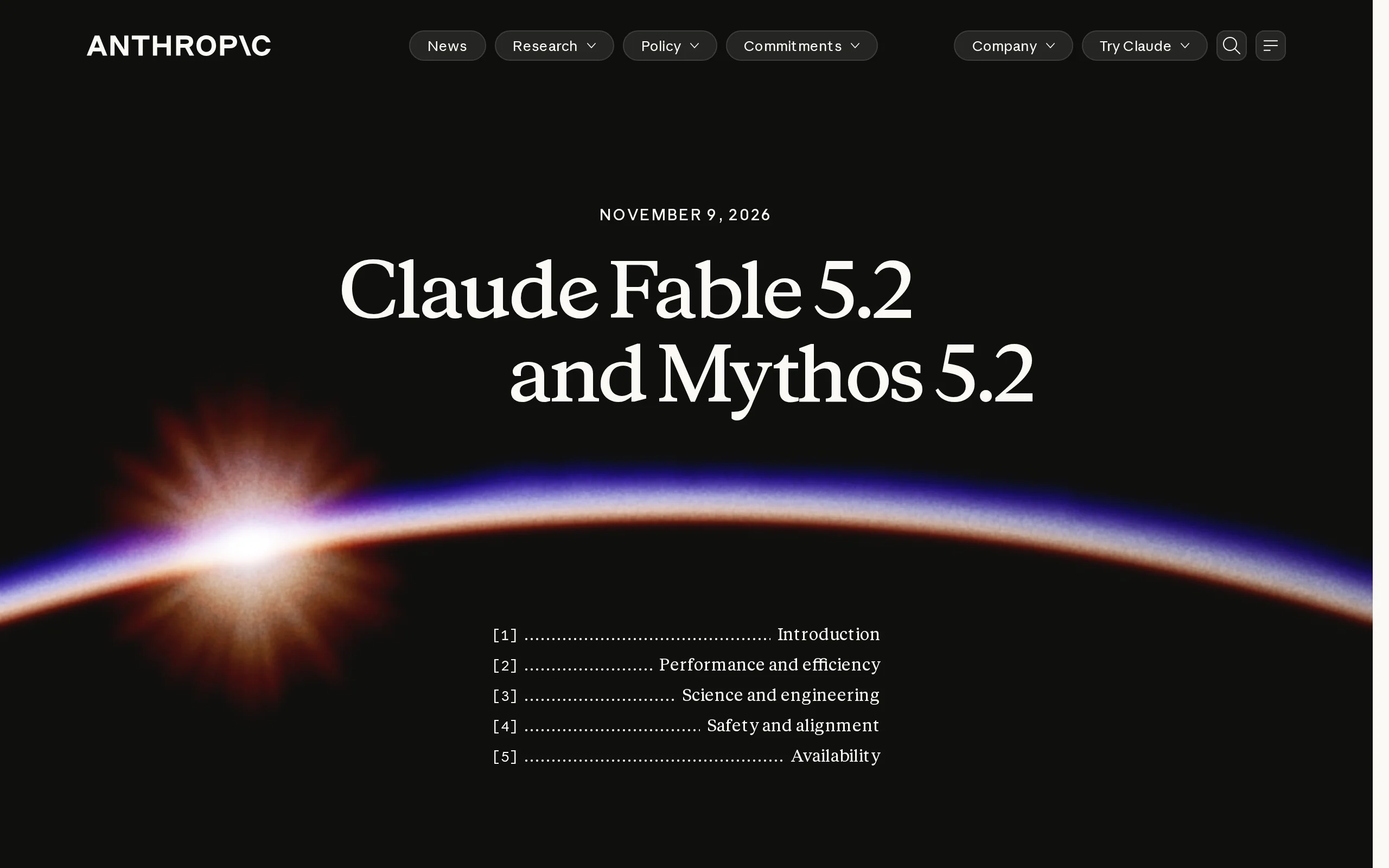
Claude Fable 5.2 is Anthropic's flagship AI model, sharing a common origin with the security-focused Claude Mythos 5.2. This model is renowned for its capability of autonomous collaboration among thou...
ComfyTV – Open-Source ComfyUI Plugin, Local Infinite Canvas Media Workbench
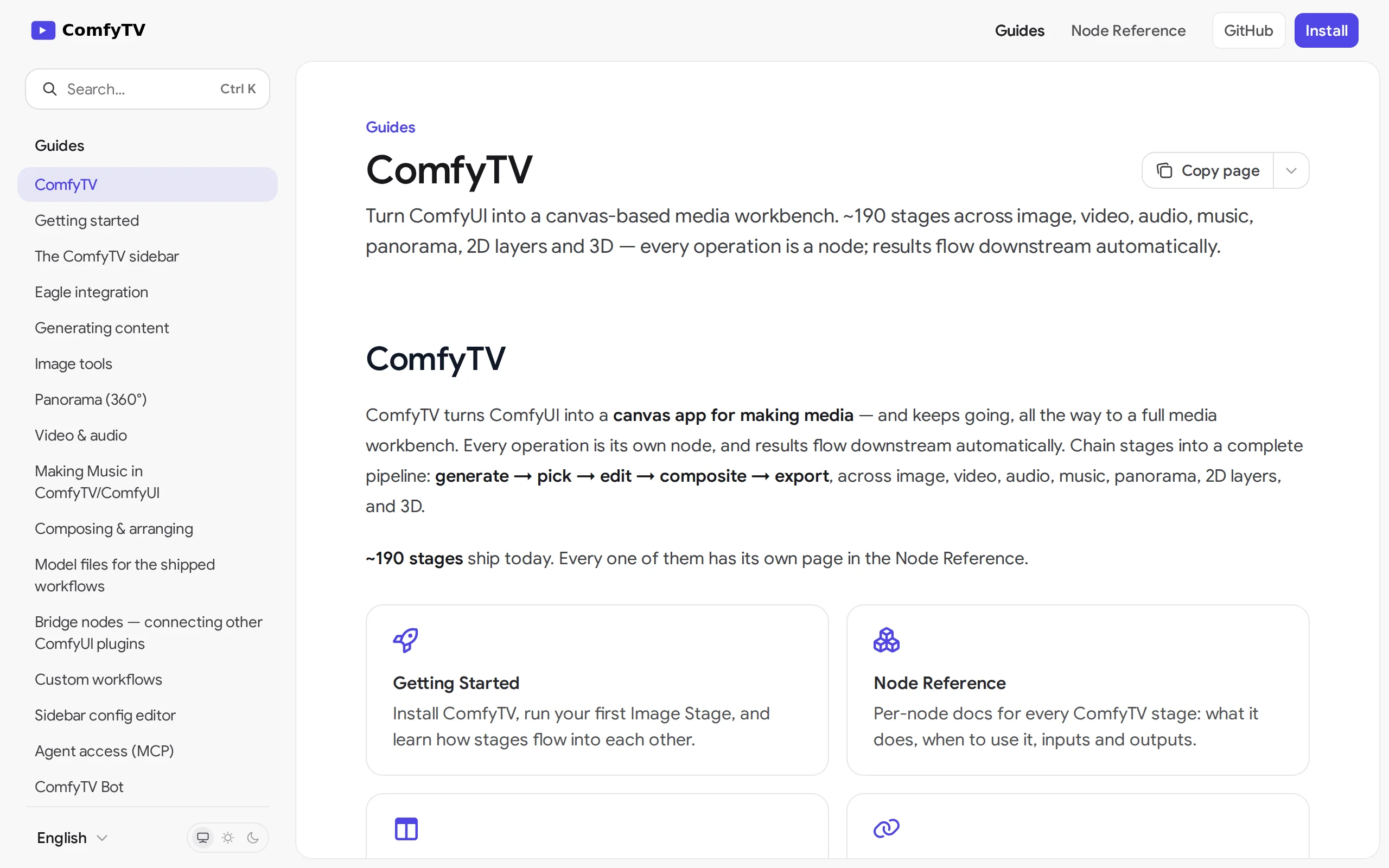
ComfyTV is an open-source ComfyUI plugin that operates entirely locally, transforming ComfyUI into an infinite canvas-style media workbench similar to TapNow and LibTV. Each operation on the canvas is...
Apollo World – Baidu Apollo's Multimodal World Model, Empowering Autonomous Driving Closed-loop Simulation and Data Flywheel
Apollo World is a multimodal world model driven by intelligent agents, introduced by Baidu Apollo for physical AI. Unlike traditional simulation tools, this system constructs virtual cities based on r...
© All Rights Reserved. Some content on this site is partially generated by AI with human review.