
MiniMax H3-Image – MiniMax's Open-Source Image Generation Model
Executive Summary:
MiniMax H3-Image is an open-source image generation model officially released by MiniMax. It is built upon MiniMax's self-developed H3 multimodal foundation model and fully supports three core tasks: ...
1. What is MiniMax H3-Image
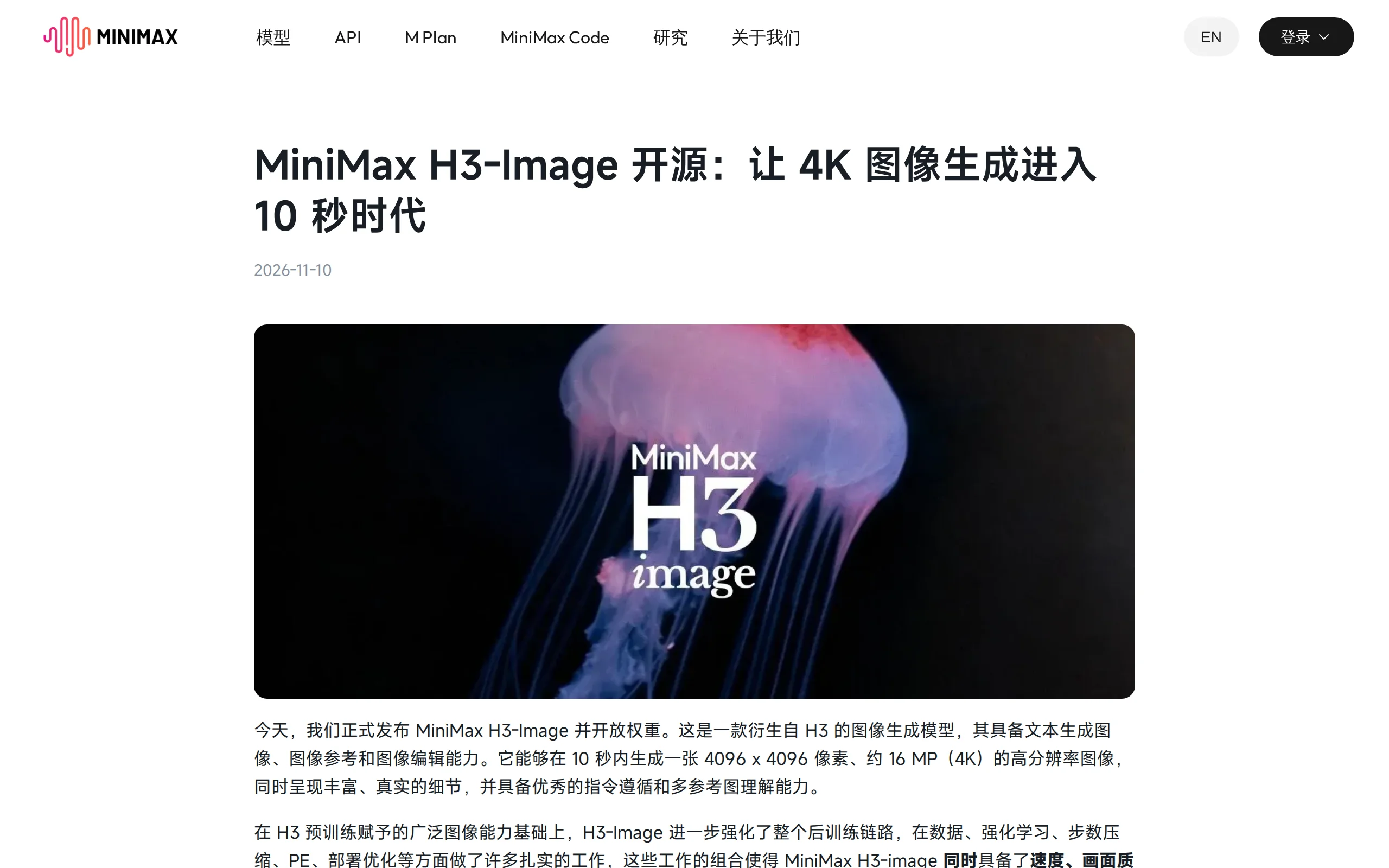
MiniMax H3-Image is an open-source image generation model officially released by MiniMax. It is built upon MiniMax's self-developed H3 multimodal foundation model and fully supports three core tasks: text-to-image generation, image reference, and image editing. Thanks to pre-training accumulation at the model architecture level and reinforcement learning optimization during the post-training phase, H3-Image can generate 4K-level images with a resolution of 4096×4096 and approximately 16 million pixels within about 10 seconds. The generated results excel in detail richness and realism. The model adopts a fully open-weight open-source strategy, allowing developers to use the cloud API via MiniMax's open platform, MiniMax Code, or the Shell, or download the weight files for local deployment and inference.
Technical positioning and domain: H3-Image belongs to the text-to-image and image editing category driven by diffusion models. Its technical approach emphasizes multi-reference image understanding, complex instruction execution, and high-resolution image generation at speed, occupying a differentiated position among open-source image generation models of the same level.
Development background: Prior to this, MiniMax had already launched the H3 multimodal foundation model. As a derivative image generation model of H3, H3-Image has undergone specialized optimization in data construction, instruction-following, and inference efficiency, building upon the pre-training representation capabilities of H3.
Core value: This model addresses the long-standing issue in the open-source image generation field of "the trade-off between high resolution and generation speed." With a 4K output of approximately 16 million pixels and a generation speed of around 10 seconds, it significantly reduces the cost threshold for high-quality image creation, while also providing developers with a fully open weight customization space.
Technical features: The model has dedicated designs in post-training instruction-following, diffusion sampling step compression, parallel engineering, and deployment optimization. Combined with the capability to accept up to 16 reference images as input, it demonstrates strong controllability and consistency in complex creative scenarios.
2. Key Features
Text-to-Image Generation: Users input natural language descriptions, and the model generates 4K images with a resolution of 4096×4096 based on the semantics. Thanks to optimized training with reinforcement learning and data construction, the generated results are closer to real-world visuals in terms of detail texture, light transitions, and material representation, reducing common "AI artifacts" and distortion issues.
Multi-Reference Image Understanding and Generation: The model supports inputting up to 16 reference images at the same time, and can synthesize visual information from multiple images (such as color tone, composition, character features, and object shapes) to assist in generation. This provides technical support for scenarios such as consistent character design and multi-image creation with unified style.
Image Editing and Local Repainting: Based on an existing image, users can modify and repaint the content using text instructions or by overlaying reference images. The model maintains the original image's main structure while accurately executing the user's intent for local element adjustments.
High-Speed 4K Generation: Through compressed optimization of diffusion denoising steps and operator acceleration at the inference deployment level, the model achieves generation speeds approximately 1.5 to 2 times faster than mainstream commercial models in standard mode. In Highspeed mode, the speed can reach 3 to 4 times that of mainstream tools, with a single 4096×4096 image being generated in as little as about 10 seconds.
Instruction-Following Capability: The model has undergone specialized post-training reinforcement to enhance its instruction-following ability. It can parse complex, multi-condition, and negation-constrained text instructions, achieving a strong level of instruction execution among open-source image generation models, which helps creators achieve precise intent expression.
Fully Open Weights: The model weights are publicly available on the Hugging Face repository. Developers can download the model files for offline deployment, fine-tuning, and secondary development. They can also integrate the model into their own creative pipelines using community workflow frameworks such as ComfyUI.
Cloud API Services: API calling services are provided through the MiniMax Open Platform (platform.minimax.cn), MiniMax Code, and Seashell. Developers can input prompts, reference image parameters, and resolution settings according to the official documentation to achieve programmatic integration of image generation and editing capabilities. The pricing is approximately 50% to 70% of that of similar mainstream tools.
3. Application Scenarios
E-commerce and Advertising Design: E-commerce operations and advertising design teams can generate high-quality 4K-level product main images, promotional posters, and scene materials in bulk within minutes. Due to the rich details and strong realism of the generated results, they can be used directly for online and print material distribution, significantly reducing the cost of real photography and post-production editing time.
Game and Film Art: Concept artists and illustrators can use H3-Image to quickly generate character concept art, scene setups, and mood concept images. With the ability to input up to 16 reference images, the tool can maintain consistency in character appearance and visual style across multiple outputs, assisting in early-stage visual development and asset previsualization.
Interior Design and Architectural Visualization: Interior designers and architects can generate realistic space renderings and multiple design variations in seconds by combining floor plans, reference style images, and textual descriptions. This accelerates communication of design proposals with clients and internal design iterations.
Content Creation for Self-Media and Publishing: Self-media editors, authors, and publishing staff can quickly generate 16MP high-resolution illustrations for article images, book covers, and social media content. This helps them avoid external image library copyright restrictions and the costs associated with acquiring high-quality materials, while simultaneously enhancing the visual quality of their content.
4. How to Use
Environment Requirements: When using the cloud API service, no local hardware configuration is required. Simply register for a MiniMax Open Platform account and activate the H3-Image API. For local deployment, it is recommended to use a machine equipped with an NVIDIA GPU with at least 8GB of VRAM (consumer-grade GPUs are sufficient). Install Python 3.10 or higher and the corresponding PyTorch environment.
Cloud-Based Rapid Generation: Open the Hailuo web interface or MiniMax Code, register and log in to your account; enter a text description in the generation interface, or directly upload an image for reference-based generation and image editing; set the output resolution (optional 4K specification) and generation mode (Standard/Highspeed). After clicking "Generate," wait a few seconds and then download the image or continue with iterative editing.
API Integration: Developers should log in to the MiniMax Open Platform (platform.minimax.cn), create an API key in the console, and construct request parameters by referring to the official API documentation. Input the prompt text, reference image URL or Base64 encoding, target resolution, and mode fields, and integrate them into the automated image generation workflow via HTTP requests.
Local Deployment Weights: Visit the Hugging Face repository for MiniMaxAI/MiniMax-H3-Image, and download the required weight files according to the model card instructions. Install ComfyUI (version 0.44.0 or higher) or the officially recommended inference framework to obtain native workflow support. Place the downloaded model files in the corresponding ComfyUI directories (e.g., diffusion_models, text_encoders).
Workflow Loading and Execution: Load the official H3-Image text-to-image or image editing workflow templates, and confirm that the nodes correctly recognize the model files. Enter the descriptive text in the prompt box, and connect up to 16 reference images as needed. Click "Run" to generate 4K images locally. Ensure that the parameters of each node (e.g., CFG value, sampling steps) are consistent with the officially recommended configuration to achieve stable generation results.
5. Pros and Cons Analysis
| Pros |
|---|
| Exceptionally fast 4K generation speed: It can output a 4096×4096 resolution (16 million pixels) image in about 10 seconds. In Highspeed mode, the speed reaches 3 to 4 times that of mainstream closed-source tools, significantly improving the efficiency of high-resolution image production and iteration. |
| Open weights and high customization flexibility: The model weights are fully open, allowing developers to download, run offline, and perform secondary fine-tuning. It can be used for private deployment and commercial scenarios, ensuring data remains within the domain and meeting enterprise compliance requirements. |
| Support for multiple reference images input: It supports inputting up to 16 reference images simultaneously, enabling the comprehensive utilization of visual information from multiple images for consistent generation and editing. It demonstrates a certain level of advancement in parameter capacity and understanding depth compared to open-source models. |
| Strong instruction-following capability: Specifically fine-tuned for complex text instructions, it can parse multi-condition descriptions and specific modification requests, showing a relatively outstanding accuracy in executing instructions among open-source image generation models. |
| Commercial pricing is favorable: The API pricing is approximately 50% to 70% of that of similar mainstream tools, making it more accessible to budget-sensitive small and medium teams and individual creators, helping to reduce the long-term cost of using AI image generation tools. |
6. Comparative Analysis with Similar Tools
| Comparison Dimension | MiniMax H3-Image | OpenAI GPT Image 2.6 | Flux.1 Series (Reference) |
|---|---|---|---|
| Openness | Open weights, downloadable, customizable, and support for private deployment | Fully closed-source, available only through ChatGPT / Codex / API | Open weights, supports local deployment and fine-tuning |
| Generation Speed | Standard mode is approximately 1.5–2 times faster than mainstream products, Highspeed mode is 3–4 times faster, with a 4K image taking about 10 seconds | Flare version fastest at 6 seconds (low quality), Sunburst high-quality version averages about 9 seconds | 1024×1024 base image takes about 10–30 seconds on consumer-grade GPUs, highly dependent on hardware |
| Maximum Resolution | Native 4096×4096 (16MP / 4K) | Maximum of 3840 pixels on the longest side, no native 4K / 16MP | Native maximum about 1024×1024 (can be enhanced with upscaling models) |
| Reference Image Support | Up to 16 reference images | Up to 16 reference images | Some variants support multi-image conditional input, with significant parameter variations |
| Instruction-following Performance | Officially claimed as the strongest among open-source models, with high accuracy for complex instructions | A consistent strength of the GPT series, with precise understanding of complex natural language descriptions | Understands natural language instructions well, but performs weaker than top closed-source solutions for multi-condition complex instructions |
| Image Editing Capabilities | Native support, can perform consistent editing with up to 16 reference images | Marked local editing (selecting specific regions), adjustable complexity | Relies on Inpainting models or editing-related LoRA plugins |
| Output Format | High-resolution bitmap (JPG/PNG, etc.) | Bitmap + native GIF animation + SVG vector export | Primarily bitmap |
| Local Deployment | Can run completely offline locally, requires only consumer-grade GPUs | Not supported, must use OpenAI's cloud | Supports local and cloud deployment, with flexible VRAM requirements |
| Ecosystem and Integration | Hugging Face + ComfyUI + SeaShell / Open Platform | Deep integration with ChatGPT, Codex, and API, with wide third-party platform access | Active community ecosystem, with rich adapters and plugins |
| Target Use Cases | Print-quality 4K image output, brand visual customization, private commercial deployment | Fast social media image generation, animated / vector assets, and integrated office creation | Design creation, style exploration, open-source experimentation |
Recommendation One: If the core requirement is high-resolution print-quality image output and full model control, MiniMax H3-Image, with its native 4K generation, open weights, and multi-reference image capabilities, offers a clear match within the open-source category, making it suitable for e-commerce materials, brand visuals, and private deployment scenarios; if animated and vector format outputs are needed, consider the format diversity advantages of GPT Image 2.6.
Recommendation Two: For users with limited hardware or seeking deep ecosystem support, Stable Diffusion XL and the Flux.1 series offer more plugin tutorials and community practices for reference, but require additional upscaling and editing tools to achieve 4K output levels; for small to medium-sized teams looking to launch quickly with limited budgets, MiniMax H3-Image's API pricing and dual-mode local deployment provide a more flexible option.
7. Editor's Summary
MiniMax H3-Image's open-source strategy and product positioning place it in a distinct position within the current image generation model landscape—bringing together two metrics that were previously difficult to balance in open-source systems: "high resolution" and "high speed." The native 4096×4096 resolution output and a generation cycle of approximately 10 seconds directly address creators' dual needs for print-quality materials and efficient iteration. Technically, the model inherits large-scale multimodal representation capabilities from the H3 pre-training foundation. Specialized optimizations in reinforcement learning and instruction-following during the fine-tuning process further enhance the alignment between generated results and user intent. Meanwhile, diffusion denoising step compression and parallel engineering optimizations ensure that high-speed generation does not come at the cost of detail realism. This integrated optimization approach combining "data + algorithm + engineering" demonstrates the technical depth that next-generation image generation models can achieve within an open-source framework.
In terms of practical value, fully open weights allow enterprises to deploy image generation capabilities on their own infrastructure, avoiding risks of data leakage, while API pricing is approximately 50% to 70% lower than similar tools, reducing the adoption barriers for small and medium teams and individual creators. The support for multiple reference images (up to 16) provides a relatively broad scope for complex creative scenarios such as consistent character design and unified multi-image styles within open-source models. The model's current limitations lie in its relatively shallow peripheral ecosystem and limited disclosure of technical details, requiring early adopters to have a certain level of engineering optimization capability. Overall, H3-Image is suitable for development teams and creative agencies with strict resolution requirements, a focus on cost control, and a desire to maintain model customization capabilities. As the community continues to expand its workflow compatibility and as future versions iterate, its potential for integration into practical business pipelines is worth ongoing observation.
8. FAQ
Q: What is the relationship between MiniMax H3-Image and MiniMax H3?
A: H3-Image is a specialized image generation model derived from the H3 multimodal foundation model. It inherits the large-scale image understanding and generation representation capabilities acquired during the pre-training phase of H3, and has undergone post-training optimization specifically for tasks such as text-to-image generation, image editing, and reference image understanding. It can be considered an extension of the H3 family's capabilities in the image generation domain.
Q: What hardware requirements are there for locally deploying H3-Image?
A: The official recommendation is to use ComfyUI version 0.44.0 or higher, or the officially designated inference framework. A consumer-grade NVIDIA GPU is sufficient for basic inference, with a recommended VRAM capacity of no less than 8GB. For generating high-resolution images of 4096×4096, a higher VRAM capacity will help reduce generation time and improve stability. Specific configurations should follow the instructions provided in the Hugging Face model card.
Q: How do the maximum 16 reference images function in practical use?
A: Users can upload multiple reference images simultaneously during generation or editing tasks. The model will comprehensively extract key visual information from each image (such as the subject's appearance, color style, and composition method) to maintain consistency in the generated results. For example, in character setup, users can separately upload reference images for the face, clothing, and background, and the model will integrate these elements to generate a unified new image.
Q: Can the generated results from H3-Image be used for commercial purposes?
A: The model weights are fully open, and the official allows developers to download, customize, and fine-tune them. These can be used for deployment and integration in commercial scenarios. However, users must ensure that the generated content does not violate applicable laws, regulations, or platform policies, and they are responsible for managing the compliance of the output content.
Q: What are the differences between using API calls and local deployment?
A: API calls do not require local hardware investment and can be quickly integrated via the MiniMax open platform or Helix, making them suitable for rapid deployment and low-frequency usage scenarios. Local deployment requires users to prepare their own GPU environment and inference framework, but allows for fully offline operation and data staying within the domain, making it suitable for enterprise users with requirements for privacy compliance and long-term cost control.
9. Project Links
- Open Platform API Console: https://platform.minimax.cn (cloud API invocation and key management)
- Project Website: https://www.minimax.cn/blog/minimax-h3-image (official announcement and technical documentation)
- HuggingFace Model Library: https://huggingface.co/MiniMaxAI/MiniMax-H3-Image (open weight download)
Related
Apollo World – Baidu Apollo's Multimodal World Model, Empowering Autonomous Driving Closed-loop Simulation and Data Flywheel
Apollo World is a multimodal world model driven by intelligent agents, introduced by Baidu Apollo for physical AI. Unlike traditional simulation tools, this system constructs virtual cities based on r...
Ling-3.2-flash – The Most Native Multimodal Large Model Launched by Ant Bailing
Ling-3.2-flash is the latest native multimodal large model launched by Ant Bailing, employing a Mixture-of-Experts (MoE) architecture. It has a total parameter count of 560B, activating approximately ...

OmniEdu – Open-Source Educational Multimodal Model Series from Peking University, USTC, and Others
OmniEdu is an open-source educational multimodal model series jointly developed by the DCAI team at Peking University, along with the University of Science and Technology of China (USTC) and Zhongguan...

EvaOmni – An Open-Source Multimodal Large Model Evaluation Benchmark from Shanghai Jiao Tong University, Fudan University, and Others
EvaOmni is an open-source multimodal large model evaluation benchmark jointly developed by institutions such as Shanghai Jiao Tong University, Fudan University, and Tencent YouTu Lab. It aims to addre...
© All Rights Reserved. Some content on this site is partially generated by AI with human review.