
Seedance 2.5 Flash Review: The Efficiency Revolution of ByteDance's Lightweight Video Generation Model
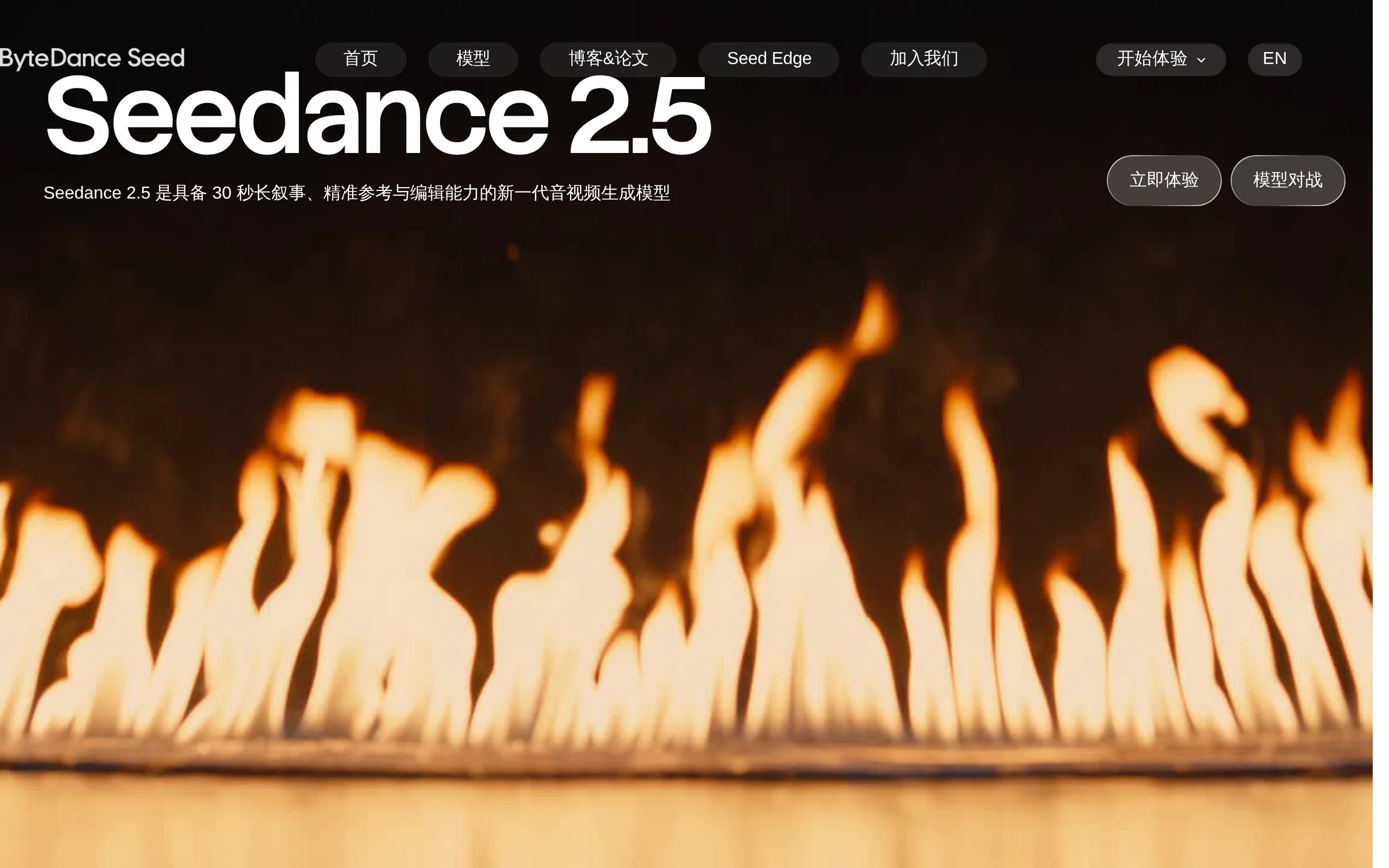
Executive Summary:
Seedance 2.5 Flash is a lightweight video generation model launched by ByteDance. As a high-cost-performance version of the flagship model Seedance 2.5, it achieves double the generation speed and sig...
1. What is Seedance 2.5 Flash
Seedance 2.5 Flash is a lightweight video generation model launched by ByteDance. As a high-cost-performance version of the flagship model Seedance 2.5, it achieves double the generation speed and significantly reduced costs through capability distillation and computational path optimization, while maintaining performance close to the flagship model. This model supports video generation from 4 to 30 seconds, offering two resolution options: 480P and 720P. It can accept up to 10 images, 5 video clips, and 5 audio clips in a single input, and features capabilities such as audio generation, video editing, and duration extension. It is primarily targeted at high-frequency iteration scenarios such as creative validation, multi-version screening, and bulk marketing material production.
Technical Positioning and Domain: Seedance 2.5 Flash belongs to the domain of multimodal audio-visual generation models. It is positioned as a lightweight complement to the flagship model, focusing on addressing the efficiency bottleneck in video generation, transitioning from "usable" to "scalable production." It serves the high-frequency creative workflows of content creators and marketing teams.
Development Background: This model was developed by ByteDance's Seed team, based on the flagship Seedance 2.5 model, through capability distillation and efficiency optimization. It represents a crucial part of ByteDance's dual-track product strategy in the video generation domain, aiming to cover the full spectrum of needs, from professional film production to bulk content creation.
Core Value: The model offers a 720P generation cost of approximately 0.99 RMB per second (about 34% lower than the flagship model) and generation speed roughly twice that of the flagship. This reduces video generation costs from the "individual refinement" range to the "bulk trial and error" range, enabling creators to produce multiple candidate versions at low cost for comparison and selection, thereby reducing the overall creation cost at a systemic level.
Technical Features: The model unifies text, images, videos, and audio into a shared representation space for joint processing. It supports control of the first and last frames, multi-material consistency constraints, and native audio generation. By compressing the computational path and reducing per-step generation overhead, it maintains high standards in instruction-following, physical motion plausibility, and audio performance, resulting in natural and high-quality visuals.
2. Key Features
Text-to-Video: Generate videos from text descriptions. Supports video durations of 4–30 seconds and two resolution options: 480P and 720P. The model demonstrates strong instruction-following capabilities, understanding narrative logic and cinematographic language to produce visuals that match the description. It is ideal for quickly transforming scripts into finished videos.
Image-to-Video: Generate dynamic visuals using a static image as a reference. Supports control over the starting and ending frames to define the video's initial and final states. Users can specify the start and end frames, and the model automatically fills in the intermediate dynamic process, achieving camera movements such as zooming, panning, and rotating. This provides precise control for product demonstrations and character animations.
Multi-Material Composition Reference: Up to 10 images, 5 video clips, and 5 audio clips (totaling 20 materials) can be input in a single session as consistency constraints for visual elements such as characters, scenes, and products. This feature uses multi-modal unified encoding to align features across different materials, ensuring visual coherence of key elements in the generated video and resolving issues of character and scene drift in multi-shot narratives.
Audio-Enabled Video Generation: Simultaneously generate corresponding sound, music, and sound effects that align with the visuals, eliminating the need for post-production voiceover. Audio signals are involved in the synchronization process, ensuring lip movements, actions, and sound rhythm remain aligned. This significantly reduces post-production efforts and improves the efficiency of final video delivery.
Video Editing and Extension: Supports content adjustments on already generated videos, including local visual modifications and action redirection, as well as extending video length. This capability is based on the model's video understanding and regeneration mechanism, allowing for the extension of narrative length while maintaining the original style and content consistency.
High-Cost-Effectiveness Batch Production: Generation speed is doubled compared to Seedance 2.5. The price for 720P video is approximately 0.99 RMB per second, which is about 34% lower than the flagship version. During promotional events on platforms such as LibTV, the price can even drop to as low as 0.1 RMB per second, making it feasible to produce multiple candidate versions in bulk. This is especially suitable for high-frequency production of marketing materials and A/B testing.
3. Application Scenarios
Ad Creative Multi-Version Testing: Quickly generate multiple shot options for the same product, along with candidate versions tailored to different audience segments and selling points. After batch generation and comparison, select the best version for deployment, significantly reducing the time and financial costs of ad creative A/B testing and increasing the frequency of optimization iterations.
E-commerce Product Dynamic Display: Generate product display clips from various angles and with different camera movements for new products, producing batch materials for listing and detail page videos. E-commerce operations teams can cover multiple SKUs with video content in a short time, and the multi-material reference feature ensures consistency in product appearance and details across different clips.
Marketing Dynamic Posters and Lightweight Animations: Add partial motion, background changes, and atmosphere effects to promotional KV (key visual) materials to create lightweight animation content suitable for WeChat Moments and community sharing. This scenario has relatively lenient quality requirements but is highly sensitive to production speed and cost, aligning closely with the Flash version's positioning, enabling large-scale production of marketing materials.
Cinematic Standard Shots and B-roll Production: For standard shots, transitional clips, and empty scenes that do not require extreme visual quality, use a cost-effective solution to complete batch production, allowing budgets to be focused on key special effects shots and high-precision visuals. This application scenario demonstrates the practical value of the "Flash for broad coverage, flagship for refined production" tiered production strategy within the film industry workflow.
4. How to Use
Select an Entry Point: Log in to platforms that have integrated Seedance 2.5 Flash, such as LibTV. Developers can follow the API release updates on the Volcano Ark platform. Once the API is available, they can integrate it into their own workflows via interface calls.
Prepare Materials: Write a video description Prompt, clearly defining the narrative content, cinematography language, and style requirements. Upload reference images, videos, or audio materials as needed to define the character's appearance, scene style, and product details, ensuring consistency and accuracy in the generated results.
Set Parameters: Choose between text-to-video or image-to-video mode, set the video duration between 4 and 30 seconds, and select a resolution of 480P or 720P based on the publishing channel's requirements. If you need control over the first and last frames, upload separate images for the starting and ending frames in image-to-video mode.
Start Generation: Submit the task and wait for the generation to complete. The Flash version generates videos approximately twice as fast as the flagship model, significantly reducing the waiting time for individual videos and allowing for quick retrieval of results for effect evaluation.
Select Versions: Multiple candidate versions are generated at once. Compare them based on dimensions such as action smoothness, compositional logic, camera movement effects, and style consistency, and choose the version that best meets the requirements for the next steps.
Edit and Optimize: Use video editing capabilities to make localized adjustments to unsatisfactory details, or extend the video length using the elongation feature. If higher quality is required, you can regenerate the preferred version using the Seedance 2.5 flagship model to produce a high-definition final output.
Export Final Video: After confirming the final effect, export the video file for use in advertising campaigns, e-commerce platform listings, or further processing in post-production pipelines, such as color grading and subtitle addition.
5. Pros and Cons Analysis
| Pros |
|---|
| Doubled generation speed: The time required to generate a single video is approximately half that of Seedance 2.5, significantly shortening the creative validation and iteration cycle, enabling high-frequency trial and error, and greatly improving production efficiency. |
| Significant cost advantage: 720P text-to-video and image-to-video generation costs about 0.99 RMB per second, approximately 34% cheaper than the flagship model, and during platform promotional periods, it can even drop as low as 0.1 RMB per second, making batch production costs highly controllable. |
| Strong multimodal input capability: Supports up to 20 pieces of material per input (10 images + 5 videos + 5 audio files), with support for controlling the first and last frames and maintaining consistency across multiple materials, demonstrating excellent performance in character and scene consistency. |
| Native audio generation: Simultaneously generates voiceover, music, and sound effects with high-quality audio-visual alignment, reducing the need for post-production voiceover and significantly shortening the delivery chain from generation to final output. |
6. Comparative Analysis with Similar Tools
| Comparison Dimension | Seedance 2.5 Flash (ByteDance) | Kling 4.0 Flash (Kuaishou) |
|---|---|---|
| Product Positioning | High-speed, low-cost tier with performance close to flagship, focusing on batch content generation and creative multi-version validation | Rapid iteration, low-cost API throughput, focusing on Agent workflows and developer integration |
| Maximum Single Duration | 30 seconds (single segment one-shot generation) | 20 seconds (native clip) |
| Output Resolution | Two tiers: 480P, 720P | 720P (8-bit SDR) |
| Input Capability | Up to 10 images + 5 video clips + 5 audio clips (total of 20 materials) | Text-to-video, image-to-video, multi-material reference |
| Control over First and Last Frame | Supports image-to-video, video editing, and extension | Only supports the first frame, no support for multiple keyframes or last frame |
| Audio Generation | Supports audio-video generation (voiceover + music + sound effects) | Native dynamic audio, multi-character dialogue, stereo sound |
| Generation Speed | Approximately twice as fast as Seedance 2.5 | Officially positioned as the "rapid iteration" tier, emphasizing high API throughput |
| Price (720P) | Officially around 0.99 RMB/second (about 34% lower than flagship); platform promotional price as low as 0.10 RMB/second | Points-based system, 20 seconds of 720P video costs about 120 points (approximately 9 RMB tier), with API usage billed on demand |
| Usage Methods | Platforms such as Jiumeng, LibTV, Updream; API available on Volcano Ark | Web UI, REST API, MCP, CLI, Adobe plugin, with a more comprehensive developer ecosystem |
| Target Users | Content creators, marketing teams, for batch content production and multi-version comparison | Developers, Agent automation pipelines, for scenarios requiring multi-character dialogue with audio |
Selection Recommendations: For content creators and marketing teams, if the core requirement is high-frequency generation of multiple candidate versions for screening and comparison, and the demand for visual quality is not extreme, Seedance 2.5 Flash is the most straightforward choice due to its speed and cost advantages. If higher visual quality and more precise control are needed, creators can first use the Flash version to validate ideas and then generate high-definition final versions using the Seedance 2.5 Flagship model, forming a tiered production workflow of "Flash for broad exploration, Flagship for refined production."
For developers and teams requiring automated integration, Kling 4.0 Flash offers a more comprehensive developer ecosystem, including access methods such as REST API, MCP, CLI, and Adobe plugins. It also supports multi-character dialogue audio generation, giving it a clear advantage in Agent workflows and automation pipeline scenarios. If the project has strict requirements for audio quality and multi-character dialogue, Kling 4.0 Flash is a more suitable choice. If longer single-generation durations and larger input material scales are more important, Seedance 2.5 Flash's 30-second generation capability and support for 20 input materials are more appealing.
7. Editor's Summary
The technological innovation of Seedance 2.5 Flash lies in its "capability distillation + efficiency optimization" lightweight approach. By reusing the core generation capabilities of the flagship Seedance 2.5 model, and compressing the computational path and reducing the overhead of each generation step, this model achieves significant optimization—doubling generation speed and reducing unit cost by approximately 34%—while maintaining key metrics such as instruction-following, physical motion plausibility, and audio quality. This "efficiency-for-coverage" product strategy precisely addresses the core pain points in the evolution of video generation from a professional tool to a scalable productivity tool—cost and speed.
In terms of practical value, Seedance 2.5 Flash truly resolves the awkward situation of video generation being "usable but not scalable." The 0.99 RMB per second price for 720P video combined with double generation speed makes it feasible to produce multiple candidate versions in bulk and conduct comparative screening. This aligns perfectly with the needs of high-frequency iteration scenarios such as advertising concept testing, e-commerce content creation, and marketing animation production. Additionally, the native audio generation and extended video editing capabilities further shorten the delivery chain from generation to final output, enhancing overall production efficiency.
This model is primarily targeted at content creators, marketing teams, and e-commerce operators, especially those who require high-frequency video content generation and are cost-sensitive but do not demand extreme visual quality. Developers can integrate it into automated workflows via the Volcano Ark API (coming soon) to achieve more efficient batch production pipelines. For professional film production scenarios that demand the highest visual quality, the flagship Seedance 2.5 model remains the more suitable choice, while the Flash version can serve as an auxiliary tool for creative previsualization and storyboard validation.
The launch of Seedance 2.5 Flash marks ByteDance's establishment of a dual-track product matrix in the video generation domain—comprising a flagship model and a lightweight variant—covering the full spectrum of needs from professional production to mass-scale generation. As the API becomes officially available and the platform ecosystem continues to mature, the application potential of this model in bulk content production and creative iteration workflows will be further unlocked, potentially driving the transition of video generation from individual fine-tuning to a scalable production paradigm.
8. FAQ
Q: How much difference is there in video quality between Seedance 2.5 Flash and the Seedance 2.5 flagship version?
A: The Flash version shows a perceptible difference from the flagship version in terms of detail textures, complex lighting, and high-speed motion scenes. However, in regular scenarios, it maintains a high level of naturalness in visuals, instruction-following, and physical motion accuracy. For applications that do not have extreme quality requirements, the output quality of the Flash version is already practically valuable.
Q: When will the API for Seedance 2.5 Flash be available? How can developers integrate it?
A: According to the Lumina platform, Seedance 2.5 Flash is described as "an upcoming Seedance 2.5 version focused on speed." The API is planned to be launched on the Volcano Ark platform. Developers can follow official announcements from Volcano Ark. Once the API is open, integration can be done via standard interface calling methods. Currently, it can be experienced through third-party platforms such as LibTV, Jiemeng, and Updream.
Q: What is the maximum number of reference materials that can be input in a single generation?
A: Seedance 2.5 Flash allows input of up to 10 images, 5 videos, and 5 audio clips in a single generation, totaling 20 materials. These materials serve as consistency constraints for visual elements such as characters, scenes, and products, helping ensure visual coherence of key elements in the generated video.
Q: Does the Flash version support control over the first and last frames?
A: Yes. In the图文视频 (text-image-video) mode, users can separately specify the starting and ending frames, and the model automatically fills in the intermediate dynamic process, enabling precise control over the start and end states of the shot. However, compared to some competitors that support multiple keyframe controls, the Flash version does not support multiple keyframe settings, which limits the precision of control over complex camera movements.
Q: What audio content is included in the generated videos with sound?
A: The Flash version can synchronously generate corresponding voiceover, music, and sound effects aligned with the visuals. Audio signals are involved in the synchronization process, ensuring that lip movements, actions, and sound rhythm remain in sync. Users do not need to add voiceover separately in post-production, significantly shortening the delivery chain from generation to final output.
9. Project Links
- Seedance 2.5 Official Website: https://seed.bytedance.com/zh/seedance2_5 (Official product page for the Seedance 2.5 series, including Flash version information)
- Seedance 2.5 English Website: https://seed.bytedance.com/en/seedance2_5 (English version of the official product page)
- Official Experience Portal (Ji Meng AI): https://jimeng.jianying.com (Ji Meng AI platform has integrated the Seedance 2.5 series models)
- Volcano Ark Platform: https://ai.byteplus.com/lumina/zh/video/seedance-2-5-flash (Official page for Seedance 2.5 Flash API and pricing information)
- GitHub Community Repository: https://github.com/seedance-2-5/seedance-2-5-open-source (Seedance 2.5 ecosystem developer community repository, including API integration and development documentation)
Related
Hy4 flash – Tencent HunYuan's High-Cost-Performance Large Model
Hy4 flash is a high-cost-performance large model launched by Tencent HunYuan, which employs a sparse mixture-of-experts (MoE) architecture with a total of 224B parameters and 12B active parameters. It...
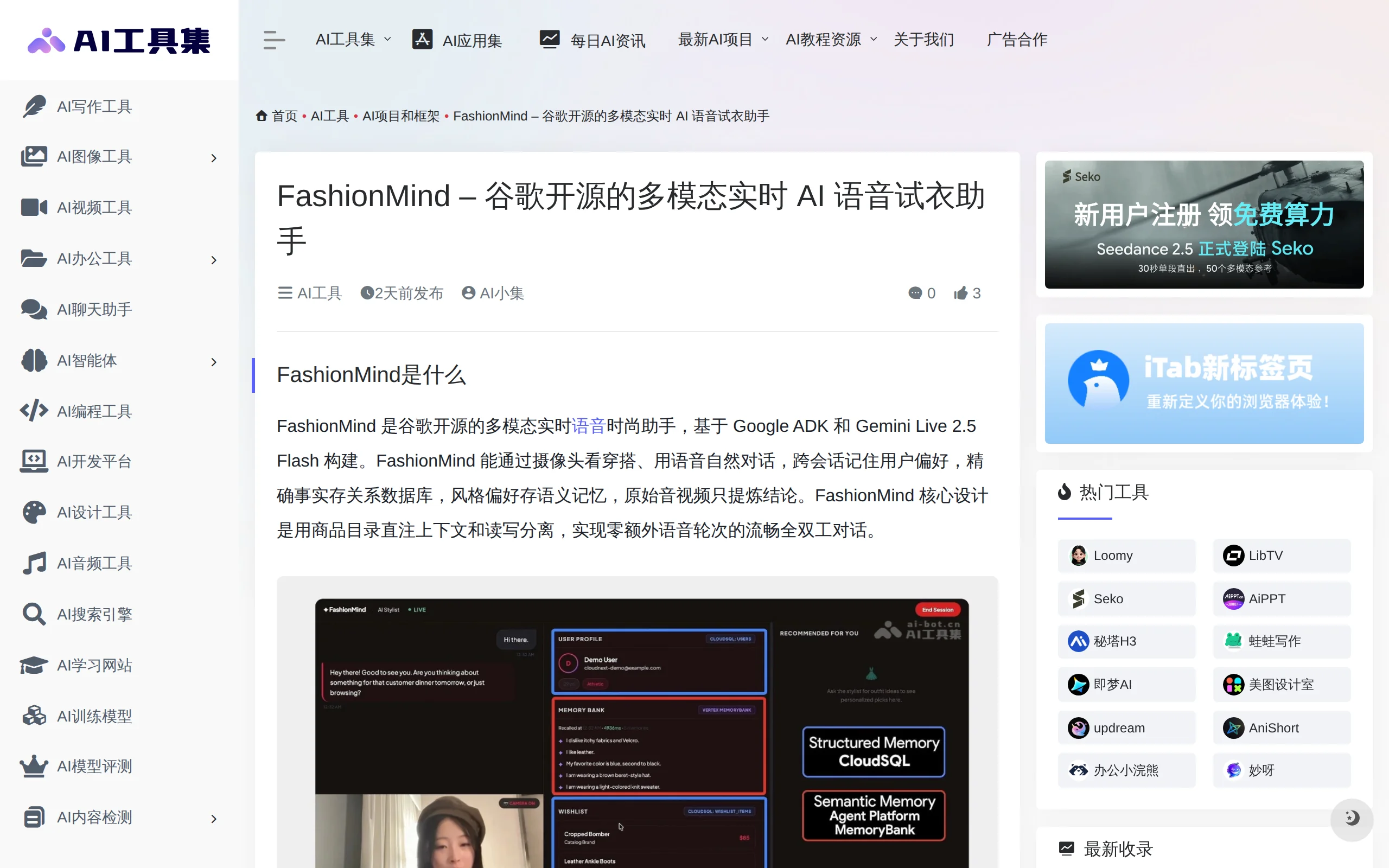
FashionMind – Google's Open-Source Multimodal Real-Time AI Voice-Fashion Assistant
FashionMind is a multmodal real-time voice fashion assistant open-sourced by Google, built on the Google ADK agent framework and the Gemini Live 2.5 Flash model. This project centers on camera-based v...
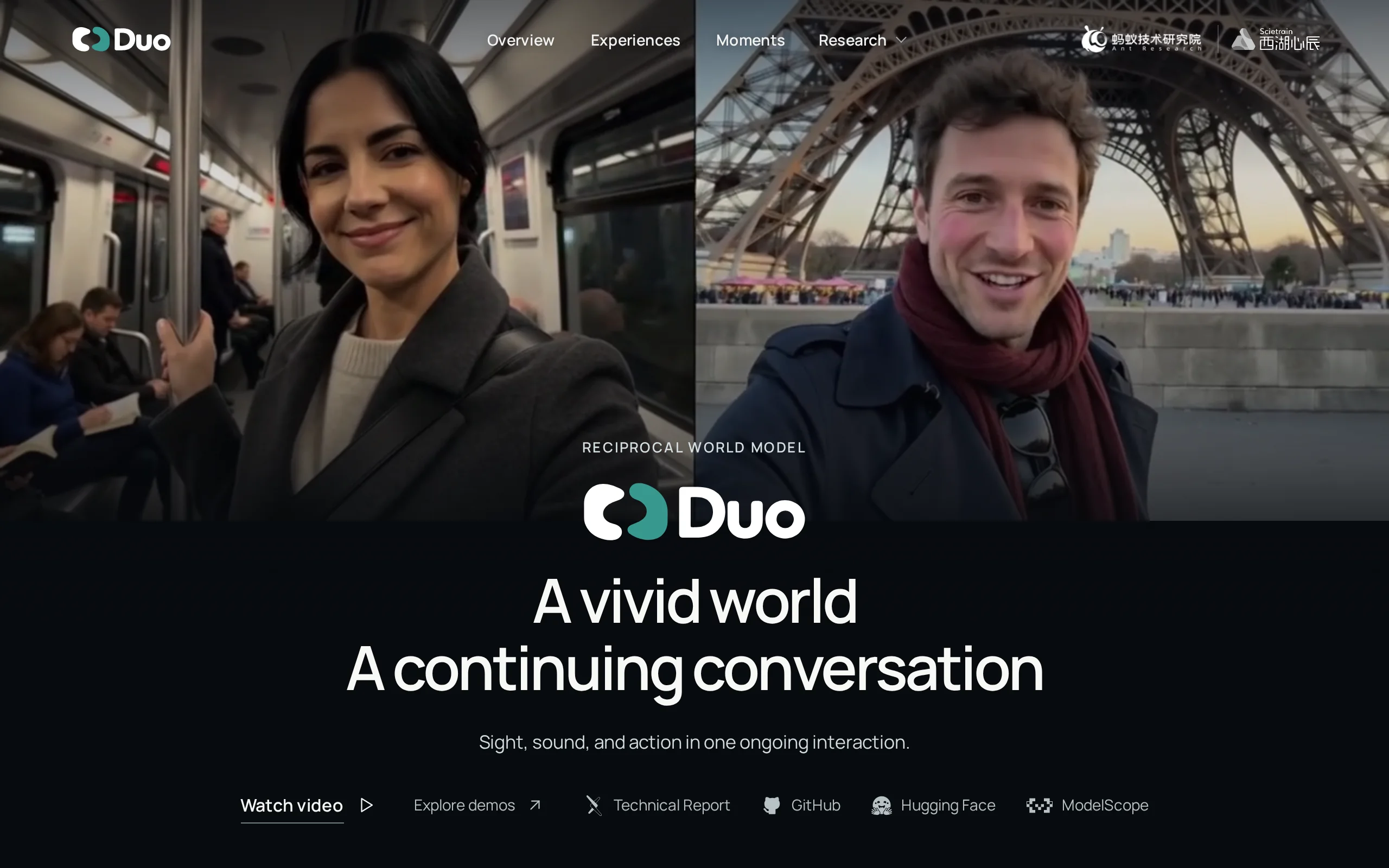
Duo v1 – Full-duplex Audio-Visual Interaction Model Open-sourced by Ant Group and West Lake Heart
Duo v1 is a full-duplex audio-visual interaction model open-sourced jointly by Ant Group's Technology Research Institute and West Lake Heart. It is also the first complete implementation of a Reciproc...
Aure – DeepL's Speech Translation Model
Aure is DeepL's next-generation speech translation model and serves as the core driving force behind all DeepL Voice products. Unlike traditional speech translation systems, Aure can continuously and ...
© All Rights Reserved. Some content on this site is partially generated by AI with human review.