
VoiceStudio – Open-Source Local AI Voice Studio, Generating Voice from Text Descriptions
Executive Summary:
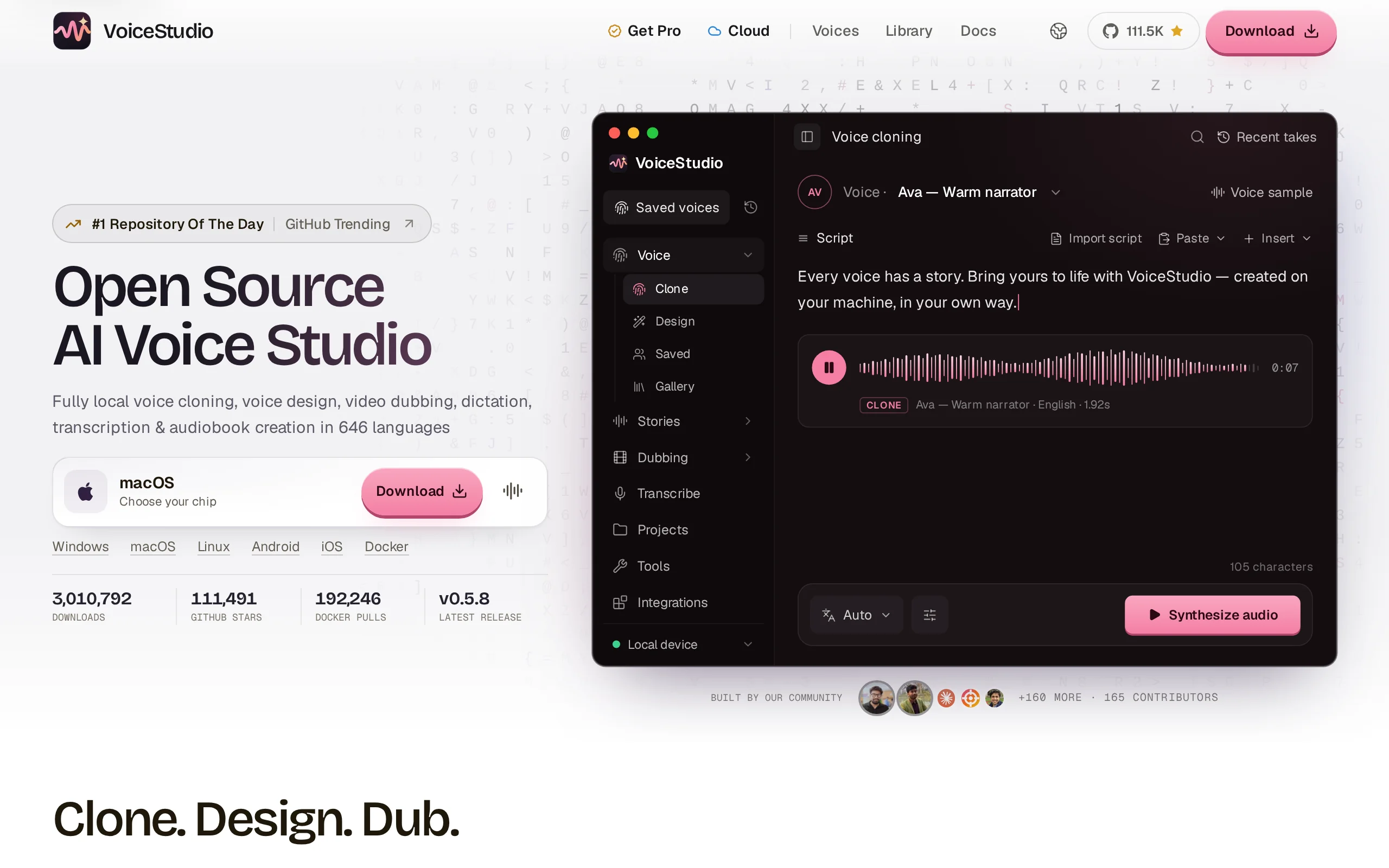
VoiceStudio is an open-source, fully local AI voice studio that integrates multiple capabilities—such as voice cloning, sound design, video dubbing, speech-to-text transcription, and batch generation ...
1. What is VoiceStudio
VoiceStudio is an open-source, fully local AI voice studio that integrates multiple capabilities—such as voice cloning, sound design, video dubbing, speech-to-text transcription, and batch generation of audiobooks—into a single application. It supports 646 languages, includes multiple open-source engines that can be downloaded on demand, and requires no internet connection for uploading materials. All processing, from model inference to data storage, remains entirely on the user's device. This tool is available for Windows, macOS, and Linux desktop platforms, and also provides Docker images and Android APKs, making it suitable for a wide range of environments—from individual creators to enterprise-level deployments. Its core positioning is to provide content creators with an integrated, privacy-safe local voice processing solution.
Technical Positioning and Domain: VoiceStudio belongs to the category of local applications in the field of text-to-speech (TTS) and speech-to-text (ASR). Its unique positioning lies in consolidating various voice processing capabilities into a unified platform, rather than offering single-function command-line tools or cloud-based APIs. In terms of voice cloning and sound design, it generates virtual voices directly from text descriptions, significantly lowering the professional audio editing barriers traditionally associated with sound design.
Development Background: This project was initiated and maintained by developer debpalash, using an open-source community collaboration model. As of June 2026, its GitHub repository has received over 100,000 stars, with 37,800 new stars added in September 2026 alone, ranking first in monthly star growth across the platform. This growth trend highlights the clear and scalable demand for localized, privacy-friendly voice tools within the community, and also underscores the pain points of cloud-based voice services in terms of data security and cost control.
Core Value: VoiceStudio addresses two major issues in voice processing scenarios: data privacy and fragmented functionality. Cloud-based voice services typically require users to upload audio recordings, which can pose compliance risks when dealing with sensitive materials such as business secrets, medical records, or legal documents. VoiceStudio eliminates this risk by operating entirely locally, while also consolidating high-frequency functions like voice cloning, video dubbing, and transcription into a single interface, avoiding workflow fragmentation caused by switching between multiple tools. Its support for 646 languages provides an almost exclusive tool path for localizing content in less commonly spoken languages.
Technical Features: Technically, VoiceStudio employs a modular engine architecture, where both TTS and ASR engines are available as downloadable plug-and-play components. Unused models do not occupy disk space. It supports pure CPU-based inference, while NVIDIA GPU and Apple Silicon can leverage hardware acceleration, achieving a balance between functional completeness and hardware requirements. Additionally, it provides an OpenAI-compatible local API interface, support for MCP (Model Context Protocol), and a Watch Folder folder monitoring mechanism, allowing direct integration with external agents or automated workflows.
2. Key Features
Voice Cloning: Users can import a clean reference audio clip (recommended to be over 10 seconds with low background noise) and train and save a voice model locally. The entire training and inference process is fully offline, and no materials are uploaded to any server. The generated voice model can be repeatedly used, making it ideal for producing series content that requires a fixed voice actor.
Voice Design: This is one of the most distinctive features of VoiceStudio. Users do not need to record any samples; they can simply describe voice characteristics using natural language (e.g., "a deep male voice with a slight rasp and slow speech rate"), and the engine will generate a completely new virtual voice. This feature lowers the barrier to voice design from professional audio workstations to the level of text input, providing an efficient solution for scenarios such as voice acting for game characters and customizing voices for virtual streamers.
Video Dubbing: After importing a video, the workstation automatically completes the entire process of audio extraction, voice separation, transcription, translation, and segment-by-segment synthesis. The system analyzes the speaking duration and pause rhythm of each segment in the original video, ensuring the newly generated speech aligns closely with the lip movements and timeline, significantly reducing the workload of manual synchronization. This feature supports multilingual dubbing and is suitable for video content localization and secondary creation for international distribution.
Speech Recognition & Transcription: Offers a floating transcription component and local speech recognition capabilities, allowing users to quickly convert audio into text. The entire process runs locally without requiring an internet connection, making it suitable for scenarios that demand real-time performance and privacy, such as meeting notes, interview transcripts, and classroom notes. Transcription results can be exported in common text formats for further editing.
Audiobook & Batch Generation: Supports queued batch processing of long texts. Users can import the entire manuscript into a task queue, and the software automatically generates speech for each segment in the background. Unlike cloud-based models that charge by character, the cost of local batch generation is almost zero, limited only by device computing power and time. This feature is ideal for the automated production of long audio content such as audiobooks, stories, and course audio.
Model Manager: Includes an integrated model management interface, allowing users to download required TTS, ASR engines, and voice models as needed. Unused models do not occupy hard drive space. This design addresses the common issue of bulky installation packages in local voice tools, enabling users to flexibly configure storage usage based on actual tasks.
Local API & Automation: Provides an OpenAI-compatible local API and MCP support, allowing external tools or Agent workflows to invoke speech synthesis and transcription capabilities via standard protocols. The Watch Folder feature lets users set a specific folder; when new files are placed in it, processing is automatically triggered. This is well-suited for integration with automation scripts and CI/CD workflows.
3. Application Scenarios
Video Repurposing and Multilingual Localization: After content creators import a video, VoiceStudio automatically performs voice separation, transcription, translation, and voice synchronization. The system adjusts the speed and pauses of the new voice according to the duration of each segment in the original video, eliminating the need for manual timeline dragging. This workflow is suitable for scenarios such as Chinese localization of YouTube videos and domestic content going global, significantly shortening the localization cycle.
Audiobook and Long Audio Production: Import entire novels or course transcripts into the backend task queue, and the software automatically generates and stitches voice segments one by one. Local execution means there are no character limits or pay-per-use billing, making the marginal cost of long texts approach zero. Combined with the voice cloning feature, it ensures a consistent narrative voice across an entire series of works.
Voice Processing in Privacy-Sensitive Scenarios: In scenarios such as voice-over for internal corporate training materials, transcription of medical recordings, and vocalization of legal documents, there are strict restrictions on data leaving the country. VoiceStudio's fully local execution ensures that all materials remain on the device, inherently meeting data compliance requirements without relying on data processing agreements from cloud service providers.
Voice Integration into AI Workflows: Developers can integrate voice synthesis and transcription capabilities into their own custom-built Agents or automation scripts via local APIs and the MCP interface. The Watch Folder monitoring mechanism supports a batch processing mode where "files are processed immediately upon being placed," suitable for scenarios such as customer service voice quality inspection, podcast automatic transcription, and backend voice assistant systems that require programmatic voice processing.
Localization of Content in Less Common Languages: Supporting 646 languages, including a large number of obscure and less common languages, VoiceStudio far exceeds mainstream commercial cloud services, which typically support only around 90 languages. For voice-over and transcription needs in minority languages and regional dialects, VoiceStudio is almost the only available local tool, filling the gap where commercial services fall short.
4. How to Use
Environment Requirements and Installation: Download the installation package for your system from the GitHub Releases page or the official website voicestudio.sh. Desktop versions are available for Windows, macOS, and Linux, along with Docker images and Android APKs. In terms of hardware, a CPU device without a dedicated graphics card can run all features. Devices equipped with NVIDIA GPUs or Apple Silicon chips will automatically enable hardware acceleration, improving inference speed.
First Launch and Model Download: Upon first opening the application, the software will guide you through downloading a small model for feature verification. Before downloading any models, the software will prompt for user consent, allowing you to select only what you need and avoid consuming large amounts of disk space at once. It is recommended to perform a simple text-to-speech test on your first use to confirm that the engine is functioning properly.
Voice Cloning Process: Enter the Voice Cloning workspace, import a clean reference audio recording (recommended duration: over 10 seconds, low background noise, clear speech), input the text you want to synthesize, and click Generate to obtain the voice in that style. The generated voice model is automatically saved locally and can be directly used in subsequent tasks without retraining.
Video Dubbing Workflow: Enter the Video Dubbing workspace, import a video file, input the translated target language script, and select a voice model. The software automatically handles audio extraction, voice separation, transcription alignment, and segment-by-segment synthesis, ultimately exporting the dubbed video file. No manual adjustment of the timeline is required throughout the process.
Voice Design Operations: In the Voice Design workspace, describe the desired voice characteristics using natural language (e.g., "a gentle young female voice with a slight breathy quality"). The engine will directly generate a brand new virtual voice. After generation, you can preview and refine the description iteratively until the desired outcome is achieved.
Batch Generation and Task Management: Import long text into the batch generation queue, and the software will automatically synthesize it segment by segment in the background. During the generation process, you can pause, adjust task order, or cancel tasks at any time. It is recommended to split long text into chapters or paragraphs for easier identification and re-generation of individual segments.
API and Automation Setup: Enable the local API service in the settings and obtain an OpenAI-compatible interface address and key. After configuring a Watch Folder to monitor a specific directory, audio or text files placed in that directory will automatically trigger transcription or synthesis tasks. MCP support allows you to directly invoke voice capabilities within compatible clients (e.g., Claude Desktop).
5. Pros and Cons Analysis
| Pros |
|---|
| Fully local operation with privacy and security: All model inference, material processing, and data storage are completed locally. Materials are never uploaded to the cloud, naturally meeting compliance requirements for sensitive scenarios such as healthcare, legal, and corporate training. |
| Integrated functionality: Voice cloning, sound design, video dubbing, transcription, and batch generation are all consolidated into a single application, eliminating data transfer costs between multiple tools and forming a complete local voice processing loop. |
| Extensive language support: Supports 646 languages, including many obscure and less commonly used languages, far exceeding the language coverage of mainstream commercial cloud services (over 90 languages), making it a rare choice for dubbing and transcription in less common language scenarios. |
| Low hardware requirements: All features can run on a CPU, with NVIDIA GPU and Apple Silicon capable of accelerating inference, covering a wide range of hardware from old office computers to professional workstations. |
| Local API and automation capabilities: Provides an OpenAI-compatible interface, MCP support, and Watch Folder monitoring, enabling seamless integration with external Agent workflows and automation scripts, offering strong scalability. |
6. Comparative Analysis with Similar Tools
| Comparison Dimension | VoiceStudio | ElevenLabs | Coqui TTS |
|---|---|---|---|
| Product Nature | Open-source desktop application, over 100,000 stars on GitHub, runs entirely locally | Commercial cloud-based SaaS platform, closed-source | Open-source Python library, runs locally |
| Operation Mode | Local inference, media stays on device | Cloud processing, requires uploading recordings and text to the server | Local inference, requires managing models and dependencies yourself |
| Pricing Model | Completely free, maintained through sponsorships, no paid cloud | Free tier allows about 10,000 characters per month (approximately 10 minutes of speech, non-commercial use only), paid plans range from $6/month to $990/month | Completely free, under open-source license |
| Language Coverage | Claims support for 646 languages, including many lesser-known languages | Latest v4 model family supports over 90 languages | Supports over 1,100 languages (including dialects), based on multilingual models |
| Voice Cloning | Local cloning, reference recordings do not need to be uploaded | Instant cloning starts at $6/month, professional cloning starts at $22/month, audio must be uploaded for verification | Supports zero-shot cloning and fine-tuning, requires local GPU training |
| Video Dubbing | Built-in video dubbing workspace, automatically aligns with original video length | Has a dubbing studio, full托管 production is available at the Enterprise level | Requires self-written scripts for alignment |
| Privacy & Compliance | All data is stored locally, inherently compliant | Depends on their data processing policies, enterprise-level SLA is only available through Enterprise contracts | Runs locally, data stays on device |
| Hardware Requirements | No GPU required, can run on CPU; NVIDIA/Apple Silicon for acceleration | No local hardware requirements, but limited by network, concurrency, and quotas (free tier allows only 2 concurrent sessions) | Recommended NVIDIA GPU, CPU inference is slower |
| Commercial Use Restrictions | AGPL-3.0 license, requires open-sourcing if modified and provided as a service externally; individual licenses for model weights | Free tier prohibits commercial use and requires attribution, commercial use requires at least a $6/month license | MIT license (for the TTS library itself), model weight licenses vary |
Selection Recommendations: For privacy-sensitive users who require fully local operation and have limited budgets, VoiceStudio is the most balanced choice, especially suitable for content creation in lesser-known languages and video dubbing scenarios. Its AGPL-3.0 license imposes no restrictions on internal use, only limiting the ability to provide modified SaaS services externally. If your project requires deep customization of voice models or integration of TTS capabilities into your own Python applications, Coqui TTS offers greater flexibility with its MIT license and model fine-tuning capabilities, although you will need to handle video dubbing and batch management features on your own.
For teams seeking the highest audio quality and professional-grade cloud services: ElevenLabs' models remain at the forefront of the industry in terms of naturalness and emotional expression. Its mature developer API and 44.1kHz high sampling rate output are suitable for commercial products with strict audio quality requirements. However, you should evaluate the monthly subscription costs and data出境 compliance risks. Edge-TTS is suitable for rapid prototyping or temporary tasks with less stringent audio quality requirements, but due to its reliance on Microsoft cloud services, it is not recommended for production environments.
7. Editor's Summary
VoiceStudio's explosive growth in GitHub stars in 2026 (37,800 new stars in September alone, ranking first on the entire platform) was no accident. It precisely addresses the long-standing structural contradiction in the voice processing field: the convenience of cloud-based services versus the irreconcilable issue of data privacy. While commercial platforms like ElevenLabs have commodified voice cloning capabilities, VoiceStudio offers a nearly comparable feature set by running entirely locally, reducing marginal costs to zero. From a technical architecture perspective, its modular engine design and on-demand download mechanism effectively control local storage usage. Its support for 646 languages creates a differentiated competitive barrier against commercial services, which are constrained by training costs and are unlikely to cover such a broad range of lesser-used languages.
From a practical value standpoint, VoiceStudio's "integrated functionality" strategy addresses real pain points for content creators: voice-over for videos no longer requires piecing together multiple tools, audiobook production is no longer limited by cloud-based character quotas, and processing of privacy-sensitive materials no longer depends on third-party data handling agreements. The addition of support for local APIs and MCP extends VoiceStudio from a user-facing tool into a programmable voice infrastructure, broadening its application scope and enabling integration into more extensive automation workflows.
In terms of target users, VoiceStudio is most suitable for the following three categories: first, content creators with multilingual video localization needs; second, enterprise internal voice processing scenarios with strict data compliance requirements; and third, independent producers who need to generate large volumes of long-form audio (such as audiobooks and courses). For teams that prioritize the highest audio quality, require professional-grade cloud services, or lack local hardware resources, commercial cloud solutions remain a reasonable choice.
In terms of growth potential, the core challenge this project faces is transitioning from a "community-driven open-source tool" to a "sustainably evolving infrastructure." The AGPL-3.0 license protects the open-source spirit but limits commercial closed-source integration. Additionally, the separate licensing of model weights increases the compliance complexity for enterprises. If the project team can establish a clearer licensing system and a robust documentation ecosystem, VoiceStudio has the potential to become the de facto standard in local voice processing. Its coverage of 646 languages and support for local APIs already form a solid moat. If it continues to keep pace with open-source model advancements in audio quality naturalness and emotional expression, it will have the technical foundation to directly compete with commercial services.
8. FAQ
Q: How does VoiceStudio compare to ElevenLabs in terms of audio quality?
A: In standard clarity text-to-speech scenarios, the open-source engine used in VoiceStudio (such as the Coqui TTS series) can already achieve naturalness comparable to commercial services. However, ElevenLabs' v4 model still has certain advantages in advanced dimensions such as emotional expression, multi-speaker conversations, and high sampling rate outputs (e.g., 44.1kHz). If your project requires extremely high audio quality and has sufficient budget, it's recommended to evaluate both options in parallel. If cost and privacy are your primary concerns, VoiceStudio is a more practical choice.
Q: What kind of reference recordings are needed for voice cloning?
A: It is recommended to provide recordings that are at least 10 seconds long, with low background noise, clear speech, and no overlapping dialogue. The content of the recording does not need to be specific text, but samples with clear pronunciation and even speaking rate yield better cloning results. The cloning process is completed locally, and the materials are not uploaded. If the reference recording quality is poor (e.g., obvious reverb or high background noise), it is recommended to first use audio processing tools to reduce noise before importing.
Q: Does the AGPL-3.0 license mean it cannot be used for commercial purposes?
A: AGPL-3.0 allows commercial use, but with a key restriction: if you modify the source code of VoiceStudio and provide the service over the network (e.g., building a SaaS platform), you must open-source the modified code. If you are using it solely within an enterprise or integrating it as a desktop tool into your own product without providing network services, you are not required to open-source derivative code. In addition, the weights of the built-in models follow individual licenses, and you should check them one by one before commercial use.
Q: How fast can voice cloning and video dubbing run on a CPU?
A: In CPU mode, voice synthesis for short text (a few dozen characters) can be completed within a few seconds, but voice cloning training and long video dubbing require significantly more time. For example, dubbing a 5-minute video on a CPU may take 15–30 minutes, while an NVIDIA GPU or Apple Silicon can reduce this to 3–5 minutes. It is recommended to run batch tasks during nighttime or idle periods, utilizing task queues for background processing.
Q: Are all 646 languages actually usable?
A: The coverage of 646 languages is based on the claimed capabilities of open-source multilingual models (such as the Coqui XTTS series). The synthesis quality for mainstream languages (e.g., Chinese, English, Japanese, Korean, French, German, etc.) has been thoroughly validated. However, some less common or smaller languages may have limited practical results due to the scale of training data, potentially leading to inaccurate pronunciation or unnatural prosody. It is recommended to test the performance of the target language with a small sample before formal use.
Q: Can VoiceStudio be integrated into your own Python project?
A: Yes. VoiceStudio provides an OpenAI-compatible local API interface, allowing you to invoke text-to-speech and transcription capabilities via HTTP requests without directly relying on its internal Python implementation. It also supports MCP (Model Context Protocol), enabling direct invocation within clients that support MCP (e.g., Claude Desktop). For deeper integration, refer to the API documentation in its GitHub repository.
9. Project Links
- Product Website: https://voicestudio.sh/
- GitHub Repository: https://github.com/debpalash/VoiceStudio
Related
Hy4 flash – Tencent HunYuan's High-Cost-Performance Large Model
Hy4 flash is a high-cost-performance large model launched by Tencent HunYuan, which employs a sparse mixture-of-experts (MoE) architecture with a total of 224B parameters and 12B active parameters. It...
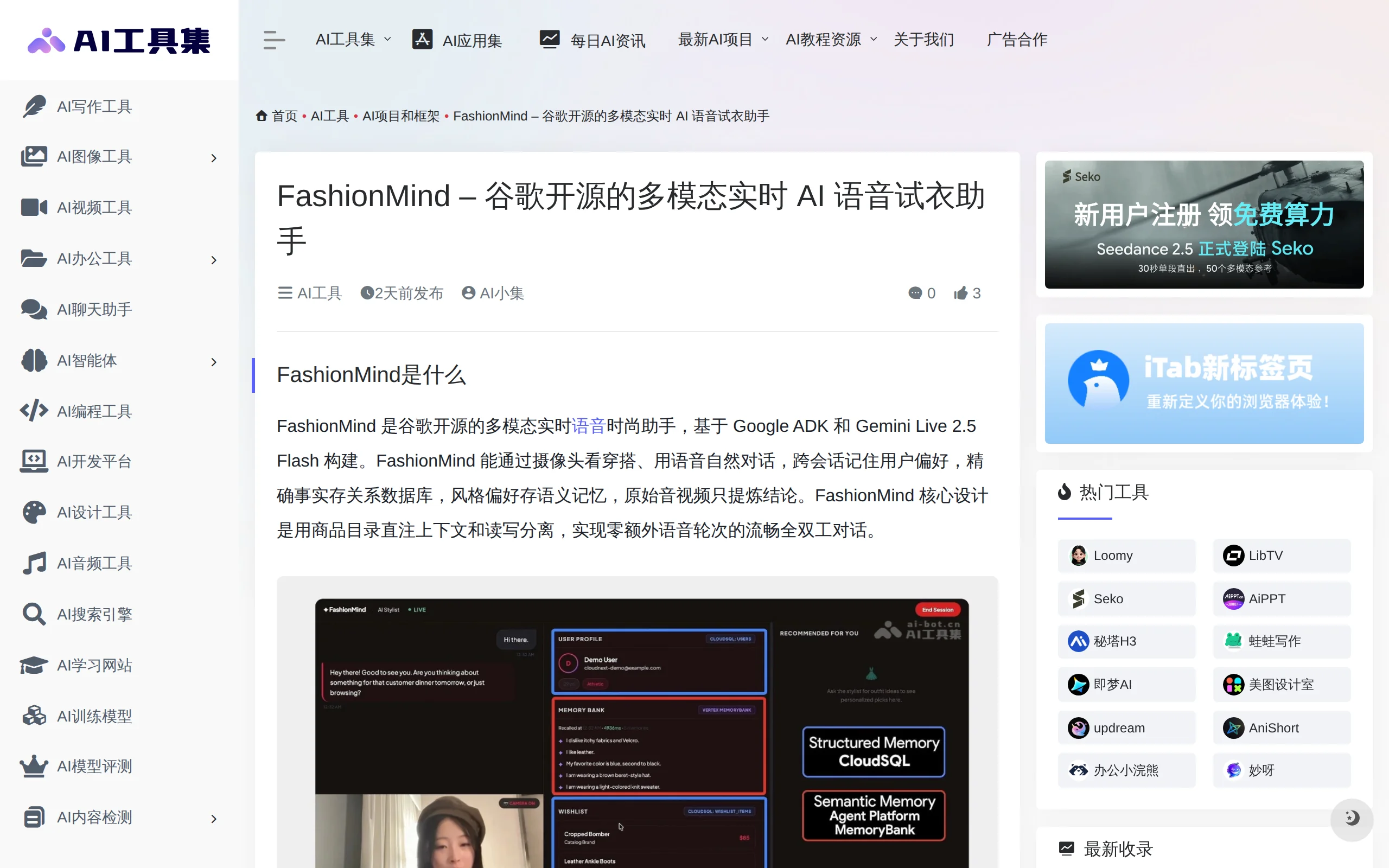
FashionMind – Google's Open-Source Multimodal Real-Time AI Voice-Fashion Assistant
FashionMind is a multmodal real-time voice fashion assistant open-sourced by Google, built on the Google ADK agent framework and the Gemini Live 2.5 Flash model. This project centers on camera-based v...
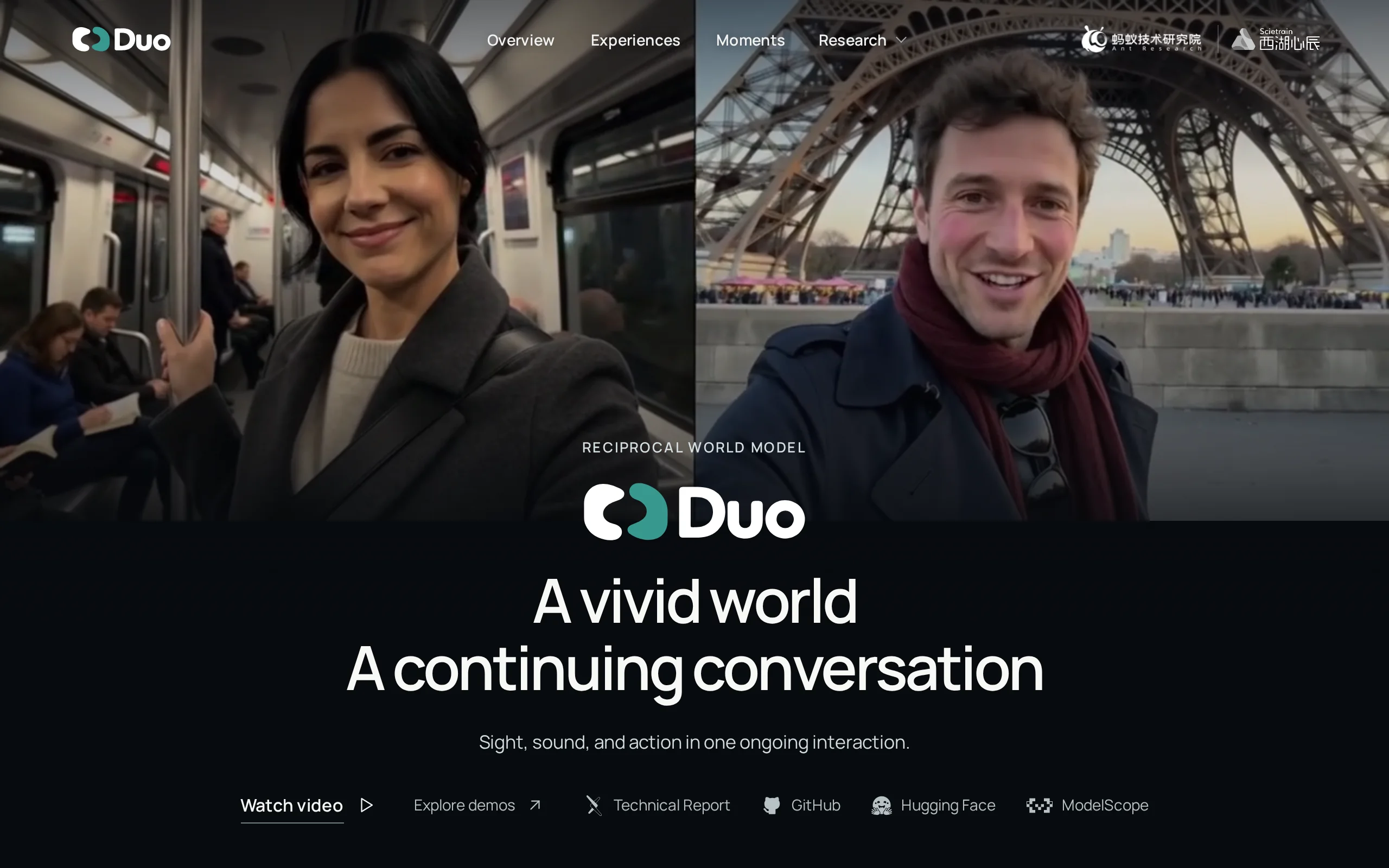
Duo v1 – Full-duplex Audio-Visual Interaction Model Open-sourced by Ant Group and West Lake Heart
Duo v1 is a full-duplex audio-visual interaction model open-sourced jointly by Ant Group's Technology Research Institute and West Lake Heart. It is also the first complete implementation of a Reciproc...
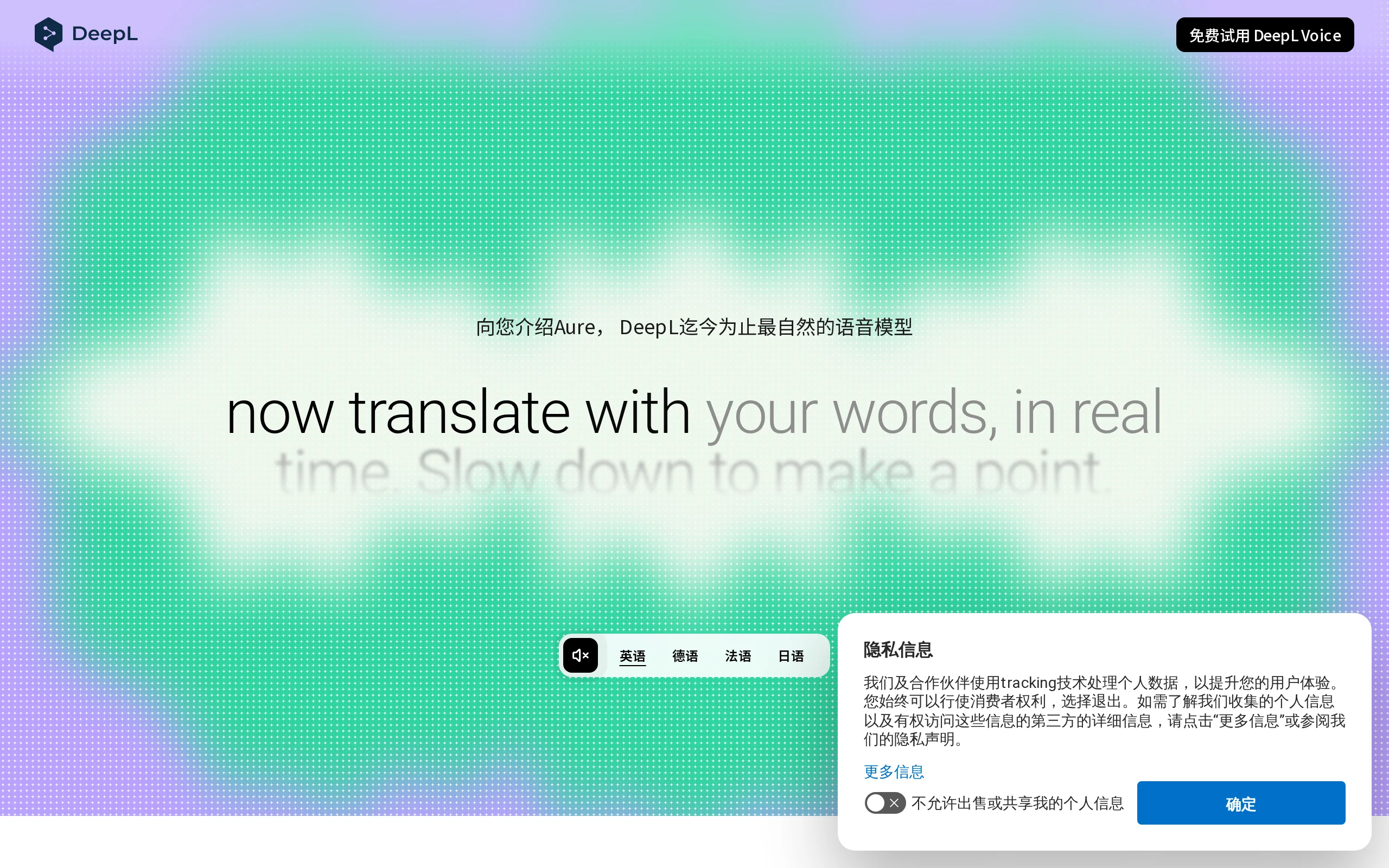
Aure – DeepL's Speech Translation Model
Aure is DeepL's next-generation speech translation model and serves as the core driving force behind all DeepL Voice products. Unlike traditional speech translation systems, Aure can continuously and ...
© All Rights Reserved. Some content on this site is partially generated by AI with human review.