
WeVisCut – Tencent WeChat Vision's Open-Source Agent for Long-Video Automatic Editing
Executive Summary:
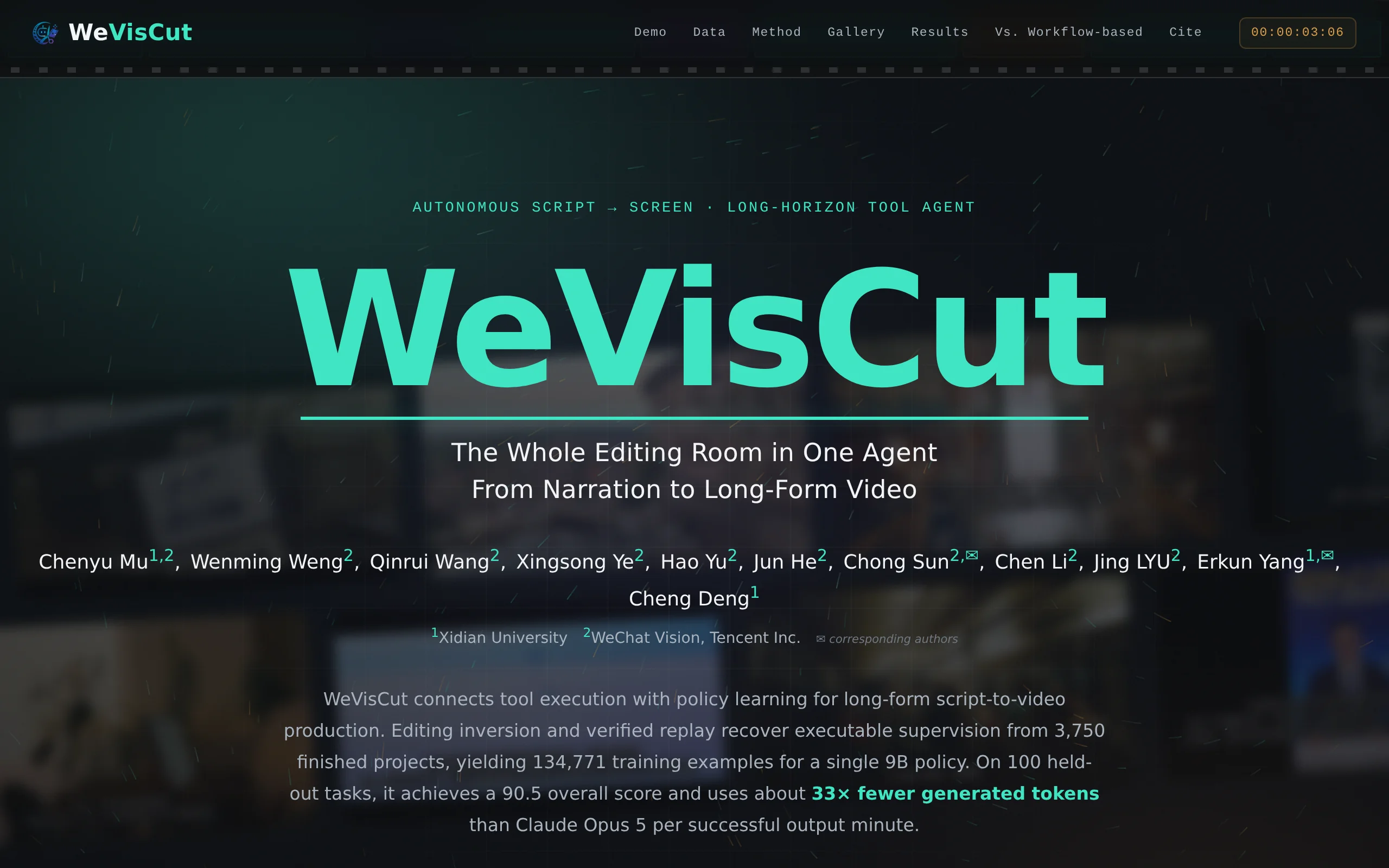
WeVisCut is an open-source long-video automatic editing Agent developed by Tencent's WeChat Vision team. After inputting a voiceover script, a 9B small model strategy, leveraging a runtime that shares...
1. What is WeVisCut
WeVisCut is an open-source long-video automatic editing Agent developed by Tencent's WeChat Vision team. After inputting a voiceover script, a 9B small model strategy, leveraging a runtime that shares production states, automatically completes scene division, voiceover, material retrieval, synthesis, and quality inspection and repair, directly outputting several minutes of finished video. Its core innovation lies in using an editing inversion and verified replay pipeline to recover over 130,000 training data points from 3,750 finished videos. In evaluations, it performs on par with Claude Opus 5, saving approximately 33 times the number of generated tokens, with a cost of only $0.09 per minute of finished video.
Technical positioning and domain: It belongs to the intersection of AI video generation and automatic editing, focusing on end-to-end automated production of long videos from scripts. Unlike traditional video generation models that directly generate visuals, WeVisCut transforms text scripts into complete video works through intelligent agent scheduling, including scene division, voiceover, material retrieval, and timeline synthesis. It has a unique position in the automation of video production orchestration, filling the gap in open-source solutions for structured long-video production.
Development background: Developed and open-sourced by Tencent's WeChat Vision team. The team observed that in the long-video production pipeline, material selection, tool execution, and repair decisions are interdependent, and having each shot locally correct does not guarantee a rhythmically coherent full video. If broken into multiple general-purpose Agent stages, each stage would need to re-serialize the global context, leading to linear accumulation of token and calling costs with the number of shots. Therefore, the team designed a 9B strategy to maintain the entire production state, transforming the understanding of the global context from a repetitive process at each step into a continuous one, addressing the challenge of state management in long production pipelines at the architectural level.
Core value: It solves the three major core issues in long-video automated production: difficult state management, high cost, and weak repair capabilities. By sharing the production state, the results of previous tools directly constrain subsequent decisions, avoiding repeated reconstruction of the context. Through closed-loop quality inspection and bounded local repair, it preserves already successful parts without redoing them. It reduces the cost of finished video per minute to just $0.09, moving long-video automated production from proof-of-concept to scalable deployment.
Technical features: A single strategy with a three-role architecture (orchestrator, generator, critic) paired with a fixed set of 12 tool action spaces, without hard-coded stages. The entire trajectory is autonomously decided by the strategy. On the training level, it employs an Editing Inversion + Verified Replay data pipeline along with a three-stage training process (unified SFT + RFT, Guided-OPD, RCF-DAPO), increasing Overall from the base model's 74.5 to 90.5, validating the effectiveness of data inversion and state-based management in video production agents.
2. Key Features
Script to Long Video: Input a narration or knowledge-based script, and automatically generate a complete several-minute video. The system automatically handles chapter division, scene planning, voiceover, material retrieval, and timeline construction, without requiring human intervention. It is ideal for efficiently converting long-form text content such as knowledge dissemination and course explanations into video, significantly shortening the production cycle from text to final output.
Single-Strategy End-to-End Decision Making: A single 9B model assumes three roles—director, generator, and critic—through role routing, replacing multi-stage Agent workflows. The action space is fixed at 12 tools, with no hard-coded stages. The entire production path is autonomously determined by the strategy, with safeguards only intercepting illegal tool calls, avoiding the context reconstruction and coordination overhead common in multi-Agent collaboration.
Shared Production State Management: Runtime maintains a persistent production state, writing only verified tool results into the state. The strategy issues only one tool call at a time, selecting legal actions from the current state. Illegal calls are rejected by type-specific blockers, forcing the system to first complete dependencies before retrying. The state is separated from the model context, so the strategy does not need to carry the full history, ensuring that long production chains maintain their rhythm.
Closed-Loop Quality Inspection and Repair: The strategy automatically inspects the final video quality, identifies failed segments, and performs bounded local repairs, preserving already successful parts without reprocessing them. The training data includes failure recovery trajectories, enabling the model to inspect quality, locate issues, and resume execution, significantly reducing rework costs compared to full reprocessing solutions.
Director-Style Conversational Video Editing: After the initial video output, users can swap materials, change music, or adjust subtitles through conversational interaction. The strategy replans and re-delivers within a local scope. There is no need to regenerate the entire video, significantly improving modification efficiency and providing a natural language interface for human intervention.
Editable Timeline Delivery: Studio runtime provides an 8-track timeline, supporting per-shot re-rendering and version rollback. Users can confirm each shot individually on the timeline interface and roll back to a version as needed for re-rendering. This balances automation efficiency with manual control, meeting the delivery requirements of professional editing workflows.
Low-Cost Private Deployment: Producing one minute of video requires approximately 2,377 generation tokens and costs $0.09, with a wall-clock time of about 2.1 minutes. The 9B model weights are open-sourced and can be deployed locally, making it suitable for production environments sensitive to data privacy and cost, thereby lowering the barrier to entry for video automation.
3. Application Scenarios
Mass Production of Educational Videos: Automatically convert long-form educational articles or voiceover scripts into several minutes of explanatory videos, suitable for the daily content needs of MCN agencies and self-media accounts. The system automatically completes scene division, voiceover generation, and media retrieval, maintaining a consistent style across multiple videos during batch processing, significantly reducing the workload of manual editing.
Corporate Training and Course Creation: Quickly transform training materials and lecture scripts into video courses, reducing the cost of outsourcing internal training videos. Supports batch processing of multi-chapter content, automatically generating voiceovers and subtitles, shortening the training content update cycle from weeks to hours.
Visualization of News and Information: Automatically generate visuals and background music for scripts on financial and tech news, adapting to the fast-paced publishing needs of information-based accounts. The automated workflow from text to final video shortens the content production cycle, enabling information-based accounts to publish visualized content at a higher frequency.
Marketing and Product Presentations: Convert product copy into a preliminary promotional video with one click, after which marketing personnel can fine-tune the content and style through conversational adjustments. Balancing batch generation efficiency with brand tone control, marketing teams can rapidly iterate on the initial video versions, reducing the time cost of creating content from scratch.
Multilingual Content Localization: After translating the script, automatically regenerate voiceover and subtitle versions using the same production pipeline. The same piece of knowledge content can quickly be produced in multiple language versions, reducing the production cost of multilingual video content and supporting large-scale operations for content localization teams.
4. How to Use
Get the Code: Clone the repository from GitHub by executing
git clone https://github.com/Tencent/WeVisCut.gitto obtain the full project source code, which includes the strategy model, Studio runtime, and tool registry.Set Up the Environment: Install the Studio runtime and related dependencies according to the repository documentation. It is recommended to use a Linux operating system and configure a Python environment. Specific dependency versions should follow the requirements file in the repository. For GPU environments, it is recommended to have at least 16GB of video memory.
Download the Model: Pull the 9B weight file for
tencent/WeVisCutfrom HuggingFace. You can use the commandhuggingface-cli download tencent/WeVisCutor download it via Git LFS, ensuring that the weight files are complete.Start the Service: Run the startup script to load the strategy and tool registry, then open the Studio web interface. After starting, confirm that all 12 tools have been successfully registered and that the production runtime is functioning normally before beginning the task creation process.
Input Script: Paste or upload a long-form script for narration or knowledge content into the interface. The system automatically performs chapter segmentation and shot planning, breaking down the long text into executable production units, preparing for subsequent voiceover, material retrieval, and synthesis.
Observe Production: The Agent automatically segments chapters, plans shots, generates voiceovers, retrieves materials, and builds the timeline in real time. The production process is visually presented. Users can monitor each step's tool calling and status changes in real time, gaining insight into the production progress and decision-making logic.
Dialogue-Based Edits: After the initial production version is generated, users can submit modification requests through the director chat window, such as replacing materials, adjusting music, or modifying subtitles. The strategy will re-plan within the local scope and deliver the revised version, preserving already successfully completed parts without reprocessing them.
Export the Final Product: After confirming each shot on the timeline interface, export the final video. Alternatively, roll back to a specific version and re-render as needed. The 8-track timeline supports fine adjustments. Once confirmed, output the final product file, completing the entire production workflow.
5. Pros and Cons Analysis
| Pros |
|---|
| Extremely low cost: Only about 2,377 generated tokens and $0.09 are required to successfully output one minute of video. This is approximately 10.8 times cheaper than general-purpose workflows, making it ideal for large-scale video production. |
| Reliable delivery: The model's Overall score across five metrics is 90.5, surpassing the base model by 16 points. It excels in planned realization rate, long-term consistency, and rendering output rate, ensuring stable delivery of final video outputs. |
| One strategy for the entire process: A single 9B model assumes the roles of planning, generation, and critique, replacing multi-stage Agent workflows. This avoids repeated context reconstruction and maintains rhythm throughout long workflows. |
| Self-repair capability: The training data includes failure recovery trajectories, allowing the strategy to perform quality checks, identify issues, and make bounded local repairs, preserving already successful parts and reducing rework costs. |
| Interactive editing: After the video is completed, it can be modified through natural language dialogue. Local replanning without re-shooting significantly improves editing efficiency and reduces manual intervention costs. |
6. Comparative Analysis with Similar Tools
| Dimension | WeVisCut (WeChat Vision by Tencent) | Crayotter |
|---|---|---|
| System Architecture | Single 9B strategy + shared state runtime | Native workflow system with task-matched processing |
| Decision-making Method | A single strategy assumes the roles of orchestration, generation, and critique, with no hard-coded stages | Predefined editing pipeline |
| Training Method | 3,750 supervised video inversion examples, 130,000+ executable data samples | Final video preference training within the environment |
| Repair Capability | Closed-loop quality inspection + bounded local repair, preserving successful parts | No equivalent explicit recovery learning mechanism |
| Overall Score | 90.5 | 84.9 |
| Human Blind Evaluation (Overall) | 4.56 (leading in all six dimensions) | 3.48 |
| Wall-clock Speed | 2.1 minutes per output minute | 8.6 minutes per output minute |
| Cost | $0.09 per output minute | $0.97 per output minute |
| Interactive Revisions | Director-style conversational local replanning | No equivalent interactive capability provided |
| Openness | Fully open-sourced (weights + runtime + data pipeline) under Apache-2.0 | Closed ecosystem |
For video automation production teams seeking low cost, high efficiency, and private deployment capabilities, WeVisCut demonstrates clear advantages in cost, speed, and repair capabilities through its single-strategy architecture and shared state runtime. Its 9B model weights and complete data pipeline being open-sourced make it well-suited for large-scale implementation in scenarios such as knowledge dissemination and corporate training, which involve converting long-form scripts into videos.
For teams that have deeply integrated Crayotter and rely on its native workflow system, the specific task matching may feel more intuitive. However, the cost of $0.97 per output minute and the speed of 8.6 minutes per output minute should be carefully considered during selection. For projects requiring high creative freedom or complex visual styles, general-purpose large models combined with manual post-production still hold value. However, the significant cost and efficiency drawbacks make them more suitable for producing high-quality individual videos rather than mass production.
7. Editor's Summary
WeVisCut's core technical innovation lies in redefining long video production as a state management problem rather than a purely generative one. By employing a single 9B strategy to assume three roles, utilizing a shared production state runtime, and implementing an editing inversion training pipeline, the system achieves performance comparable to Claude Opus 5 while maintaining low cost. This design approach offers valuable insights for the AI video production field, demonstrating that small models, when paired with carefully designed training data and state management mechanisms, can match or even surpass the capabilities of general-purpose large models in complex toolchain tasks.
In terms of practical value, the cost of $0.09 per minute and a wall-clock speed of 2.1 minutes bring long video automation production from proof-of-concept to scalable real-world applications. The open-source strategy further reduces the barrier to entry, allowing teams to deploy it locally and perform manual interventions based on an 8-track timeline, balancing efficiency with controllability. The method of inverting and restoring training data also provides a reference model for training other toolchain agents.
The target users include MCN organizations, self-media creators, corporate training departments, marketing teams, and AI application developers. For teams requiring daily video content updates, batch processing of long text into videos, or those with data privacy requirements, WeVisCut offers a practical and implementable solution. Its Apache-2.0 license permits commercial use, reducing legal risks for enterprises adopting the technology.
In terms of future technical development, the expansion of training data scale and the extension of the tool registry will drive its application scenarios from knowledge-based educational videos to more vertical domains. Continuous improvements in interactive editing capabilities are also pushing AI video production toward more refined, human-AI collaborative workflows, a direction that warrants ongoing industry attention.
8. FAQ
Q: What distinguishes WeVisCut from video generation models like Sora?
A: Models like Sora directly generate video frames, whereas WeVisCut is an automated editing agent that completes video production by orchestrating shot planning, voiceover generation, material retrieval, and synthesis tools. These two approaches address different problems. WeVisCut focuses on structuring long-form scripts into videos, rather than pixel-level frame generation, which makes it more efficient for producing explanatory or knowledge-based content with narration.
Q: How does the 9B small model achieve performance comparable to Claude Opus 5?
A: The key lies in training data and state management. WeVisCut reverse-engineered 3,750 completed videos to generate over 130,000 executable supervised data points, enabling the model to learn tool usage and failure recovery. By sharing production states, the model doesn't need to carry the full historical context, reducing token consumption by approximately 33 times. This allows it to achieve comparable output quality with fewer computational resources.
Q: What hardware configuration is required to deploy WeVisCut?
A: The model has 9B parameters and is recommended to be run on a GPU with at least 16GB of VRAM (such as NVIDIA RTX 4090 or higher) for inference. The full Studio runtime and 8-track timeline rendering also have certain requirements for memory and storage. For specific configuration recommendations, please refer to the environment guidelines in the repository documentation.
Q: What languages and video styles does it support?
A: WeVisCut is designed for narration/knowledge-based scripts and supports multilingual content localization scenarios. After translating the script, voiceovers and subtitles can be regenerated directly. Video styles are limited by the template library, and currently, it is more suitable for educational content, knowledge dissemination, and course explanations. Highly customized visual styles require manual post-production work.
Q: How can I modify the generated video?
A: After the initial video is generated, you can request modifications through the director chat window, such as changing materials, adjusting music, or modifying subtitles. The system will perform localized re-planning and deliver the revised version. You can also manually adjust each shot on the 8-track timeline interface in Studio, roll back versions as needed, and re-render. Combining these two methods enables efficient iteration.
Q: How is the training data constructed?
A: It uses a four-stage pipeline: Editing Inversion + Verified Replay. First, scripts and shot intentions are inferred from completed videos. Then, during runtime, the inferred data is replayed and validated for executability. When defects are exposed during replay, bounded repairs are made while retaining successful outputs. Finally, the execution records are materialized into training examples with tool feedback. Ultimately, 3,750 completed videos were transformed into 134,771 executable supervised data points.
9. Project Links
- Product Website: https://tencent.github.io/WeVisCut/
- GitHub Repository: https://github.com/Tencent/WeVisCut
- HuggingFace Model Library: https://huggingface.co/tencent/WeVisCut
- arXiv Technical Paper: https://arxiv.org/pdf/2610.38352
Related
LoopForge – Tencent's Open-Source Cloud-Based AI R&D Collaboration Platform
LoopForge is an open-source, team-level cloud-based AI R&D collaboration platform developed by Tencent, designed to address engineering breakpoints that occur during multi-Agent handover processes. Un...
Muse Ember Review: Meta Redefines the Efficiency Boundaries of Lightweight Models
Muse Ember is Meta's smallest parameter-scale AI model introduced in mid-2026, specifically designed for high-frequency, repetitive tasks in agents. According to official benchmark data, this model ac...
Claude Fable 5.2 – Anthropic's Flagship AI Model
Claude Fable 5.2 is Anthropic's flagship AI model, sharing a common origin with the security-focused Claude Mythos 5.2. This model is renowned for its capability of autonomous collaboration among thou...
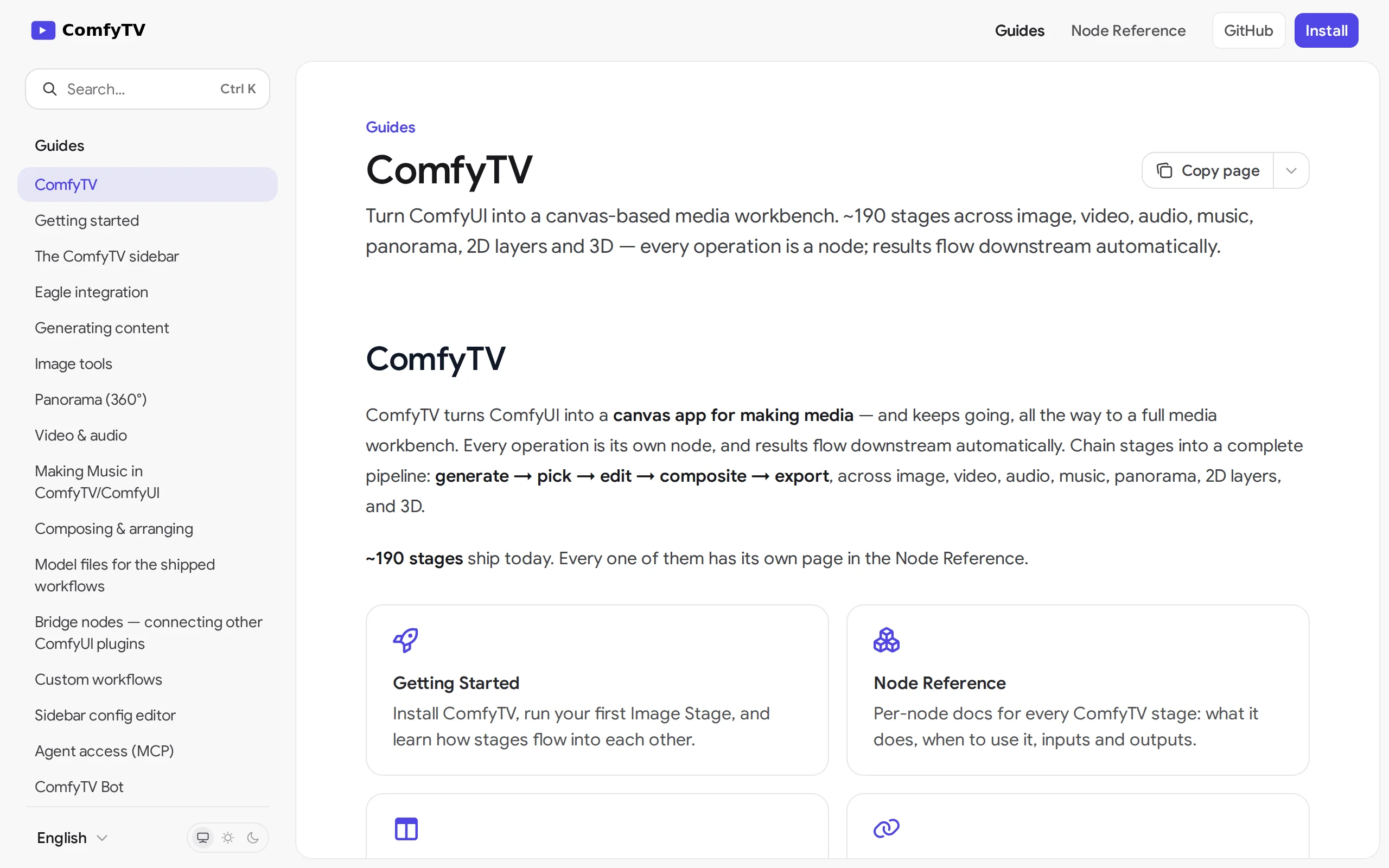
ComfyTV – Open-Source ComfyUI Plugin, Local Infinite Canvas Media Workbench
ComfyTV is an open-source ComfyUI plugin that operates entirely locally, transforming ComfyUI into an infinite canvas-style media workbench similar to TapNow and LibTV. Each operation on the canvas is...
© All Rights Reserved. Some content on this site is partially generated by AI with human review.