
baoyu-design – Open Source AI Design Tool, a Local Alternative to Claude Design
Executive Summary:
baoyu-design is an open-source project by Baoyu, which fully encapsulates the design engine from claude.ai into a portable Agent Skill. This enables over 70 local Agents, such as Cursor, Claude Code, ...
1. What is baoyu-design
baoyu-design is an open-source project by Baoyu, which fully encapsulates the design engine from claude.ai into a portable Agent Skill. This enables over 70 local Agents, such as Cursor, Claude Code, and Codex, to directly generate high-fidelity UI drafts, interactive prototypes, slides, design systems, and data dashboards. The core value of this tool lies in localizing cloud-based design capabilities, with all generated outputs being pure local files, naturally supporting Git version control. It also provides local network multi-role collaboration capabilities and the DeepSeek Harness plugin. This design philosophy completely breaks through the limitations of traditional design tools in terms of cloud dependency, collaboration, and data sovereignty.
Technical Positioning and Domain: This project belongs to the domain of AI-driven front-end design and prototype generation tools. By abstracting design capabilities into standardized Skills and deeply integrating them into the existing Agent ecosystem, it achieves end-to-end generation from natural language to high-fidelity design drafts, offering a clear technical roadmap and practical value in the direction of intelligent design tools.
Development Background: The project is led by renowned open-source developer Baoyu, stemming from the need to reuse the design engine capabilities of claude.ai. By reverse-engineering and analyzing Anthropic's design system, it was encapsulated into a portable localized solution, aiming to address structural shortcomings in cloud-based design tools regarding data sovereignty, secondary editing, and engineering integration.
Core Value: The core problem it solves is the industry pain point of design assets being locked in the cloud and the fragmentation between design and development processes. By moving the design engine to the local repository, it enables the co-management of design outputs and code within the same repository, supporting Git workflow traceability, PR-driven design reviews, and development integration within the same session, providing a brand-new infrastructure for design engineering.
Technical Features: The generated outputs are self-contained HTML/JSON files, fully capable of secondary editing; it supports preview-based interactive modification with point selection, allowing the Agent to automatically locate code changes. It also includes an in-built local network multi-role collaboration mechanism, enabling users to participate in editing and commenting according to roles without needing an account.
2. Key Features
Slide Generation (claude-slides): Supports generating an entire presentation with a single natural language description. The built-in local editor offers slide show mode, text editing, and drag-and-drop layout capabilities. The generated results can be directly exported as PDF, HTML, and PPTX, three mainstream formats, covering the complete workflow from ideation to delivery. It is especially suitable for professional scenarios requiring rapid content iteration.
Multi-Canvas Design Board (claude-design): Provides a side-by-side multi-canvas management interface, allowing designers to maintain multiple interface states and page flows simultaneously. It supports real-time playback of interactive prototypes. The export capabilities support HTML, PDF, and PNG formats, meeting the diverse needs from high-fidelity UI drafts to clickable prototype validation.
Design System Construction (claude-design-system): Generates a complete design system with a single click, including design tokens, brand guidelines, and component previews. The editor includes visual browsing and editing functions for colors, fonts, and components, enabling design specifications to be version-controlled in code form. This fundamentally resolves the challenge of maintaining visual consistency across multiple product lines.
Data Dashboard (claude-dashboard): Automatically converts structured data in CSV, TSV, or JSON formats into real-time, visual dashboard pages. Each chart metric retains data traceability, allowing users to drill down to the original data rows, ensuring transparency and verifiability in the data analysis process, and providing reliable support for data-driven decision-making.
Chart Design Guidelines (dataviz): As a mandatory standard before the Agent executes a charting task, this module includes professional rules such as color readability, colorblind-friendly options, and chart type selection. This module fundamentally ensures the efficiency of information delivery and visual professionalism in generated charts, avoiding ineffective visualizations caused by aesthetic biases.
Preview Click-to-Edit: In the Agent's browser preview environment, you can directly click on the target element to provide targeted modification suggestions. The system automatically locates and modifies the corresponding source code. This interactive mode directly binds visual feedback with code changes, significantly reducing the communication loop of repeatedly screenshotting, describing, and modifying in traditional workflows.
3. Application Scenarios
Product Prototyping: Product managers or independent developers can generate high-fidelity app interfaces and interactive prototypes in a short time by describing their requirements in natural language. A typical use case involves generating three different proposals within half an hour before a meeting, significantly accelerating the product concept validation phase.
Pitch Deck & Presentation Slides: Entrepreneurs or professionals can hand raw materials such as PRD documents and financial data directly to the Agent, and within minutes receive a presentation deck that complies with design standards for quarterly reports or fundraising pitches. It supports direct export to PPTX or PDF formats for delivery and demonstration.
Data Dashboard Setup: Operations personnel or data analysts can upload CSV/JSON files exported from their business systems to claude-dashboard, which automatically generates a real-time data dashboard. Each key metric can be drilled down to the original data rows for traceability, addressing issues related to data credibility verification.
Design System Consolidation: Teams can consolidate scattered UI design decisions into a design-system specification that includes a brand guideline, and distribute it uniformly across all projects via a Git repository. This not only ensures visual consistency across multiple product lines but also allows design system updates to be version-controlled and reviewed like code.
4. How to Use
Environment Setup: Install Node.js 20 or higher on your local machine, and ensure you have a supported Agent environment such as Cursor, Claude Code, or Codex. There are no strict operating system requirements; the tool can run on Windows, macOS, and mainstream Linux distributions.
Install Skills: Run
npx skills add JimLiu/baoyu-designin the terminal. The CLI tool will automatically detect the Agent type in your current environment and install the skill set into the corresponding configuration directory, eliminating the need for manual configuration.Select the Model: Set the model to Claude Opus 5.5 in the Agent configuration to achieve the best design results and generation quality. While the tool theoretically supports any model, the current version is best optimized for instruction-following with the Opus series models.
Specify the Request: Describe the type of output you expect in natural language, such as "Help me create a quarterly report presentation." Alternatively, use slash commands like
/claude-slidesor/claude-designto directly assign specific skills, which is ideal for clear and targeted scenarios.Wait for Generation and File Output: The Agent will generate design files in the
designs/<slug>/directory and automatically launch the local editor, providing the user with an accessiblehttp://127.0.0.1address. This is a local service and does not depend on network bandwidth.Preview and Edit: After opening the editor in your browser, you can click to select elements for modification, drag and drop to adjust layouts, and play prototype animations. All changes are saved in real-time back to the file system, without the need for additional save actions.
Collaboration and Sharing (Optional): Execute the command
artifact.mjs share designs/<slug>to generate local network collaboration links that differentiate by role (Editor/Reviewer/Viewer). Team members can join the collaboration without needing to register an account.Version Control and Export: Design outputs are standard files and can be directly integrated into Git version control. Use branches and PR workflows to manage design iterations. After completion, you can export the design as PDF, HTML, PPTX, or PNG formats with one click in the editor for delivery.
5. Pros and Cons Analysis
| Pros |
|---|
| Fully Localized Operation: The engine runs in a local environment, and all generated outputs are stored in your own repository, completely eliminating the lock-in effects of cloud platforms regarding data storage and access permissions. |
| Agent Ecosystem Universality: Compatible with over 70 mainstream Agents such as Cursor, Claude Code, Codex, and Cline. Once installed, it can be reused across platforms, without being constrained by a single toolchain. |
| Output is Source Code: The self-contained HTML files generated can be directly added to a Git repository for management, supporting standard code reviews, branch merges, and version rollbacks, ensuring smooth engineering integration. |
| Interactive Innovation: "Point and Modify" Approach: The ability to directly modify the source code by selecting elements eliminates the need for repeated screenshotting, annotation, and description in traditional tools, significantly improving work efficiency. |
6. Comparative Analysis with Similar Tools
| Comparison Dimension | baoyu-design (Local Version) | Claude Design (Cloud Version) | v0 (Vercel) |
|---|---|---|---|
| Operation Method | Runs within a local Agent environment, supports over 70 toolchains including Cursor, Claude Code, etc. | Must be used within the claude.ai website, relying on browser environment | Cloud-based web service, accessible via browser |
| Ownership of Output | Local repository with pure files (HTML/JSON), fully controlled by the user | Stored on Anthropic's cloud servers | Cloud project space, requires account management |
| Secondary Editing | Preview and select elements, Agent automatically locates the source code for modification | Requires manual editing in the Artifact editor, then adding descriptions back to the conversation | Requires manual editing of generated code or regenerating it |
| Version History | Native Git support, fully records user, time, and line-level differences | No system-level version history, relies on conversation history | Based on project snapshots, not fine-grained version control |
| Model Selection | Theoretically supports any model, recommends Opus 5.5 | Limited to Claude series models | Based on cloud-based large models such as GPT-4 and Claude |
| Engineering Integration | Directly developed within the same repository by the Agent, zero export and zero conversion | Requires manual download and export, then importing into the development environment | Directly copy code into the project, but has dependency management issues |
| Learning Curve | Requires installation of Node.js and configuration skills, with environment setup costs | Open the website and use it immediately, zero installation and zero configuration | Register an account to use, low threshold |
Selection Recommendations: For development teams that prioritize data sovereignty and wish to incorporate design assets into Git for version control, the localized architecture of baoyu-design offers an irreplaceable advantage. It is particularly suitable for engineering teams that have deeply integrated Agent toolchains and seek a unified design and development workflow. For lightweight design needs focused on browsing and sharing, with a preference for zero-configuration and quick setup, the out-of-the-box experience of Claude Design's cloud version remains the most convenient choice. Meanwhile, v0 and Figma AI have mature advantages within specific platform ecosystems and are suitable for teams that already have established toolchains to integrate as supplementary capabilities.
7. Editor's Summary
baoyu-design demonstrates a noteworthy technical approach in the AI design tool domain—abstracting cloud-based specialized design capabilities into general-purpose local Agent Skills. This architectural choice addresses core issues at three levels: first, the data sovereignty layer, where design assets are stored in local repositories as pure files, avoiding data lock-in on cloud platforms; second, the engineering integration layer, where design and development seamlessly transition within the same repository, eliminating the inefficient export, conversion, and re-import steps common in traditional workflows; third, the collaboration efficiency layer, where preview and point-and-click editing directly bind visual feedback with source code modifications, significantly reducing communication costs during design reviews.
In terms of project positioning, the tool primarily targets developers and designers who have already adopted the Agent workflow. Its value proposition is not to create a new design paradigm, but rather to embed mature design capabilities into existing R&D infrastructures. This pragmatic approach provides a clear path for its promotion and implementation.
It is important to recognize that the project's generation quality still heavily relies on the performance of the single model, Claude Opus 5.5. The relatively focused technical stack is both an advantage and a potential risk. In the future, further abstraction and optimization at the multi-model adaptation level, along with enriching the built-in interactive component library of the editor, could significantly enhance its generality as a design infrastructure. Overall, this is a solid step in the right direction, and it's worth tracking its ecosystem development and community feedback.
8. FAQ
Q: Is baoyu-design completely free?
A: The project itself is released under an open-source license, and the use of its features is entirely free. However, note that the actual runtime depends on the inference cost generated by calling the large model API through the local Agent, and this cost is borne by the user. The recommended Claude Opus 5.5 model charges based on Tokens, with specific expenses depending on the complexity of the generated content and the number of iterations.
Q: Can the generated HTML file be directly modified in a non-Agent environment?
A: Yes. The generated product is essentially a self-contained HTML/CSS/JS file, which can be modified using any text editor or IDE. However, the point-and-click editing relies on the Agent's intelligent positioning capability. If you are outside the Agent environment, you will need to manually locate the corresponding source code segments.
Q: Does local network collaboration support public internet access?
A: By default, the artifact.mjs share link generated is only accessible within the same local network and is intended for internal team collaboration. For public internet access, you need to combine it with a local network penetration tool or deploy it to a public server, but you should consider security policies and data exposure risks.
Q: What is the relationship between baoyu-design and professional design software like Figma?
A: There is a fundamental difference in their positioning. Figma is aimed at professional designers, offering a complete creation environment with pixel-level control. In contrast, baoyu-design aims to enable non-designers to quickly obtain deliverable high-fidelity outputs through natural language. It is more suitable for the early stages of rapid concept validation and accelerated design delivery, while complex visual refinement still requires the use of professional tools.
Q: How much worse will the generation results be when using a non-Claude model?
A: Actual performance depends on the model's instruction understanding and HTML generation capabilities. The current version has been primarily debugged and optimized on the Opus model, and other models may show deviations in design compliance and component consistency. It is recommended that users conduct comparative testing with multiple models before starting formal projects to determine the appropriate working combination.
Q: How can I contribute to the project or get community support?
A: You can contribute by submitting Issues or Pull Requests via the GitHub repository. For usage-related questions, it is recommended to first search the Issue section of the repository to see if there are similar feedbacks. If not, you can create a new Issue to describe the specific scenario and steps to reproduce the issue. Including error logs and system information will help maintainers quickly identify the problem.
9. Project Links
- GitHub Repository: https://github.com/JimLiu/baoyu-design (official public repository, containing all source code, installation instructions, and version release information)
Related
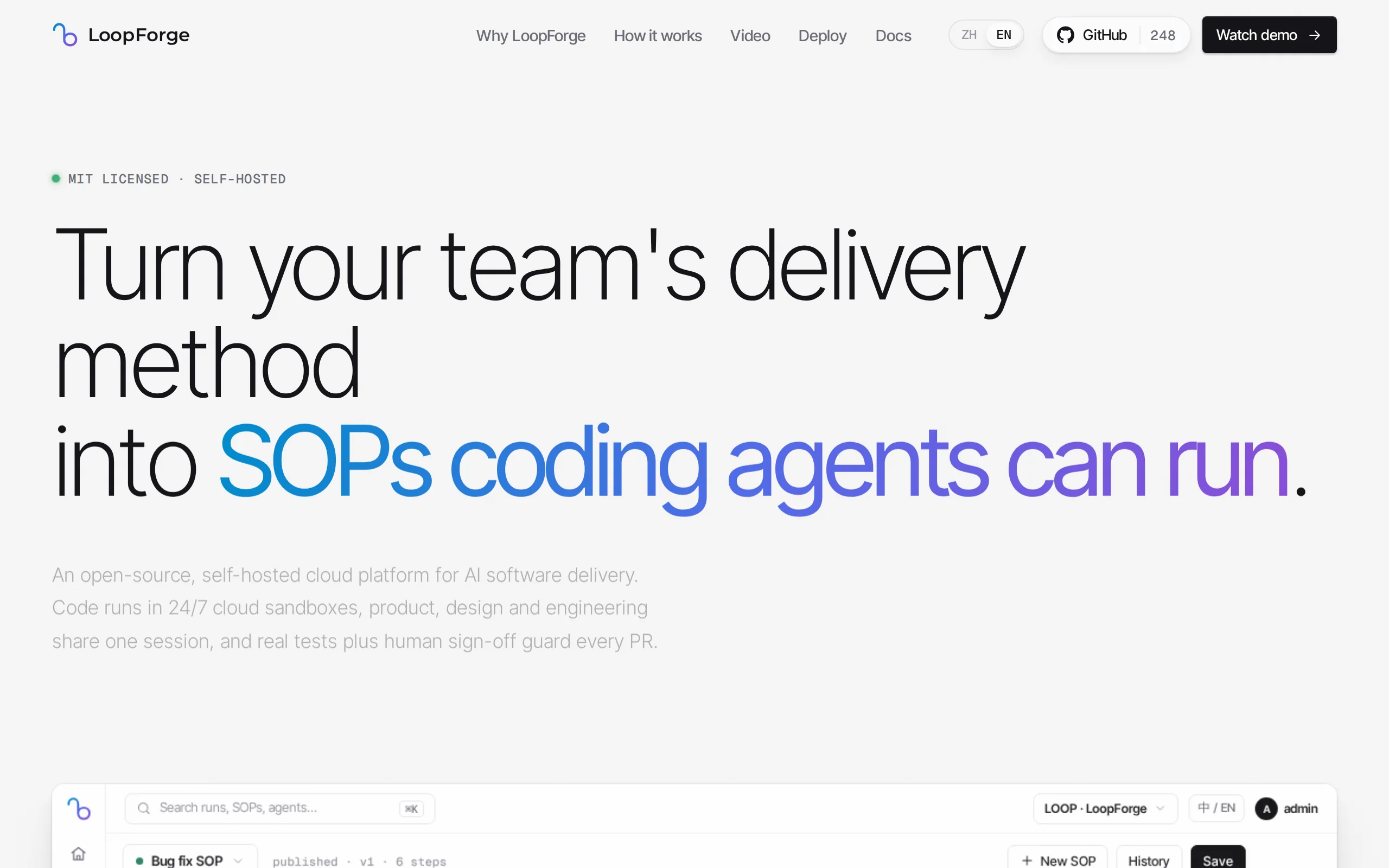
LoopForge – Tencent's Open-Source Cloud-Based AI R&D Collaboration Platform
LoopForge is an open-source, team-level cloud-based AI R&D collaboration platform developed by Tencent, designed to address engineering breakpoints that occur during multi-Agent handover processes. Un...
Muse Ember Review: Meta Redefines the Efficiency Boundaries of Lightweight Models
Muse Ember is Meta's smallest parameter-scale AI model introduced in mid-2026, specifically designed for high-frequency, repetitive tasks in agents. According to official benchmark data, this model ac...
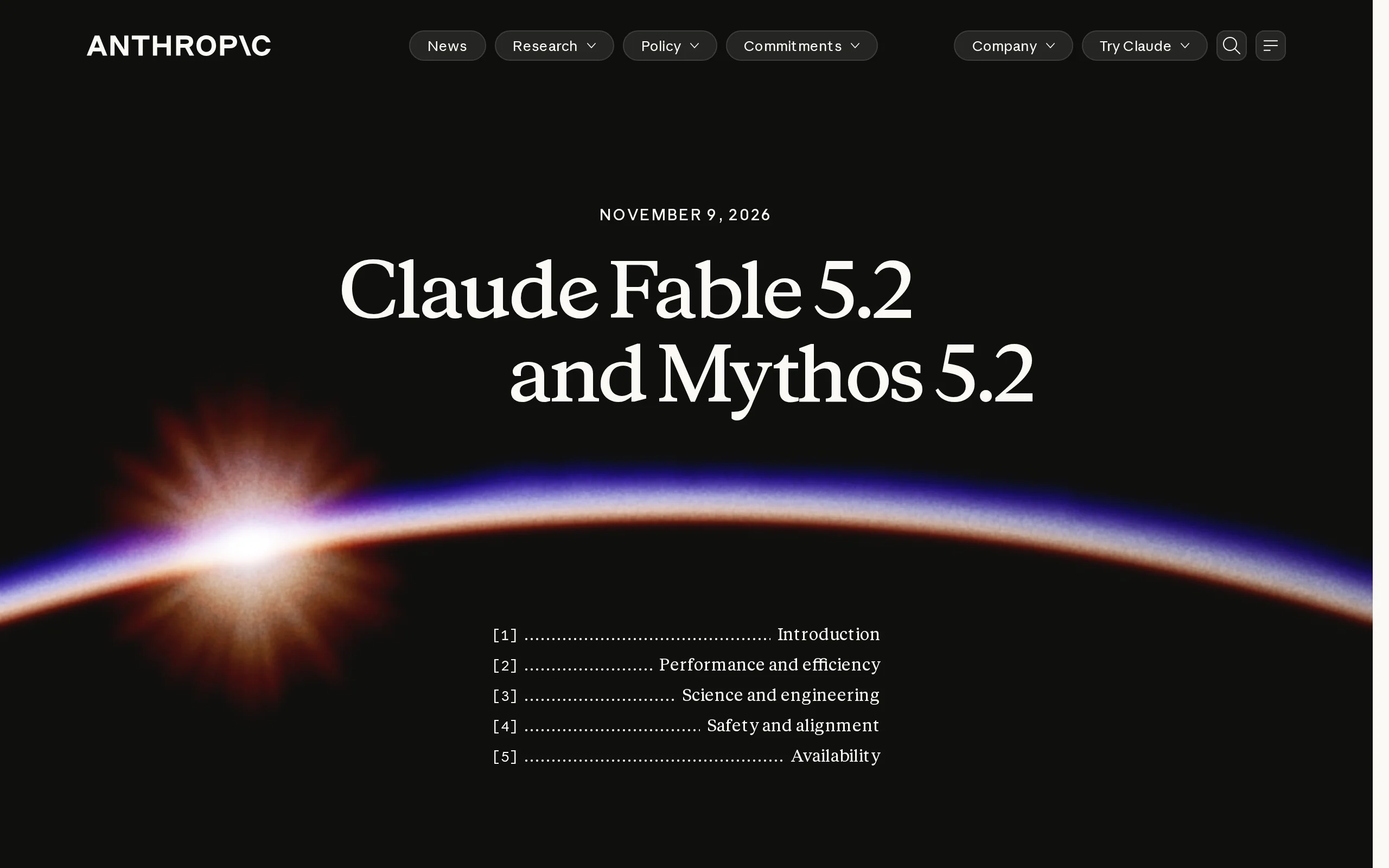
Claude Fable 5.2 – Anthropic's Flagship AI Model
Claude Fable 5.2 is Anthropic's flagship AI model, sharing a common origin with the security-focused Claude Mythos 5.2. This model is renowned for its capability of autonomous collaboration among thou...
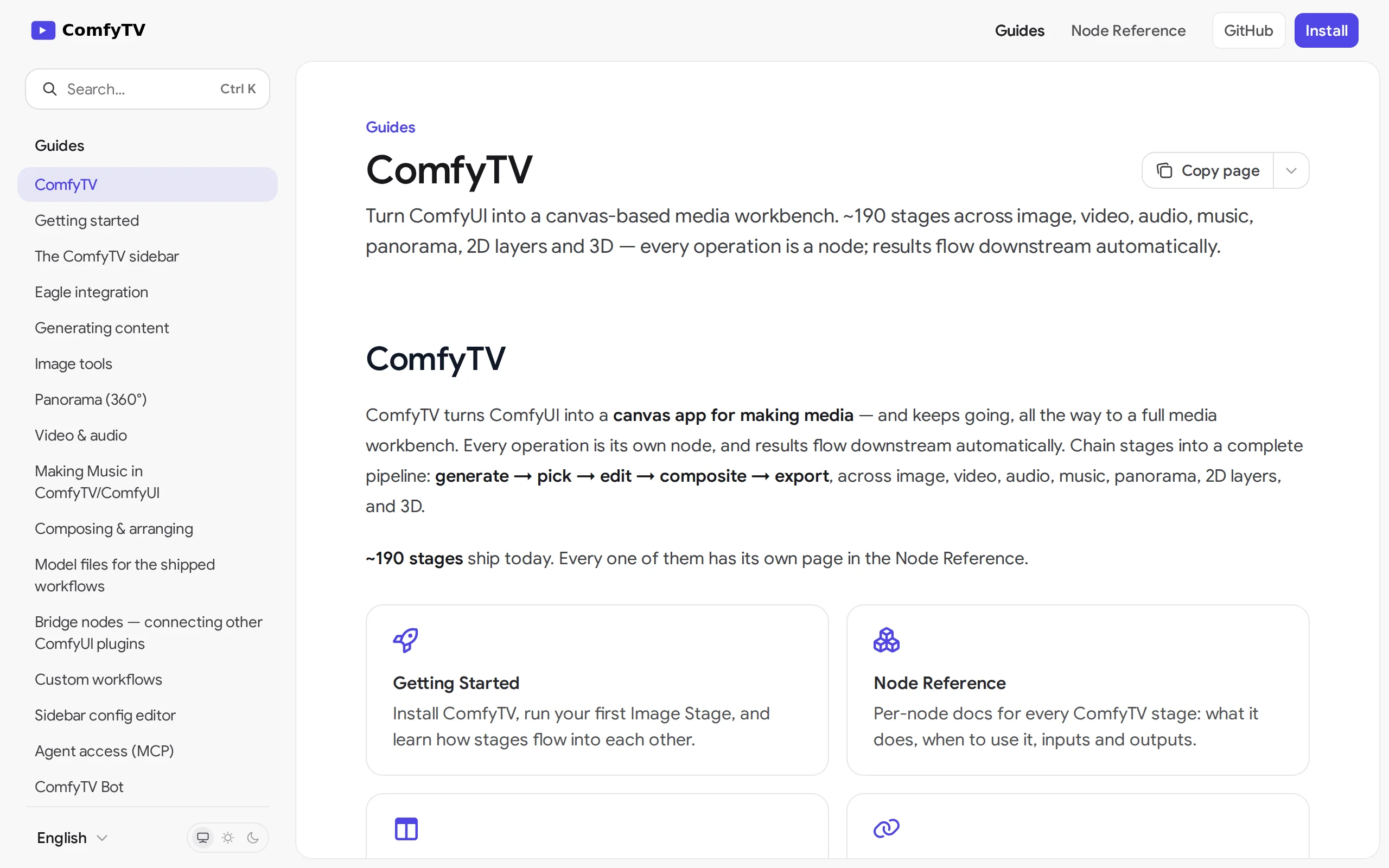
ComfyTV – Open-Source ComfyUI Plugin, Local Infinite Canvas Media Workbench
ComfyTV is an open-source ComfyUI plugin that operates entirely locally, transforming ComfyUI into an infinite canvas-style media workbench similar to TapNow and LibTV. Each operation on the canvas is...
© All Rights Reserved. Some content on this site is partially generated by AI with human review.